Where We Are Now
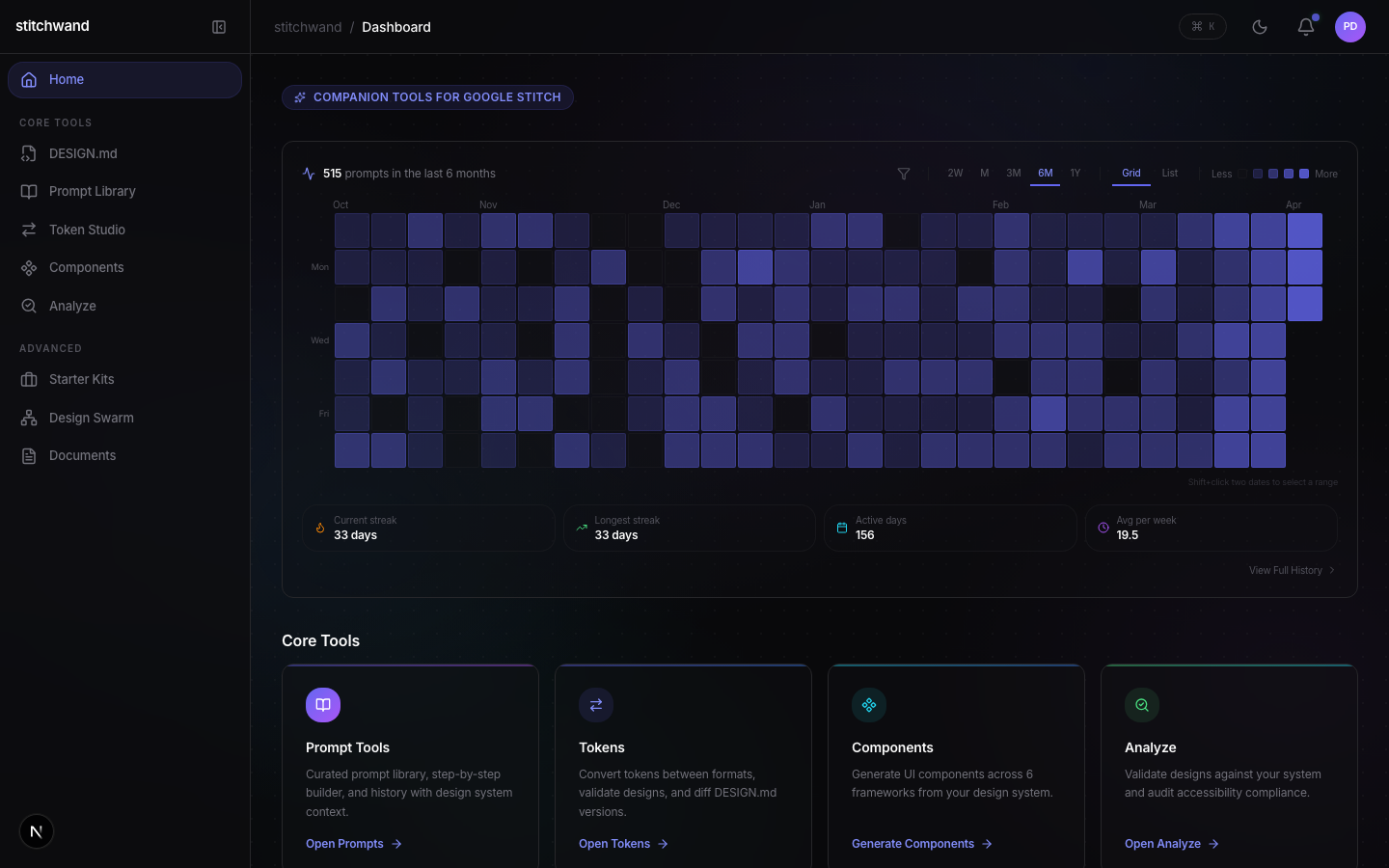
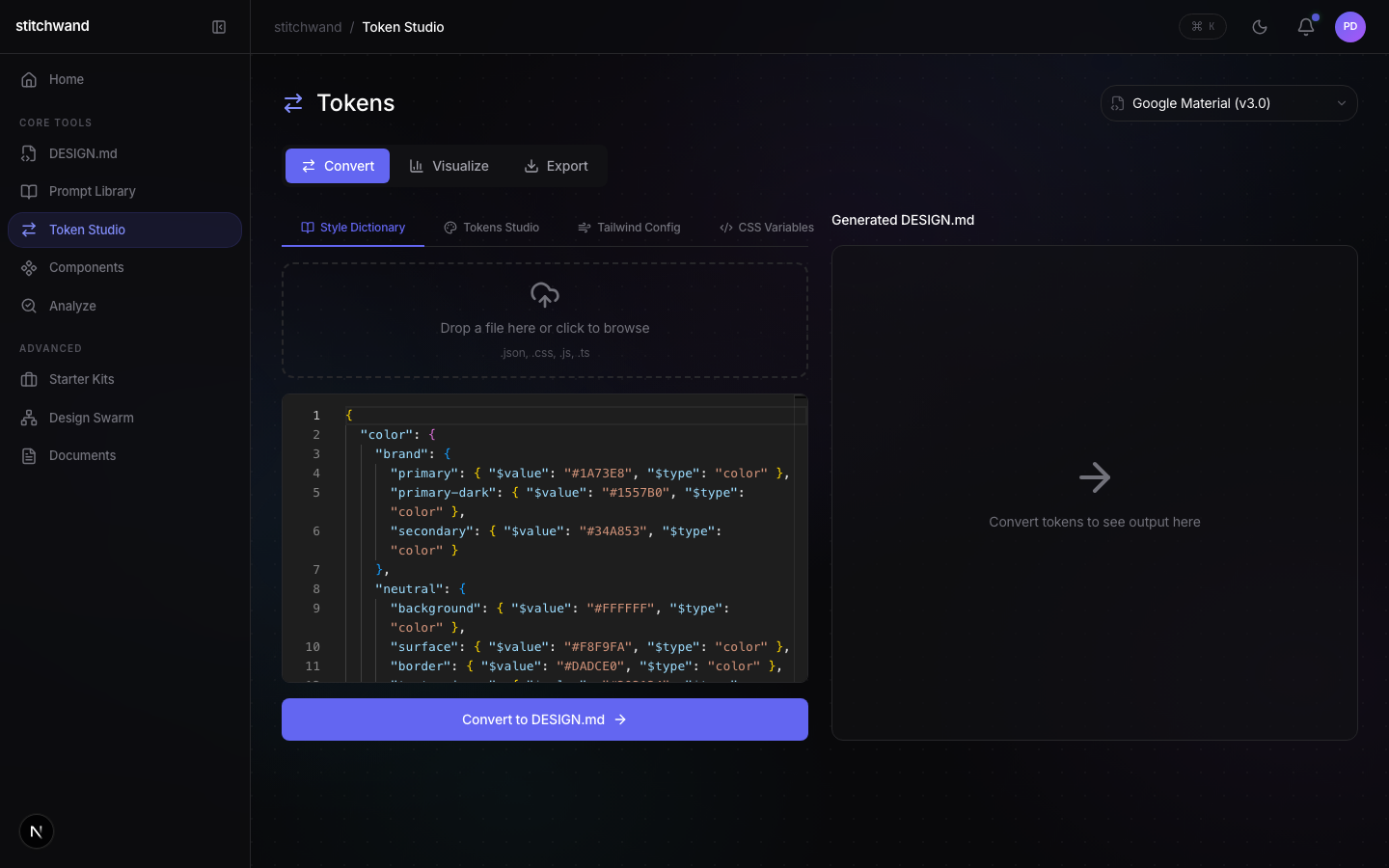
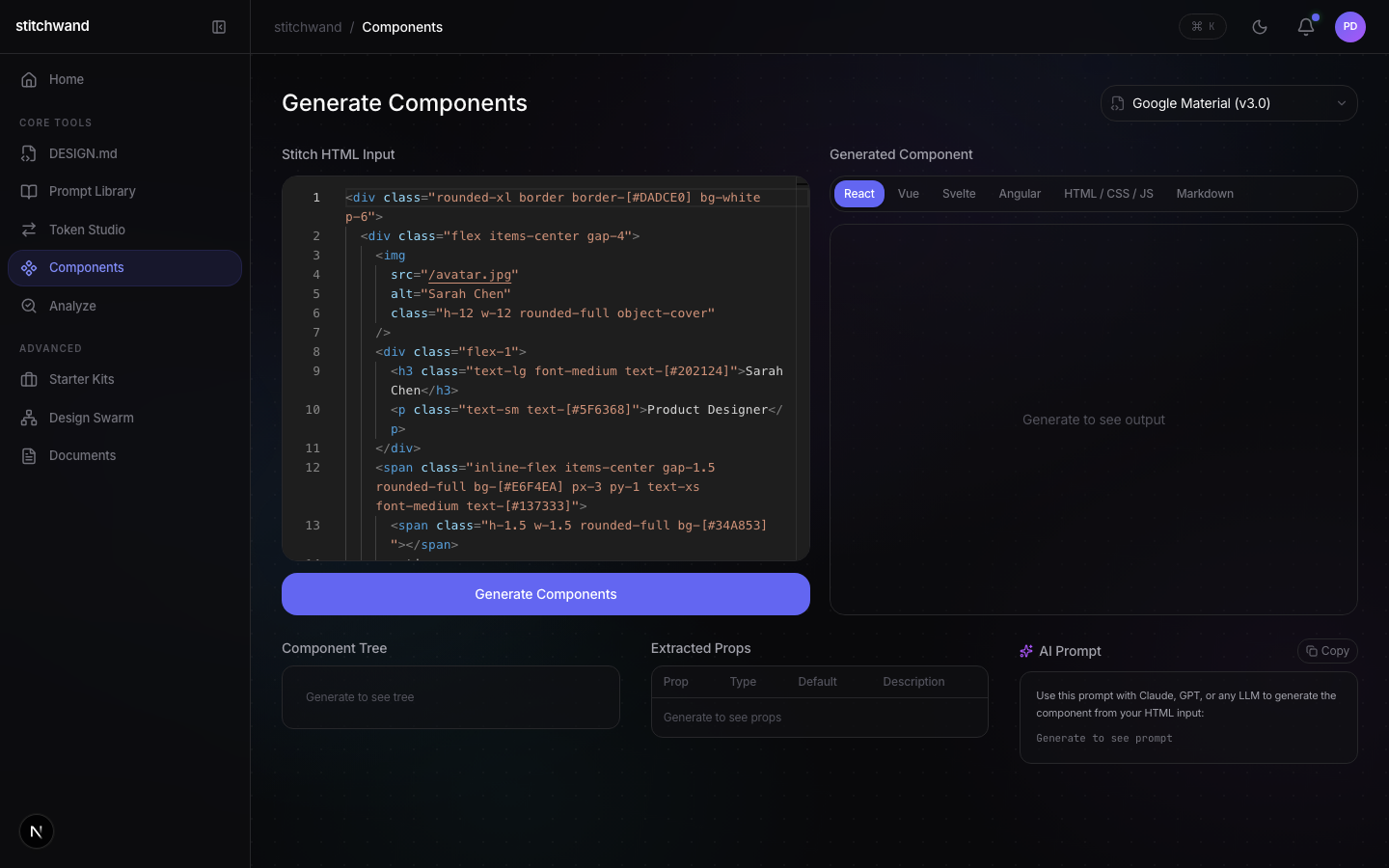
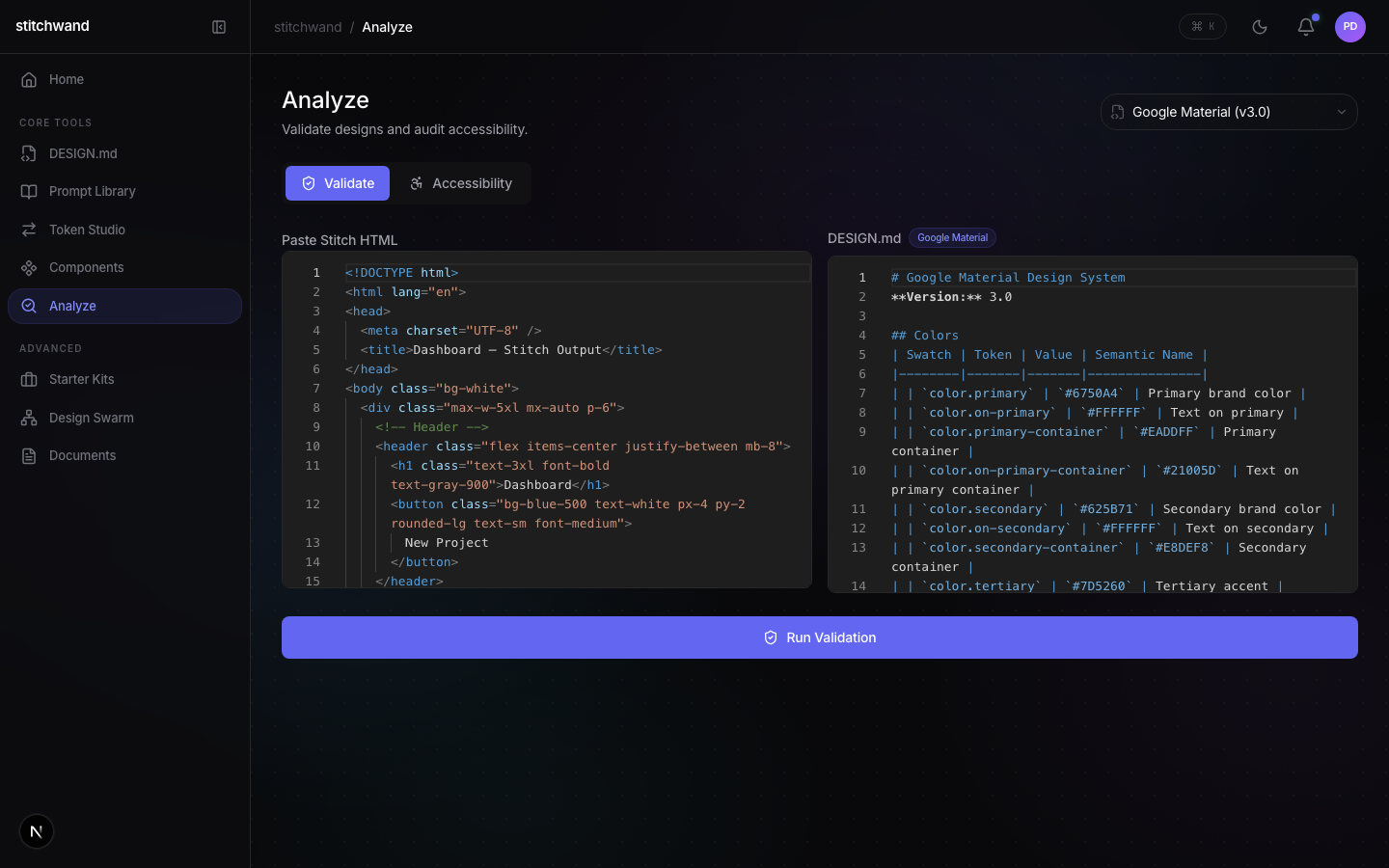
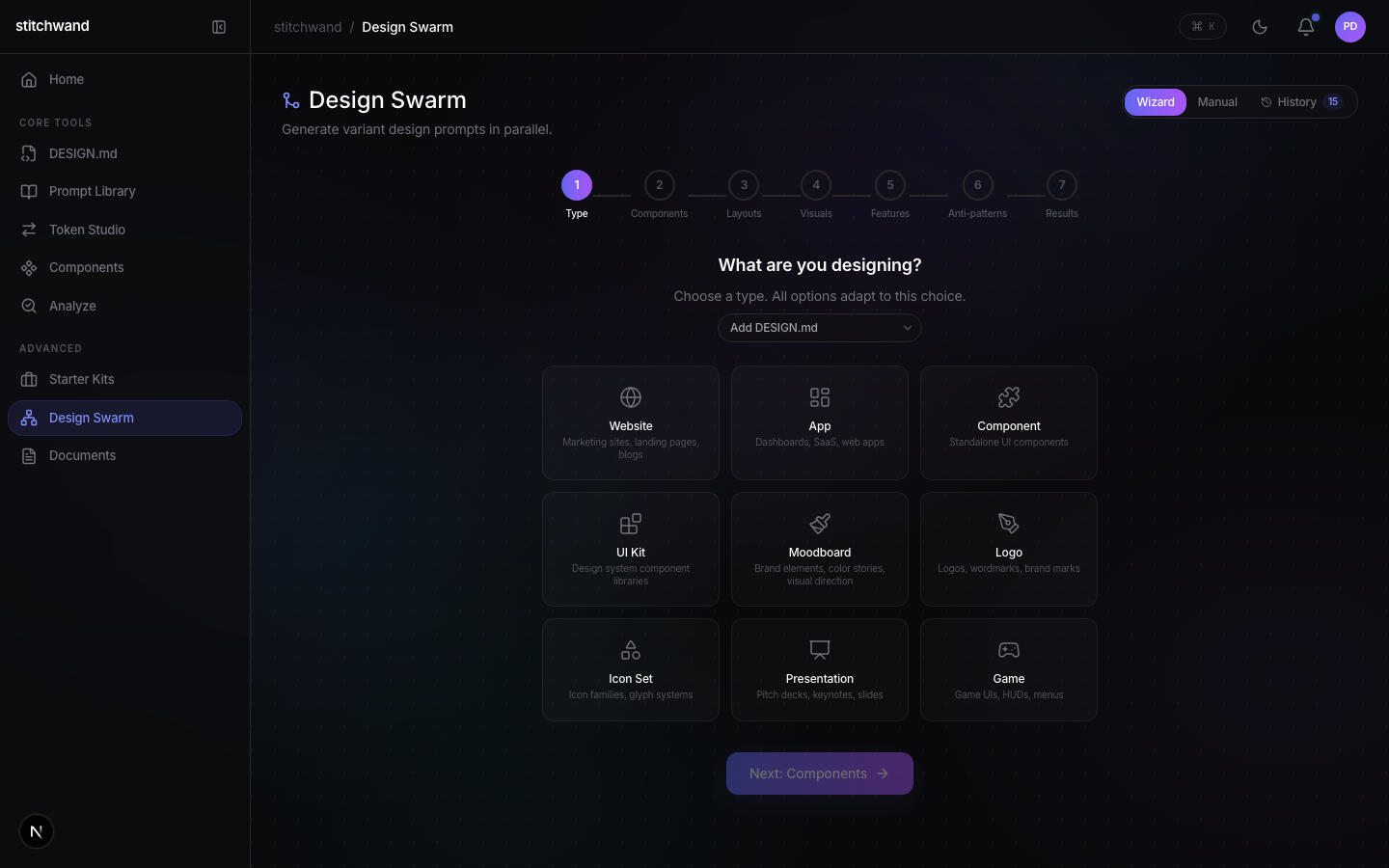
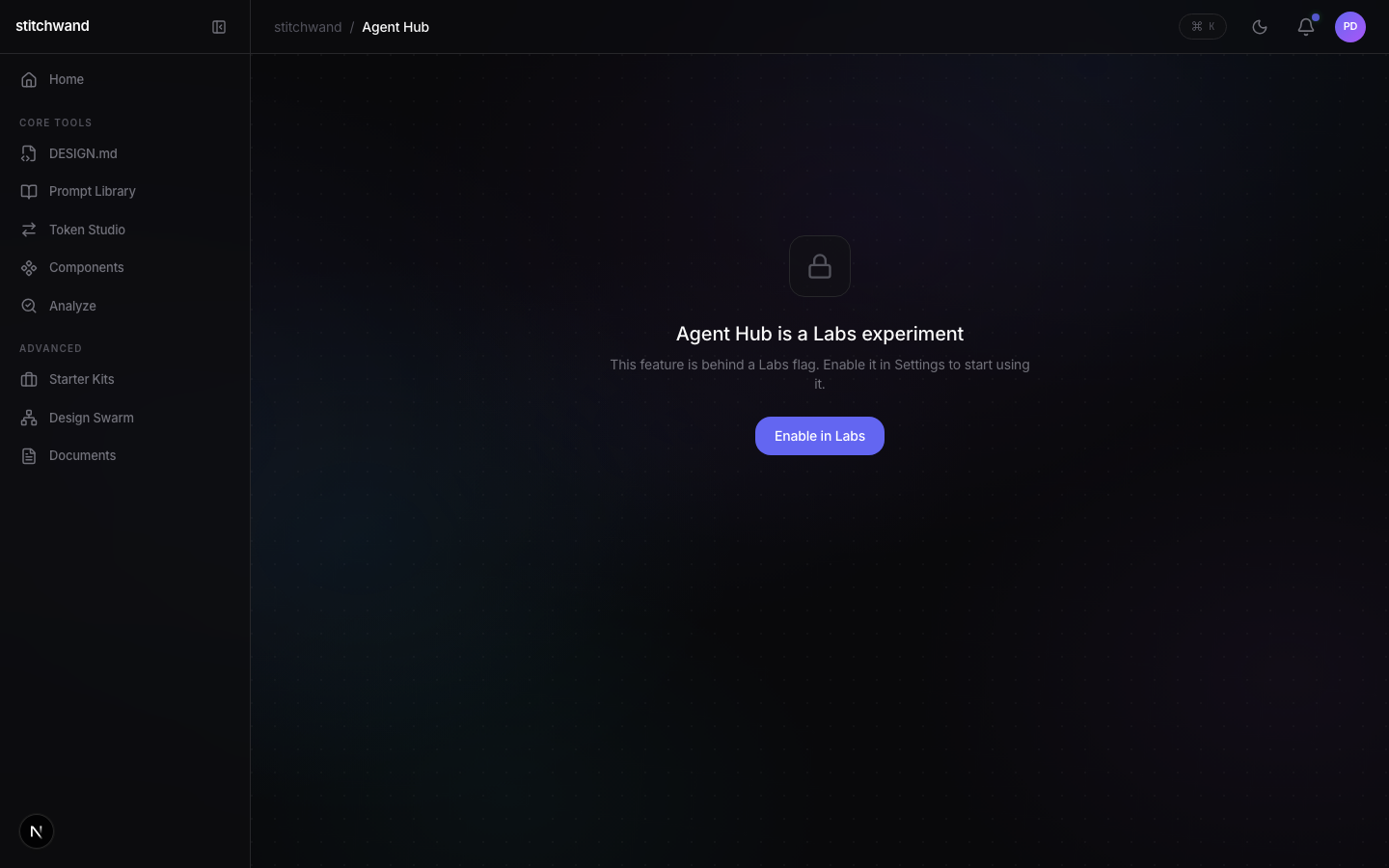
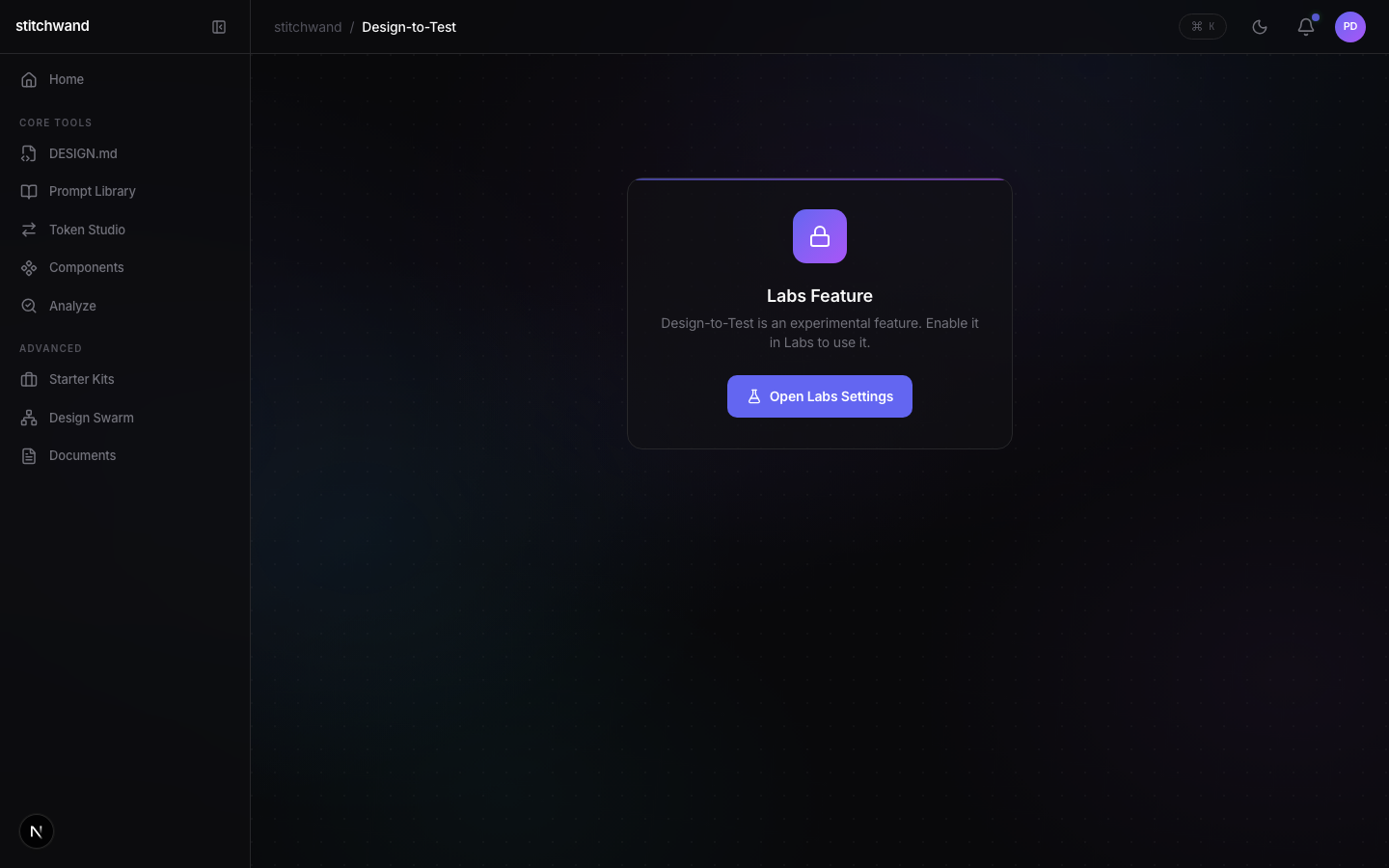
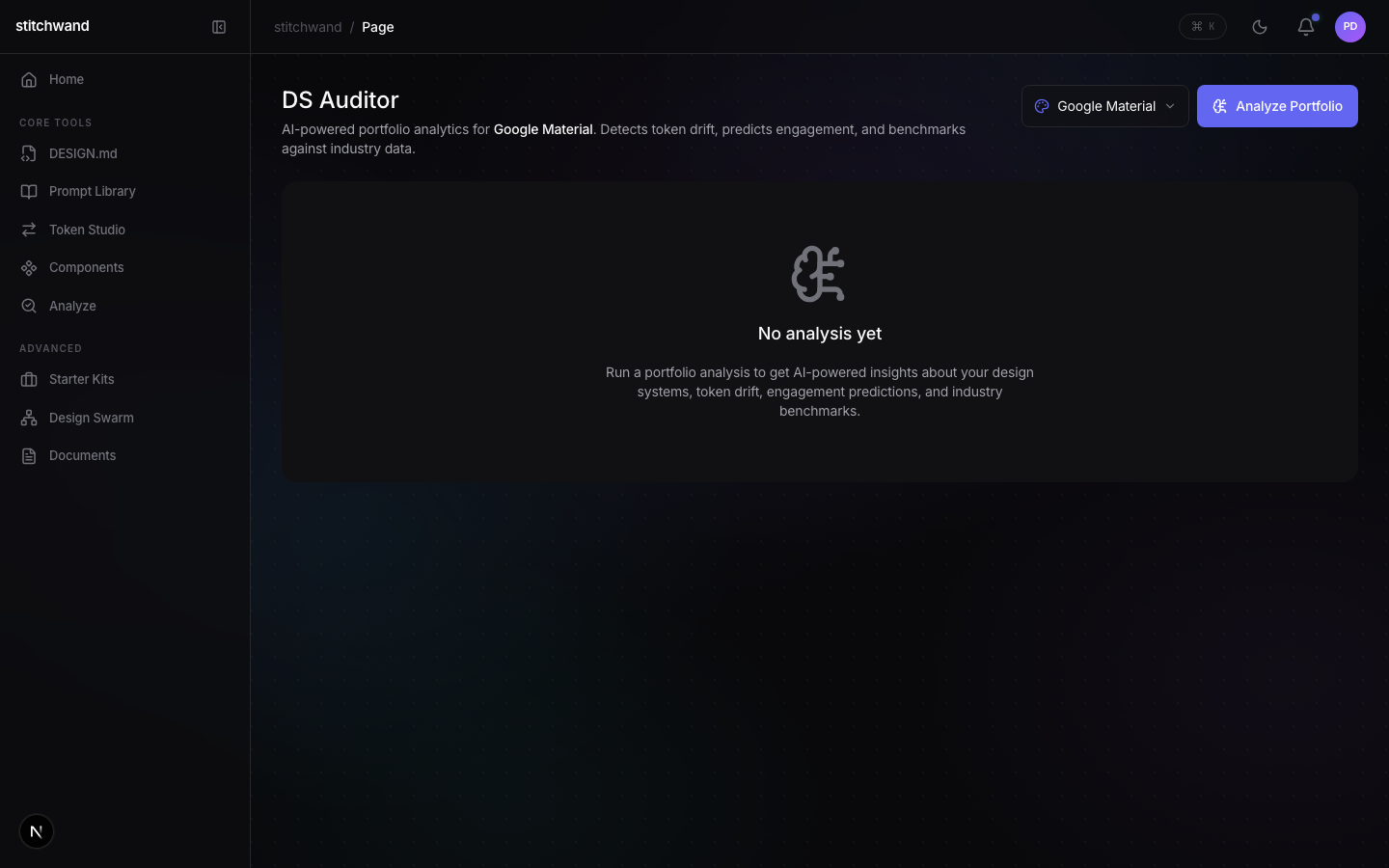
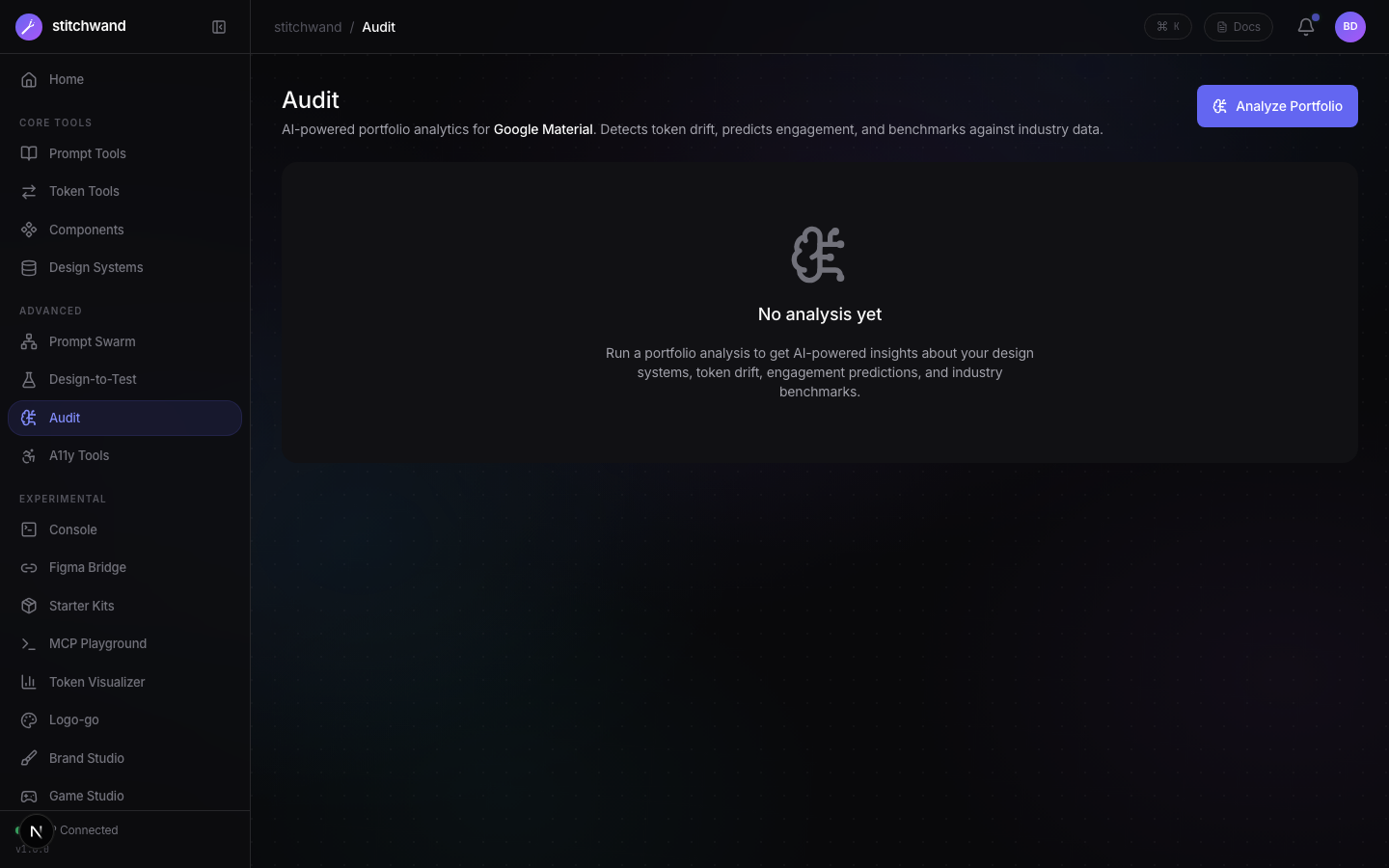
Build-out complete: 30 feature pages, 8 labs experiments, 3 packages (core + MCP + CLI), dark/light theme, 99 community design systems. Real processing on all core pages. Recent additions: Activity Graph with auto-seeded demo data (500 prompts + 200 analytics events), 2W/M/3M/6M/1Y time ranges with calendar-tile view for shorter ranges, underline-style toggles and pipe-divided toolbar, Prompt Detail Drawer, Timeline View, Documents (12 types), Starter Kits with Popular gallery and 100+ design libraries (sticky header, wider description, persistent progress bar), Free/Pro tier gating with sidebar lock icons, animated demo fill ('v' shortcut).
Live App Screenshots
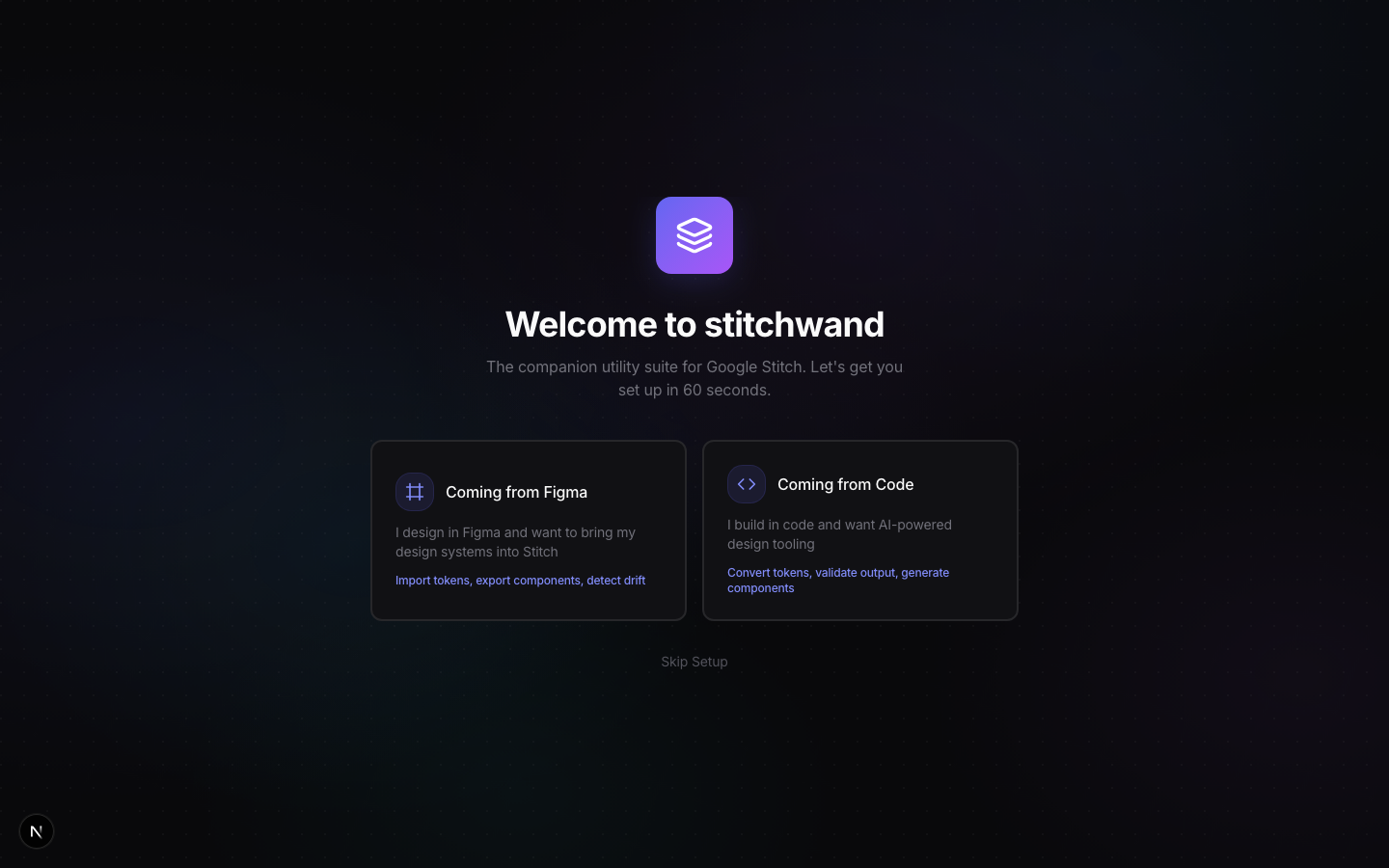
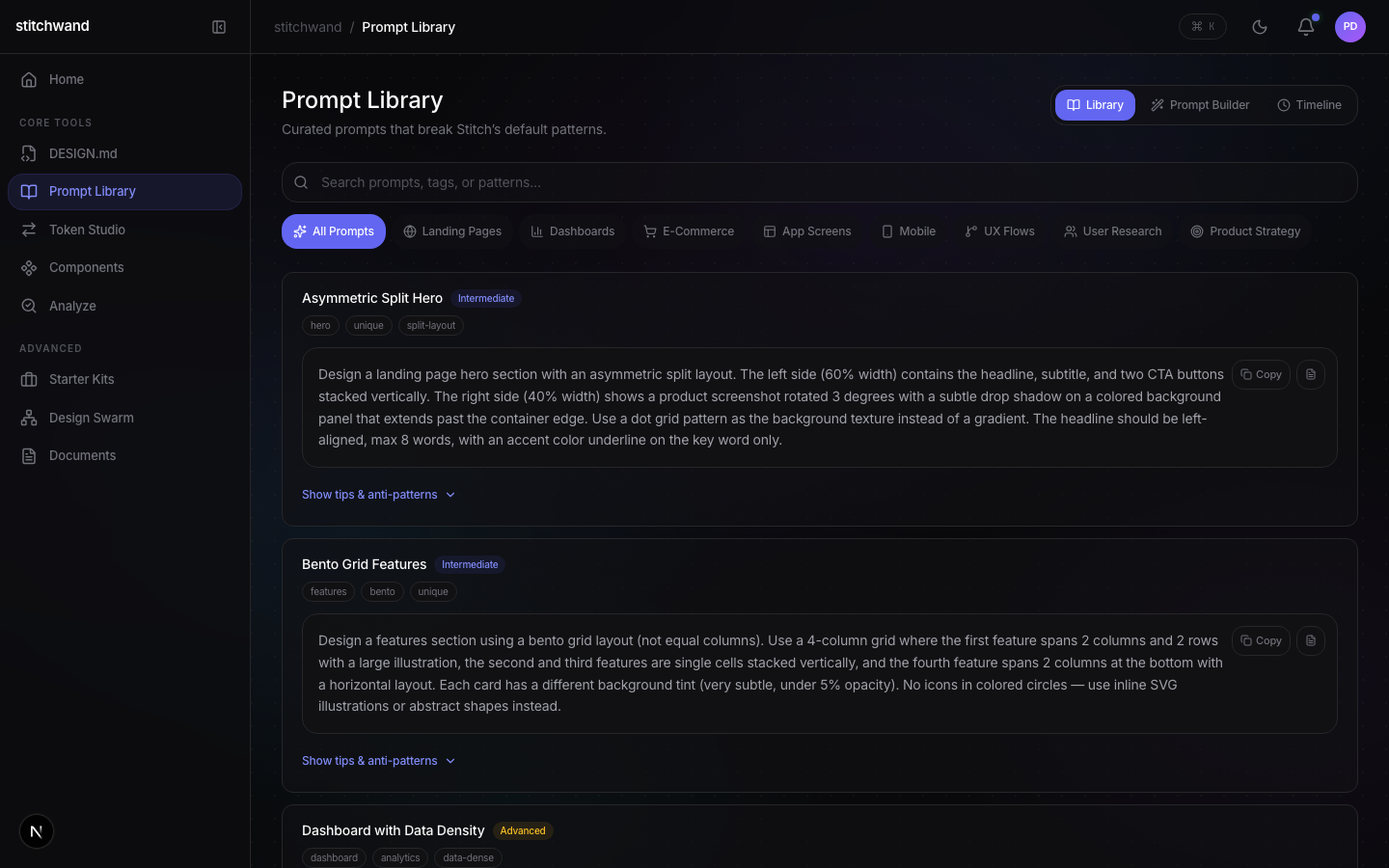
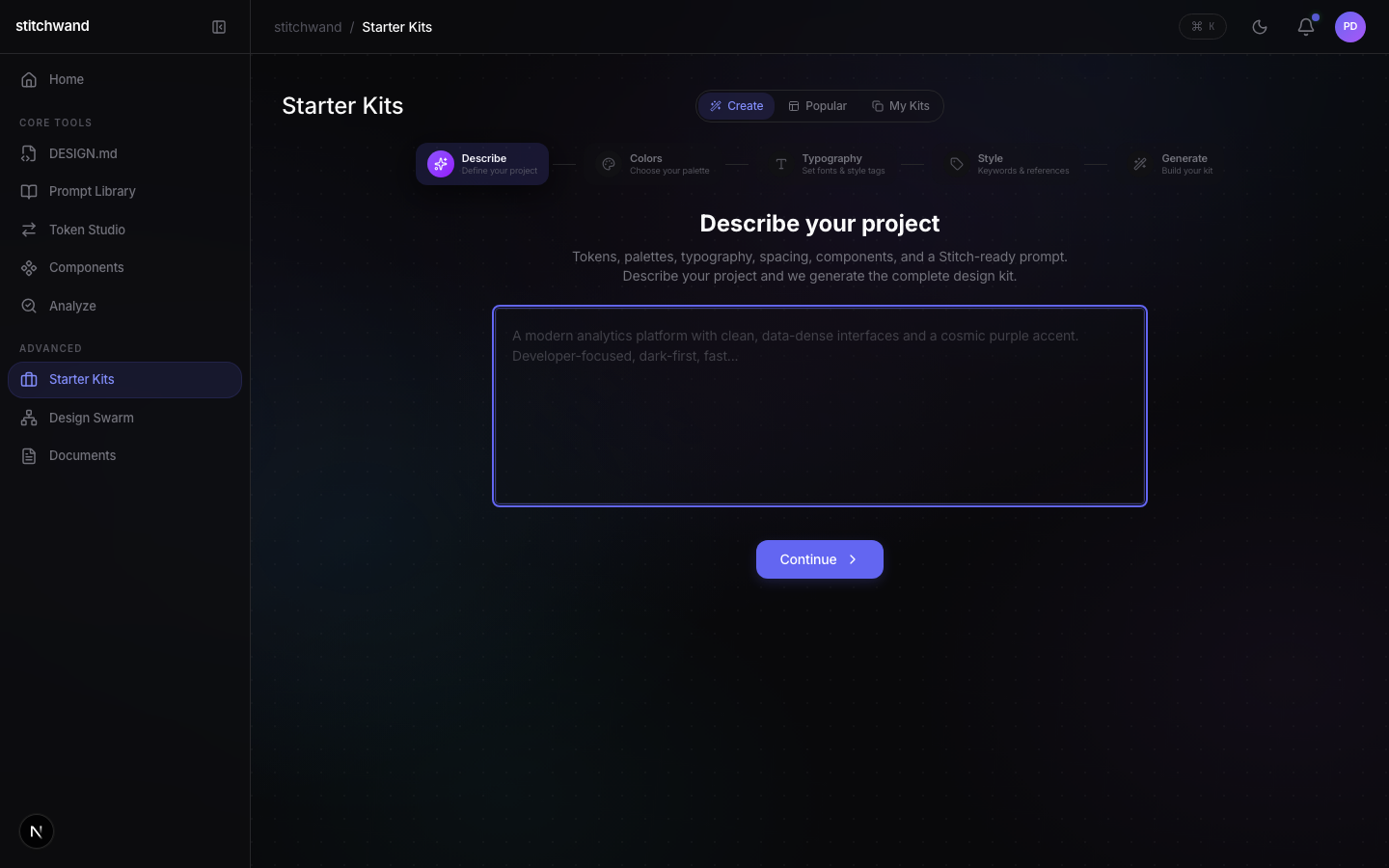
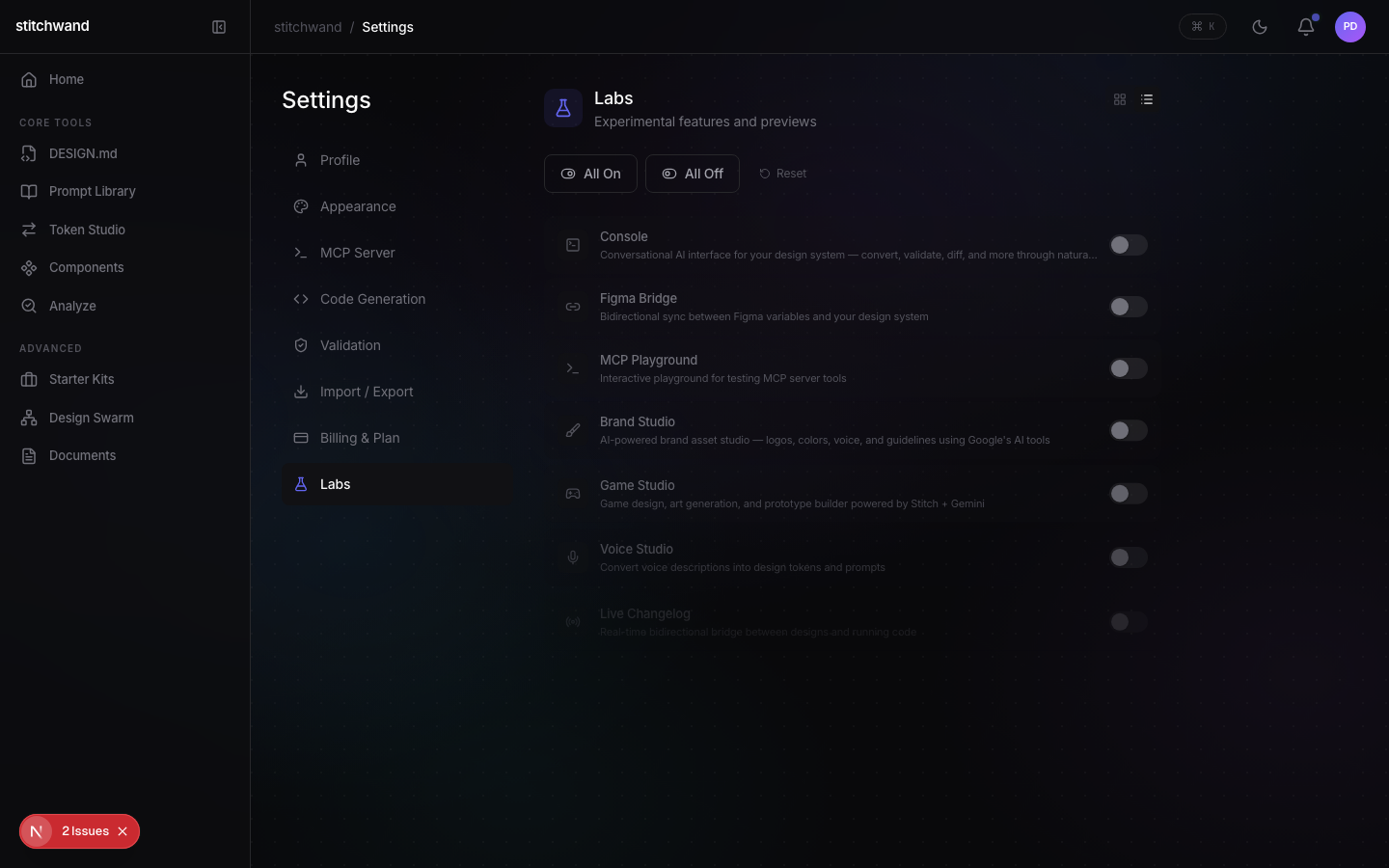
Google Stitch History
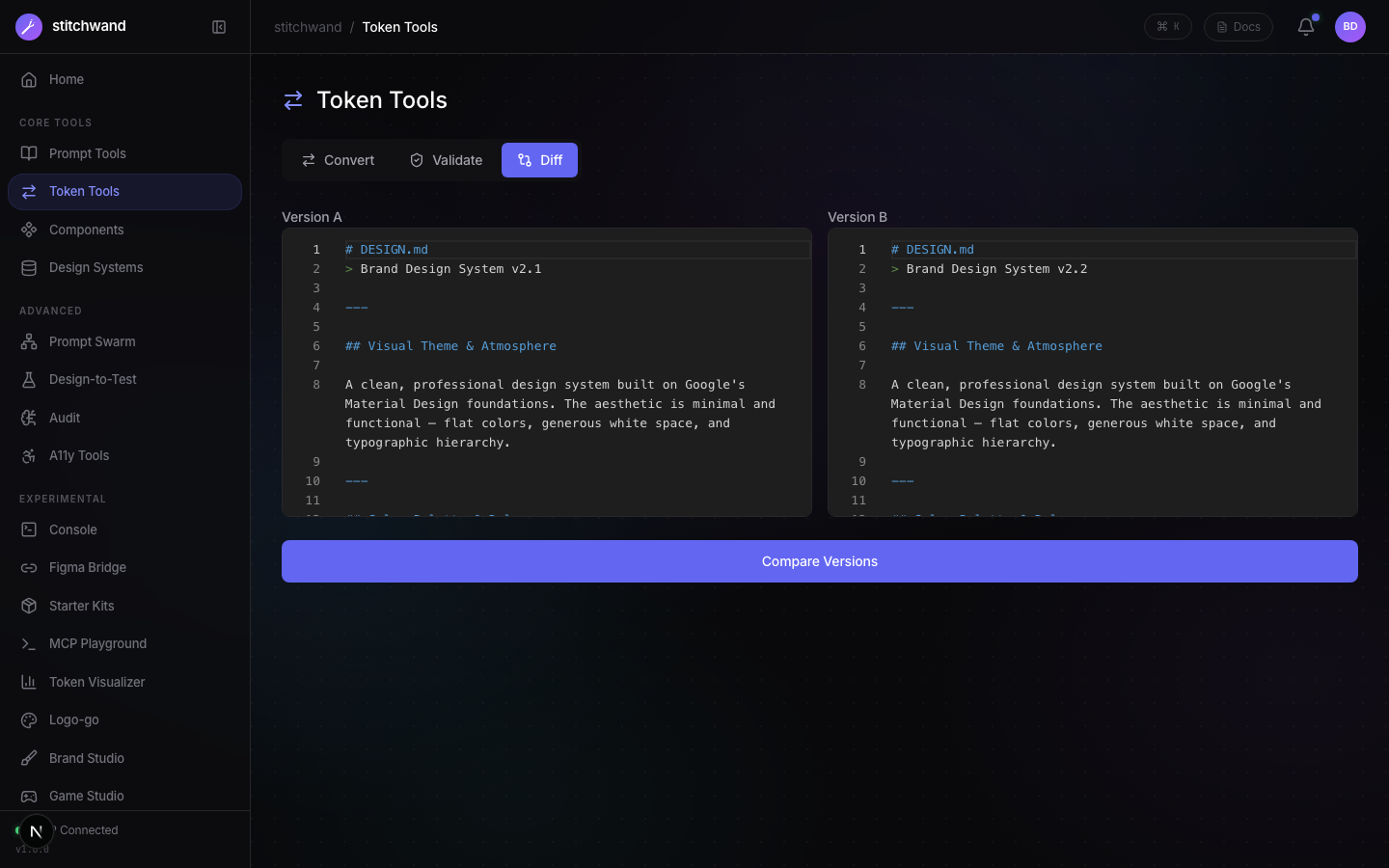
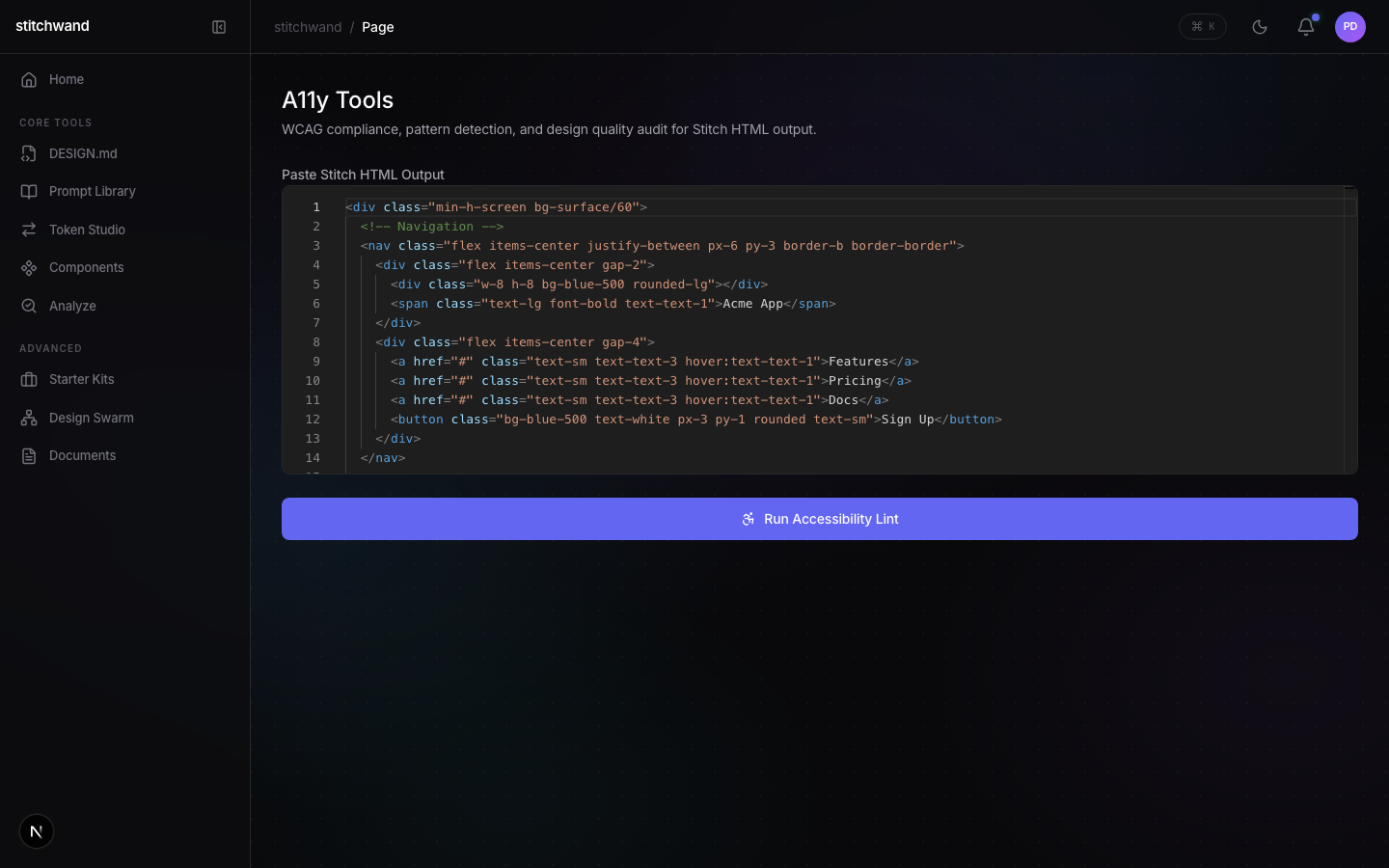
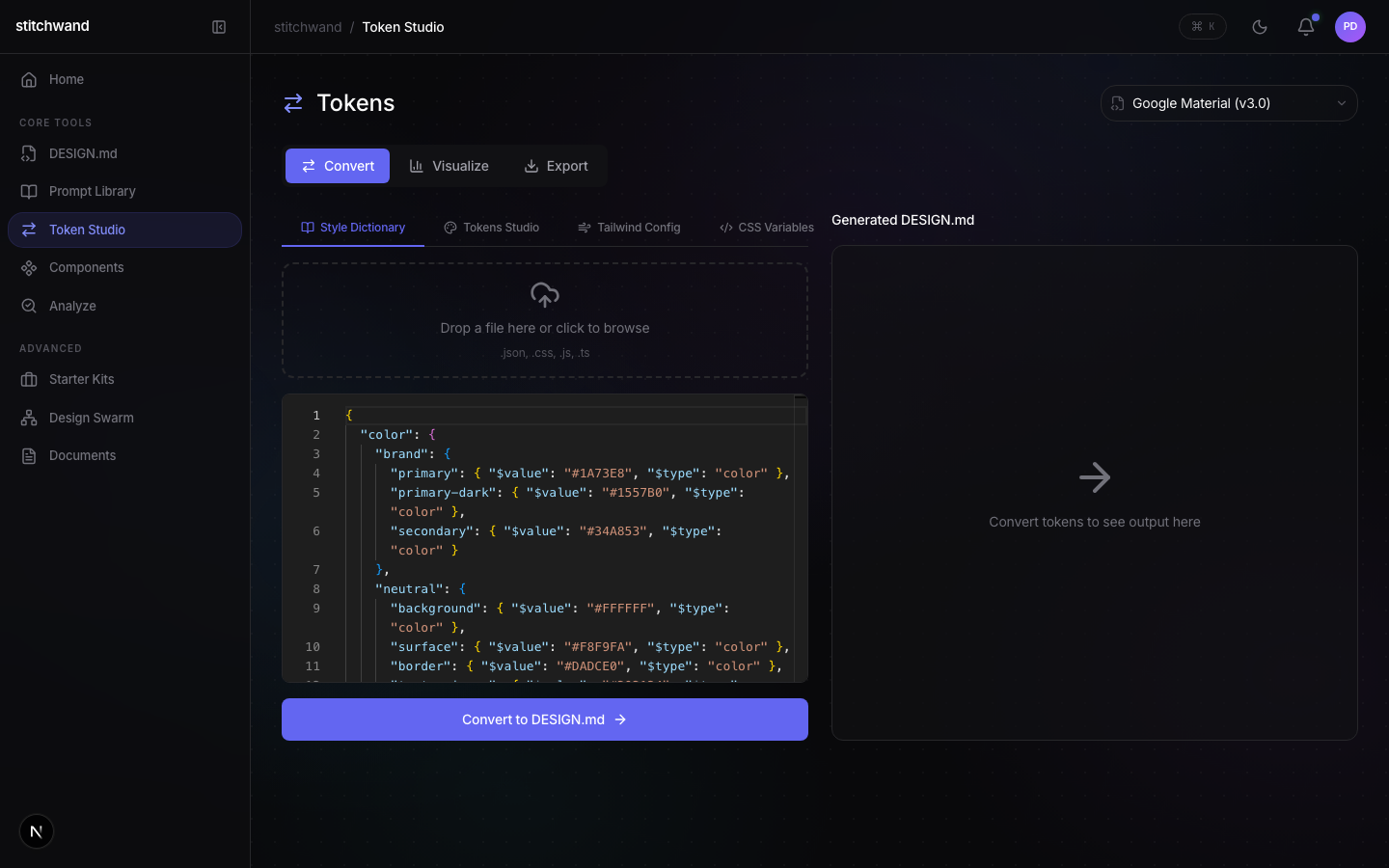
stitch.googleapis.com/mcp.@stitchwand/core functions. Core pages (Convert, Validate, Diff, Components, DESIGN.md, Prompts) do real processing. Advanced pages (Design Swarm, Starter Kits, Documents, Analyze) use localStorage persistence. 8 experimental features gated behind the Labs system with feature flags: Console, Figma Bridge, MCP Playground, Brand Studio, Game Studio, Live Changelog, Agent Hub, Design-to-Test. Voice Studio killed. 100+ community design systems included (86 existing + ~30 new from real brands: Twitch, Discord, Netflix, Slack, YouTube, etc.). Dark/light theme support. New features: Activity Graph with GitHub-style heatmap and calendar-tile view (2W/M/3M/6M/1Y time ranges, underline toggle style, pipe-divided toolbar groups, dynamically scaled cells) and History Drawer, Prompt Detail Drawer with copy/notes/save-as-template, Timeline View in Prompt Library, Documents page (12 document types, formerly Doc Writer), Starter Kits with Popular gallery tab (sticky header with backdrop blur, wider description text, persistent progress bar), enhanced color chip hover states, and auto-save DESIGN.md as library. Ready for deployment, npm publish, and launch.@stitchwand/core (8 processing engines), @stitchwand/mcp-server (6 MCP tools), and @stitchwand/cli (5 commands). The Next.js 16 web app has 30 feature pages across three tiers with dark/light theme support. Core (Convert, Validate, Diff, Lint, Components, DESIGN.md, Prompts) calls real @stitchwand/core functions. Advanced (Design Swarm, Starter Kits, Documents, Analyze, Export, Overview) uses localStorage persistence with typed hooks. Labs (Console, Figma Bridge, MCP Playground, Brand Studio, Game Studio, Live Changelog, Agent Hub, Design-to-Test) are gated behind feature flags. Voice Studio killed. 100+ community design systems included. Dashboard features Activity Graph with GitHub-style heatmap and calendar-tile view (2W/M ranges show 7-column day grid), five time ranges (2W/M/3M/6M/1Y, default 6M), underline-style toggles, pipe-divided toolbar, and History Drawer. Prompt Library includes Timeline View and Prompt Detail Drawer. Starter Kits has Popular gallery tab with 100+ design libraries, sticky header with backdrop blur, wider description text, and persistent progress bar.
Tech Stack Inventory
| Package | Version | Purpose | Status |
|---|---|---|---|
next | 16.x | Full-stack React framework | Active |
react | 19.x | UI rendering | Active |
typescript | 5.x | Type safety | Active |
tailwindcss | 4.x | Utility CSS | Active |
framer-motion | 11.x | Animations, page transitions | Active |
@monaco-editor/react | 4.x | Code editor (MCP Playground) | Active |
lucide-react | latest | Icons | Active |
sonner | latest | Toast notifications | Active |
useSettings hook | custom | Theme management (dark/light/system) | Active |
Monorepo Structure
- •
@stitchwand/core— 8 engines: convert, validate, diff, lint, components, figma, test-gen, parity - •
@stitchwand/mcp-server— 6 MCP tools via stdio transport - •
@stitchwand/cli— 5 commands (convert, validate, diff, lint, generate) - • All 30 web pages wired to real core functions (no setTimeout)
- • localStorage persistence with typed hooks (settings, systems, prompts)
- • Tests passing across 31 test files
- • Strict TypeScript — zero
anytypes - • Turborepo monorepo with npm workspaces
- • Deploy web app to Vercel (production URL)
- • Publish 3 npm packages (@stitchwand/core, mcp-server, cli)
- • List MCP server on Smithery + registries
- • No database yet (localStorage only, no user accounts)
- • No authentication (single-user tool)
- • No real Figma API connection (paste JSON workaround)
- • Record demo video + launch posts
- • Publish npm packages
Demo Datasets (12 Built-in + 99 Community Design Systems)
What Ships, What Waits, What Dies
30 feature pages triaged to 10 core launch features + 6 supporting pages. 8 Labs experiments deferred behind feature flags. Voice Studio killed.
Full Feature Decision Matrix
| Feature | Route | Research Opportunity | Alignment | Decision | Phase |
|---|---|---|---|---|---|
| Dashboard | /app | Activity Graph (heatmap + calendar-tile, 2W/M/3M/6M/1Y) + History Drawer | ★★★★★ | SHIP | 1 |
| DESIGN.md | /design-md | Core format editor | ★★★★★ | SHIP | 1 |
| Token Converter | /convert | DESIGN.md adoption | ★★★★★ | SHIP | 1 |
| Components | /components | Component library | ★★★★★ | SHIP | 1 |
| Analyze | /analyze | Validate + Diff + A11y + Lint | ★★★★★ | SHIP | 1 |
| Prompt Library | /prompts | Timeline + Detail Drawer + prompt library | ★★★★★ | SHIP | 1 |
| Starter Kits | /manifest | Popular gallery (sticky header) + 100+ libraries + design kit generation | ★★★★ | SHIP | 1 |
| Design Swarm | /swarm | Multi-agent design | ★★★★ | SHIP | 1 |
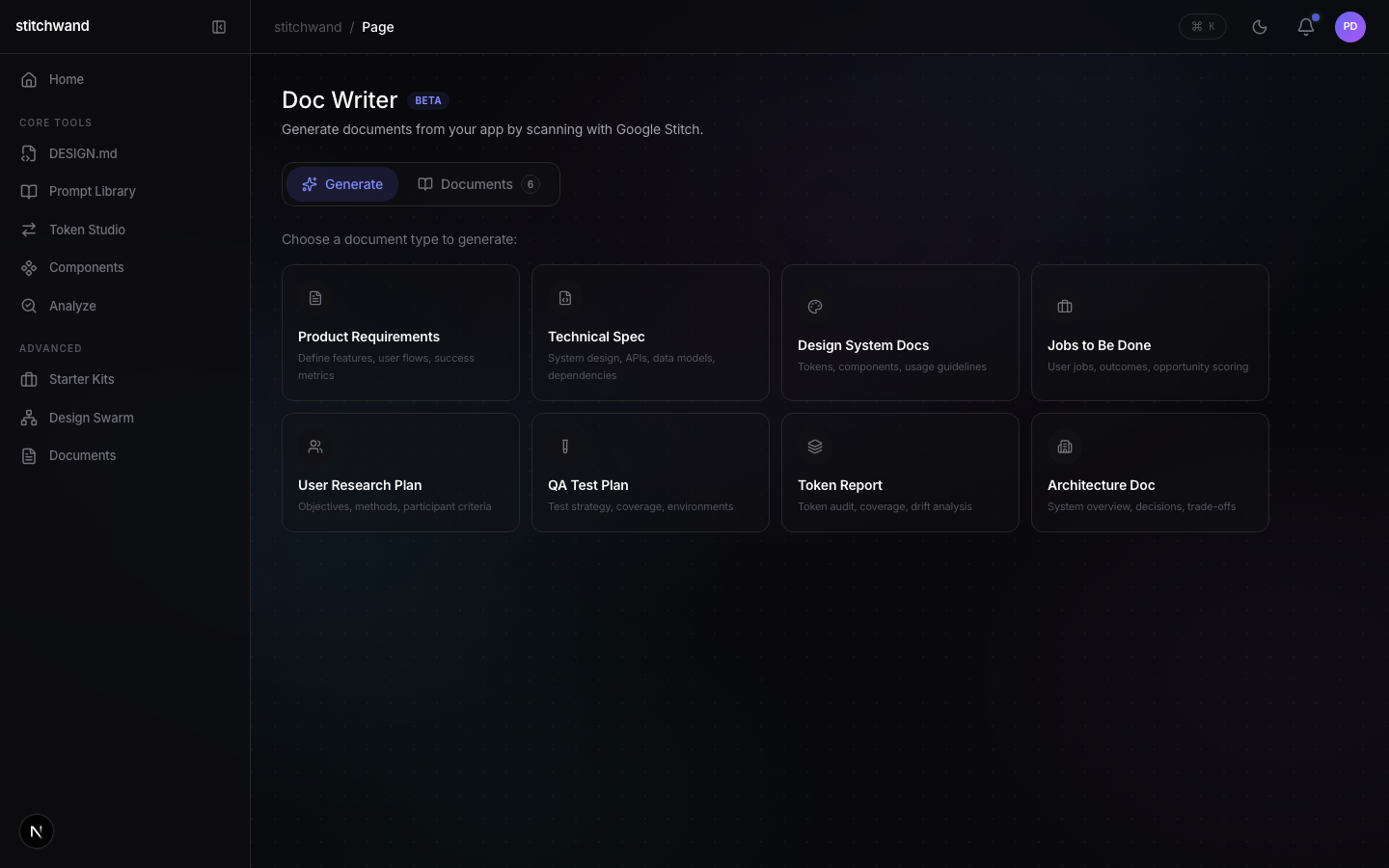
| Documents | /doc-writer | 12 document types | ★★★★ | SHIP | 1 |
| Settings | /settings | Preferences + Labs | ★★★ | SHIP | 1 |
| Diff | /diff | Standalone token diff | ★★★★ | SHIP | 1 |
| Lint | /lint | Standalone a11y linter | ★★★★ | SHIP | 1 |
| Validate | /validate | Standalone token validator | ★★★★ | SHIP | 1 |
| Export | /export | Token export formats | ★★★ | SHIP | 1 |
| Overview | /overview | Design system overview | ★★★ | SHIP | 1 |
| Analytics Dashboard | /admin | Usage analytics + KPIs | ★★★★ | SHIP | 1 |
| Admin Panel | /admin | Protected admin dashboard | ★★★★ | SHIP | 1 |
| Console | /console | Conversational AI interface | ★★★ | DEFER | Labs |
| Figma Bridge | /figma-bridge | Bidirectional Figma variable sync | ★★★ | DEFER | Labs |
| MCP Playground | /playground | Interactive MCP tool tester | ★★★ | DEFER | Labs |
| Brand Studio | /brand-voice | AI-powered brand asset studio | ★★ | DEFER | Labs |
| Game Studio | /game-design | Game design + prototype builder | ★★ | DEFER | Labs |
| Live Changelog | /live-sync | Real-time design-code bridge | ★★ | DEFER | Labs |
| Agent Hub | /agents | Autonomous design system agents | ★★ | DEFER | Labs |
| Design-to-Test | /test-gen | Auto-generate tests from Stitch HTML | ★★ | DEFER | Labs |
| Intelligence | /intelligence | AI-powered design insights | ★★ | DEFER | 2 |
| Design Audit AI | /design-audit-ai | AI design system audit | ★★ | DEFER | 2 |
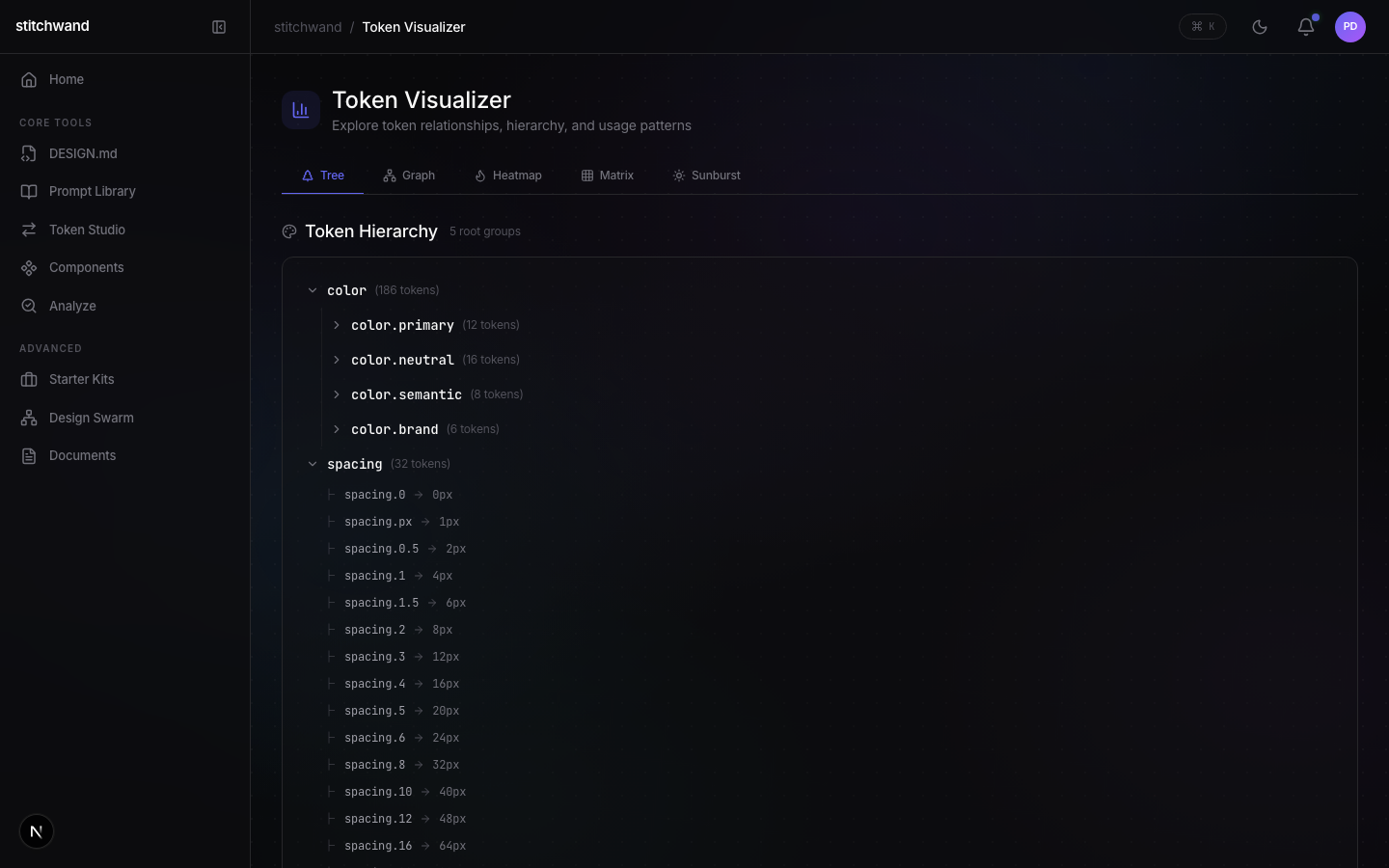
| Token Visualizer | /token-viz | Visual token explorer | ★★ | DEFER | 2 |
| Live PRD | /live-prd | Live product requirements doc | ★★ | DEFER | 2 |
| Systems | /systems | Design systems browser (legacy) | ★ | DEFER | 2 |
| Voice Studio | /voice-studio | Voice-driven design | - | KILL | - |
Multi-Agent Orchestration
Parallel Claude Code agents using the Paperclip pattern (git worktrees).
Full agent role descriptions and AGENTS.md templates are in the Architecture document's Multi-Agent tab.
Worktree Setup
# From the main repo directory:
git worktree add ../stitchwand-agent-core -b agent/core
git worktree add ../stitchwand-agent-mcp -b agent/mcp-cli
git worktree add ../stitchwand-agent-web -b agent/web-app

# Each agent gets its own directory:
# Agent 1 works in ../stitchwand-agent-core/packages/core/
# Agent 2 works in ../stitchwand-agent-mcp/packages/mcp-server/ and /cli/
# Agent 3 works in ../stitchwand-agent-web/apps/web/

# When done, merge back:
git merge agent/core
git merge agent/mcp-cli
git merge agent/web-app
Use multi-agent for Days 5-8 when core is stable and MCP/CLI/Web can be built in parallel. Days 1-4 should be single-agent to establish the core types and parsers that everything depends on.
Action List
Every task across every phase. Execute in parallel where possible. Checkboxes persist to localStorage.
technical-architecture.html.OVERVIEW.md, AUTH_PLAN.md, V0.9-LAUNCH-PLAN.md, CLAUDE.md. All present — auto-checked.builds.html)stitch.tools (active since commit 984dfaa).apps/web. Output: full violation catalog, baseline compliance percentage, published to the Philosophy tab in the Design System doc.61bea74984dfaa04bd33a12a9bf9c2deb13bfc72ba912e170e4c2b5b7523e62691073b5b1795be5f799843e7e20f0de8e4b7836618a78095833ca85c795f05d79a530257119022aceb2a85cc9b5ee40a2bcdd87fd4989b23258f9bec0fe07d8340b12d035beaad6aeb704d5a31e9f74d4bd0e79c4e685fc2f11fbv shortcut with 12 scripted demo flows. e424aa1f1bda8764ab63f11f86907b127e8f890bba29f70143c00745f570119dfa019acf81a3093b02ccc40238bfd97a485304d1a7f3b6a53333cbc2aaeee71. Brand & Identity Foundation
61bea74984dfaa04bd33a, c2a986b12a9bf9c2deb13, 889d673bfc72ba2. Landing Page & Marketing Site
912e1708ce0e54, 123218de4c2b5b7523e623. Pitch Deck
37e75b54da5ddfeb78176691073be310e544. Documentation Site
5b1795be5f7998, 482f2b043e7e20, 79674c4f0de8e45b80354f99f10a5. Core App Prototype (Labs, Magic Kit, Game Studio, Token Visualizer)
b7836618a78095427f783, 1c467e9833ca85c795f05d79a53025711906. DESIGN.md Editor & Library
22aceb22cbf641a85cc9b8fb4ce9, ff2b8065ee40a2bcdd87fd4989b23258f9b740ad01, 81e60d5parseDesignMd color parsing for community DESIGN.md files. 19a0612ec0fe077. Starter Kits (Community Design Systems)
d8340b12d035beaad6aeb704d5a31e9f74ddfe12c08. Theme System & Design Tokens
4bd0e79c4e685fc2f11fb9. Interactive Demo & Onboarding
v shortcut with 12 scripted demo flows so stakeholders can see the app animate itself. e424aa12f398f3f1bda8764ab63fe49171b11f869010. Labs & Tier System
7b127e8LabsSection. 7e48fa14568a58, a07ccee11. Admin Dashboard & Analytics
f890bba29f70145588d583c0074512. QA, Accessibility & Bug Fixes
7f0e27535fe90922ca9eb30af39567e3d4013. Project Plan & Action List
f570119dfa019acf81a3093b02cc, be3f8527c14320, 226bcebc40238b8cf6d90cd09b6ef3f78e614. Pricing, Billing & Auth Planning
fd97a485304d1a15. Go-To-Market & Launch Prep
7f3b6a53333cbc2aaeee7Create a CLAUDE.md file at the project root. Include: # Project: stitchwand Design token toolchain for Google Stitch and DESIGN.md ecosystem. ## Architecture - Monorepo: packages/core, packages/mcp-server, packages/cli, apps/web - Core exports: convert(), validate(), diff() - All processing in @stitchwand/core, surfaces are thin wrappers ## Tech Stack - TypeScript 5, ESM output - Vitest for testing (80%+ coverage target) - Turborepo for builds - Next.js 16 + React 19 for web app ## Key Types - DesignToken, TokenCollection, DesignSystem - ValidationResult, Violation, DiffResult, TokenChange ## Conventions - Strict TypeScript (no any) - Barrel exports from index.ts - Tests colocated in __tests__ directories - Error handling with typed Result<T, E> pattern
touch CLAUDE.md
Set up packages/core as a TypeScript library with ESM output.

1. Create package.json with name @stitchwand/core, type: module,
   exports pointing to dist/index.js
2. Create tsconfig.json targeting ES2022, module NodeNext, strict mode,
   outDir dist
3. Create src/types.ts with these types:

DesignToken {
  name: string
  category: 'color' | 'typography' | 'spacing' | 'radius' | 'shadow' | 'component'
  value: string
  resolvedValue?: string
  semanticName?: string
  role?: 'primary' | 'secondary' | 'accent' | 'neutral' | 'success' | 'warning' | 'error'
  metadata?: Record<string, unknown>
}

TokenCollection { tokens: DesignToken[], source: string, format: TokenFormat }
TokenFormat = 'style-dictionary' | 'tokens-studio' | 'tailwind' | 'css-variables'
DesignSystem { name, version?, colors, typography, spacing, radii, shadows, components }

ValidationResult { grade: Grade, score: number, violations: Violation[], summary }
Grade = 'A' | 'B' | 'C' | 'D' | 'F'
Violation { rule: RuleCategory, severity, message, element?, expected?, actual?, line? }
RuleCategory = 'COLOR_MATCH' | 'CONTRAST_CHECK' | 'TYPOGRAPHY_MATCH' |
  'SPACING_MATCH' | 'RADIUS_MATCH' | 'TOUCH_TARGET' | 'HEADING_ORDER' |
  'GUIDELINE_VIOLATION'

DiffResult { additions, removals, changes: TokenChange[], summary }
TokenChange { category, name, before?, after?, type: 'added'|'removed'|'changed' }

4. Create src/index.ts barrel export
mkdir -p packages/core/src/{convert,validate,diff,__tests__}
cd packages/core && npm init -y
cd packages/core
npm install cheerio chroma-js color-namer css-tree zod
npm install -D vitest typescript @types/node @types/chroma-js
Create packages/core/src/convert/style-dictionary.ts

Build a parser for Style Dictionary JSON format (W3C Design Tokens spec).

Requirements:
1. Recursively walk the JSON tree
2. Detect tokens by presence of $value or value key
3. Resolve references like {color.primary} to actual values
4. Categorize tokens by $type or by path heuristics
5. Use chroma-js to validate and normalize color values
6. Use color-namer to generate semantic names for colors
7. Return TokenCollection with format: 'style-dictionary'
8. Handle nested groups (color.brand.primary)
9. Export: parseStyleDictionary(input: string | object): TokenCollection

Also create __tests__/style-dictionary.test.ts with tests for:
- Simple flat tokens, nested groups, reference resolution
- Color normalization, invalid input handling
Build a simpler version handling only $value/$type with flat color tokens. Skip reference resolution for now. Add it in a follow-up prompt.
Create packages/core/src/convert/generator.ts

Build the DESIGN.md generator that converts a DesignSystem into markdown.

Output sections: Color Palette (grouped by role), Typography (scale table),
Spacing Scale (with visual indicators), Border Radius, Shadows.

Requirements:
1. Export: generateDesignMd(system: DesignSystem): string
2. Group colors by role (primary, semantic, neutral)
3. Include visual indicators
4. Handle missing sections gracefully
5. Sort tokens logically
6. Include metadata header with generation date

Also create __tests__/generator.test.ts
Start with just the Color Palette section. Get that rendering correctly, then add Typography, Spacing, etc. in follow-up prompts.
cd packages/core && npx vitest run --reporter=verbose
Create packages/core/src/convert/tokens-studio.ts
Parse Tokens Studio JSON. Handle $extensions, set/theme groupings,
composition token expansion.
Export: parseTokensStudio(input: string | object): TokenCollection
Create __tests__/tokens-studio.test.ts
Create packages/core/src/convert/tailwind.ts
Parse Tailwind config. Handle nested color scales, rem-to-px,
fontSize tuples, category mapping.
Export: parseTailwind(input: string | object): TokenCollection
Create __tests__/tailwind.test.ts
Create packages/core/src/convert/css-variables.ts
Parse CSS custom properties using css-tree. Categorize by naming convention,
resolve var() references, handle fallback values.
Export: parseCssVariables(input: string): TokenCollection
Create __tests__/css-variables.test.ts
Create packages/core/src/convert/index.ts
Unified convert function with auto-format detection.
Export: convert(input: string, options?: ConvertOptions): Promise<ConvertResult>
Update src/index.ts. Create __tests__/convert.test.ts
cd packages/core && npx vitest run --reporter=verbose
approved before touching any files.Plan mode OFFClaude executes every task below in order, automatically, one at a time — with per-task self-checks and commits between tasks.Either wayA status report is written to docs/agent-status/{section}.md and committed when the section completes. That file is how you verify the section is done.INSTRUCTIONS — read this first
IF PLAN MODE IS ON:
- Present a plan covering every task below and WAIT for the user to reply with the exact word: approved
- Do NOT use Write, Edit, NotebookEdit, or any file-mutating Bash command until you receive "approved".
IF PLAN MODE IS OFF:
- Execute every task below IN ORDER, automatically, one at a time.
- Commit after each task. Run the per-task self-check between tasks.
- Do NOT stop for approval between tasks.
IN BOTH MODES:
- The STATUS REPORT at the end is mandatory. The section is not "done" until that report exists and is committed.
SECTION: DAY-2 — Remaining Parsers + Unified Convert
AGENT: core
SCOPE: packages/core/src/convert/ and packages/core/src/__tests__/
READ FIRST:
- CLAUDE.md in repo root
- AGENTS.md in your assigned working directory (if present)
- Any existing files you will modify, before proposing changes
TASK LIST — execute each task in order, commit after each:
─── TASK 2.1: Tokens Studio parser ───
Parse Tokens Studio JSON format with composition token expansion and theme/set grouping.
Create packages/core/src/convert/tokens-studio.ts
Build a parser for Tokens Studio JSON format.
Key differences from Style Dictionary:
- Uses $extensions for metadata
- Has set/theme groupings at top level
- Supports composition tokens (typography = fontFamily + fontSize + lineHeight)
Export: parseTokensStudio(input: string | object): TokenCollection
Handle composition tokens by expanding into individual tokens.
Create __tests__/tokens-studio.test.ts
Self-check for this task:
1) Re-read the files you changed.
2) Run typecheck + tests (see final self-check at the bottom for commands).
3) If anything fails, FIX the root cause before moving on.
4) git add -p && git commit -m "task 2.1: Tokens Studio parser"
─── TASK 2.2: Tailwind config parser ───
Parse Tailwind CSS configuration objects (theme.extend.colors, theme.spacing, etc.).
Create packages/core/src/convert/tailwind.ts
Parse Tailwind CSS config objects (theme/theme.extend).
Handle: nested color scales (primary.50-900), rem-to-px conversion,
tuple format for fontSize, category mapping.
Export: parseTailwind(input: string | object): TokenCollection
Create __tests__/tailwind.test.ts
Self-check for this task:
1) Re-read the files you changed.
2) Run typecheck + tests (see final self-check at the bottom for commands).
3) If anything fails, FIX the root cause before moving on.
4) git add -p && git commit -m "task 2.2: Tailwind config parser"
─── TASK 2.3: CSS Variables parser ───
Parse CSS custom properties from a CSS file or :root block using css-tree.
Create packages/core/src/convert/css-variables.ts
Parse CSS custom properties using css-tree.
Extract --custom-property declarations, categorize by naming convention,
resolve var() references, handle fallback values.
Export: parseCssVariables(input: string): TokenCollection
Create __tests__/css-variables.test.ts
Self-check for this task:
1) Re-read the files you changed.
2) Run typecheck + tests (see final self-check at the bottom for commands).
3) If anything fails, FIX the root cause before moving on.
4) git add -p && git commit -m "task 2.3: CSS Variables parser"
─── TASK 2.4: Unified convert function ───
Single convert() entry point with auto-format detection routing to the correct parser.
Create packages/core/src/convert/index.ts
Build unified convert function with auto-format detection.
Routes to correct parser, converts to DesignSystem, generates DESIGN.md.
Export: convert(input: string, options?: ConvertOptions): Promise<ConvertResult>
Update src/index.ts barrel export.
Create __tests__/convert.test.ts integration tests.
Self-check for this task:
1) Re-read the files you changed.
2) Run typecheck + tests (see final self-check at the bottom for commands).
3) If anything fails, FIX the root cause before moving on.
4) git add -p && git commit -m "task 2.4: Unified convert function"
FINAL SELF-CHECK (run after the last task):
cd packages/core && npx tsc --noEmit && npx vitest run
STATUS REPORT — write AFTER the final self-check passes:
Write the report to: docs/agent-status/day-2.md
(Create the folder if it does not exist. Overwrite any existing file at that path.)
Use this exact markdown template, filling in real values from your work:
# day-2 — Remaining Parsers + Unified Convert
- **Section:** day-2
- **Agent:** core
- **Date:** <YYYY-MM-DD of today>
- **Branch:** <output of `git rev-parse --abbrev-ref HEAD`>
- **HEAD commit:** <output of `git rev-parse --short HEAD`>
## Tasks completed
- [x] <task-id> — <task-name> — commit <short-hash>
- [x] ...
## Self-check results
- typecheck: PASS | FAIL
- unit tests: <N passed / M failed>
- build: PASS | FAIL | N/A
- final command run: (the FINAL SELF-CHECK command above)
## Files changed (in scope only)
```
<output of: git diff --stat <base>..HEAD>
```
## Notes / blockers / follow-ups
<bullet list of decisions made, anything deferred, or anything the user should know. Write "None." if clean.>
Then commit the status file:
git add docs/agent-status/day-2.md
git commit -m "status: day-2 section complete"
This file is how the user verifies the section is done without reading the chat transcript.
If any self-check step FAILED, still write the report with FAIL clearly marked and STOP — do not continue.
NON-NEGOTIABLE RULES:
* If plan mode is ON: present a plan and wait for "approved" before touching files.
* If plan mode is OFF: execute every task in order automatically — do not stop between tasks.
* Stay inside the SCOPE above. Do not edit files outside it.
* Per-task self-check is required. Do not skip.
* Commit after each task with a clear message.
* If a test or typecheck fails, fix the root cause — do not disable, skip, or mock around it.
* No --no-verify, no --force, no destructive git ops.
* If blocked, stop and ask. Do not guess.
* The STATUS REPORT is mandatory. No section is "done" until docs/agent-status/{section}.md exists and is committed.- Plan mode ON (Shift+Tab twice in Claude Code) — Claude plans first and waits for
approved, then executes every task with per-task self-checks. - Plan mode OFF — Claude executes every task in order automatically, one at a time, committing between tasks.
- In both modes, a status report is written to
docs/agent-status/{section}.md— the section is not done until that file is committed. - Use the Single-Task tab if you want tighter control or only need a subset of tasks.
Create packages/core/src/validate/engine.ts and rules.ts

8 Rule Categories:
1. COLOR_MATCH -- deltaE via chroma-js (threshold: 5)
2. CONTRAST_CHECK -- WCAG 2.1 AA (4.5:1 normal, 3:1 large)
3. TYPOGRAPHY_MATCH -- font-family, size, weight, line-height
4. SPACING_MATCH -- margin/padding vs scale (2px tolerance)
5. RADIUS_MATCH -- border-radius vs tokens
6. TOUCH_TARGET -- 44x44px min for interactive elements
7. HEADING_ORDER -- h1 > h2 > h3, no skipping
8. GUIDELINE_VIOLATION -- general DESIGN.md guidelines

Export: validate(html, designMd): Promise<ValidationResult>
Create __tests__/validate.test.ts
Create packages/core/src/validate/grader.ts
Scoring: Start at 100. Errors: -5, Warnings: -2, Info: -0.5.
Grades: A=90+, B=80+, C=70+, D=60+, F=below 60.
Export: calculateGrade(violations): { grade, score, summary }
Create __tests__/grader.test.tscd packages/core && npx vitest run src/validate/ --reporter=verbose
approved before touching any files.Plan mode OFFClaude executes every task below in order, automatically, one at a time — with per-task self-checks and commits between tasks.Either wayA status report is written to docs/agent-status/{section}.md and committed when the section completes. That file is how you verify the section is done.INSTRUCTIONS — read this first
IF PLAN MODE IS ON:
- Present a plan covering every task below and WAIT for the user to reply with the exact word: approved
- Do NOT use Write, Edit, NotebookEdit, or any file-mutating Bash command until you receive "approved".
IF PLAN MODE IS OFF:
- Execute every task below IN ORDER, automatically, one at a time.
- Commit after each task. Run the per-task self-check between tasks.
- Do NOT stop for approval between tasks.
IN BOTH MODES:
- The STATUS REPORT at the end is mandatory. The section is not "done" until that report exists and is committed.
SECTION: DAY-3 — Validation Engine
AGENT: core
SCOPE: packages/core/src/validate/ and packages/core/src/__tests__/
READ FIRST:
- CLAUDE.md in repo root
- AGENTS.md in your assigned working directory (if present)
- Any existing files you will modify, before proposing changes
TASK LIST — execute each task in order, commit after each:
─── TASK 3.1: Build validation engine with 8 rule categories ───
Core validation logic: parse HTML with cheerio, parse DESIGN.md, run 8 rule checks, collect violations.
Create packages/core/src/validate/engine.ts and rules.ts
8 Rule Categories:
1. COLOR_MATCH -- deltaE comparison via chroma-js (threshold: 5)
2. CONTRAST_CHECK -- WCAG 2.1 AA (4.5:1 normal, 3:1 large)
3. TYPOGRAPHY_MATCH -- font-family, size, weight, line-height
4. SPACING_MATCH -- margin/padding vs scale (2px tolerance)
5. RADIUS_MATCH -- border-radius vs tokens
6. TOUCH_TARGET -- 44x44px minimum for interactive elements
7. HEADING_ORDER -- h1 > h2 > h3, no skipping
8. GUIDELINE_VIOLATION -- general DESIGN.md guidelines
Export: validate(html: string, designMd: string): Promise<ValidationResult>
Create __tests__/validate.test.ts
Self-check for this task:
1) Re-read the files you changed.
2) Run typecheck + tests (see final self-check at the bottom for commands).
3) If anything fails, FIX the root cause before moving on.
4) git add -p && git commit -m "task 3.1: Build validation engine with 8 rule categories"
─── TASK 3.2: Grade calculator ───
Convert violation counts and severities into a letter grade (A through F). Start at 100, subtract: errors -5, warnings -2, info -0.5.
Create packages/core/src/validate/grader.ts
Scoring: Start at 100. Errors: -5, Warnings: -2, Info: -0.5.
Grades: A=90+, B=80+, C=70+, D=60+, F=below 60.
Generate human-readable summary string.
Export: calculateGrade(violations: Violation[]): { grade, score, summary }
Create __tests__/grader.test.ts
Self-check for this task:
1) Re-read the files you changed.
2) Run typecheck + tests (see final self-check at the bottom for commands).
3) If anything fails, FIX the root cause before moving on.
4) git add -p && git commit -m "task 3.2: Grade calculator"
FINAL SELF-CHECK (run after the last task):
cd packages/core && npx tsc --noEmit && npx vitest run src/validate/
STATUS REPORT — write AFTER the final self-check passes:
Write the report to: docs/agent-status/day-3.md
(Create the folder if it does not exist. Overwrite any existing file at that path.)
Use this exact markdown template, filling in real values from your work:
# day-3 — Validation Engine
- **Section:** day-3
- **Agent:** core
- **Date:** <YYYY-MM-DD of today>
- **Branch:** <output of `git rev-parse --abbrev-ref HEAD`>
- **HEAD commit:** <output of `git rev-parse --short HEAD`>
## Tasks completed
- [x] <task-id> — <task-name> — commit <short-hash>
- [x] ...
## Self-check results
- typecheck: PASS | FAIL
- unit tests: <N passed / M failed>
- build: PASS | FAIL | N/A
- final command run: (the FINAL SELF-CHECK command above)
## Files changed (in scope only)
```
<output of: git diff --stat <base>..HEAD>
```
## Notes / blockers / follow-ups
<bullet list of decisions made, anything deferred, or anything the user should know. Write "None." if clean.>
Then commit the status file:
git add docs/agent-status/day-3.md
git commit -m "status: day-3 section complete"
This file is how the user verifies the section is done without reading the chat transcript.
If any self-check step FAILED, still write the report with FAIL clearly marked and STOP — do not continue.
NON-NEGOTIABLE RULES:
* If plan mode is ON: present a plan and wait for "approved" before touching files.
* If plan mode is OFF: execute every task in order automatically — do not stop between tasks.
* Stay inside the SCOPE above. Do not edit files outside it.
* Per-task self-check is required. Do not skip.
* Commit after each task with a clear message.
* If a test or typecheck fails, fix the root cause — do not disable, skip, or mock around it.
* No --no-verify, no --force, no destructive git ops.
* If blocked, stop and ask. Do not guess.
* The STATUS REPORT is mandatory. No section is "done" until docs/agent-status/{section}.md exists and is committed.- Plan mode ON (Shift+Tab twice in Claude Code) — Claude plans first and waits for
approved, then executes every task with per-task self-checks. - Plan mode OFF — Claude executes every task in order automatically, one at a time, committing between tasks.
- In both modes, a status report is written to
docs/agent-status/{section}.md— the section is not done until that file is committed. - Use the Single-Task tab if you want tighter control or only need a subset of tasks.
Create packages/core/src/diff/engine.ts and categories.ts
Compare two DESIGN.md files section-by-section.
Match tokens by name. Detect additions/removals/changes.
Use deltaE for color comparison, percentage for numeric values.
Export: diff(systemA, systemB): Promise<DiffResult>
Update src/index.ts. Create __tests__/diff.test.ts
Create integration.test.ts -- full pipeline tests:
convert all 4 formats, validate with grade check, diff with change detection.
Cross-format equivalence test.
cd packages/core && npx vitest run --coverage
approved before touching any files.Plan mode OFFClaude executes every task below in order, automatically, one at a time — with per-task self-checks and commits between tasks.Either wayA status report is written to docs/agent-status/{section}.md and committed when the section completes. That file is how you verify the section is done.INSTRUCTIONS — read this first
IF PLAN MODE IS ON:
- Present a plan covering every task below and WAIT for the user to reply with the exact word: approved
- Do NOT use Write, Edit, NotebookEdit, or any file-mutating Bash command until you receive "approved".
IF PLAN MODE IS OFF:
- Execute every task below IN ORDER, automatically, one at a time.
- Commit after each task. Run the per-task self-check between tasks.
- Do NOT stop for approval between tasks.
IN BOTH MODES:
- The STATUS REPORT at the end is mandatory. The section is not "done" until that report exists and is committed.
SECTION: DAY-4 — Diff Engine + Full Test Suite
AGENT: core
SCOPE: packages/core/src/diff/ and packages/core/src/__tests__/
READ FIRST:
- CLAUDE.md in repo root
- AGENTS.md in your assigned working directory (if present)
- Any existing files you will modify, before proposing changes
TASK LIST — execute each task in order, commit after each:
─── TASK 4.1: Build diff engine ───
Compare two DESIGN.md files section-by-section, detecting additions, removals, and changes with deltaE for color comparisons.
Create packages/core/src/diff/engine.ts and categories.ts
Compare two DESIGN.md files section-by-section.
Match tokens by name. Detect additions/removals/changes.
Use deltaE for color comparison, percentage for numeric values.
Export: diff(systemA: string, systemB: string): Promise<DiffResult>
Update src/index.ts. Create __tests__/diff.test.ts
Self-check for this task:
1) Re-read the files you changed.
2) Run typecheck + tests (see final self-check at the bottom for commands).
3) If anything fails, FIX the root cause before moving on.
4) git add -p && git commit -m "task 4.1: Build diff engine"
─── TASK 4.2: Integration tests (full pipeline) ───
Create packages/core/src/__tests__/integration.test.ts
Full pipeline tests: convert (all 4 formats), validate (grade check), diff (change detection).
Cross-format equivalence test (same system, 4 formats, same output).
Self-check for this task:
1) Re-read the files you changed.
2) Run typecheck + tests (see final self-check at the bottom for commands).
3) If anything fails, FIX the root cause before moving on.
4) git add -p && git commit -m "task 4.2: Integration tests (full pipeline)"
FINAL SELF-CHECK (run after the last task):
cd packages/core && npx tsc --noEmit && npx vitest run --coverage
STATUS REPORT — write AFTER the final self-check passes:
Write the report to: docs/agent-status/day-4.md
(Create the folder if it does not exist. Overwrite any existing file at that path.)
Use this exact markdown template, filling in real values from your work:
# day-4 — Diff Engine + Full Test Suite
- **Section:** day-4
- **Agent:** core
- **Date:** <YYYY-MM-DD of today>
- **Branch:** <output of `git rev-parse --abbrev-ref HEAD`>
- **HEAD commit:** <output of `git rev-parse --short HEAD`>
## Tasks completed
- [x] <task-id> — <task-name> — commit <short-hash>
- [x] ...
## Self-check results
- typecheck: PASS | FAIL
- unit tests: <N passed / M failed>
- build: PASS | FAIL | N/A
- final command run: (the FINAL SELF-CHECK command above)
## Files changed (in scope only)
```
<output of: git diff --stat <base>..HEAD>
```
## Notes / blockers / follow-ups
<bullet list of decisions made, anything deferred, or anything the user should know. Write "None." if clean.>
Then commit the status file:
git add docs/agent-status/day-4.md
git commit -m "status: day-4 section complete"
This file is how the user verifies the section is done without reading the chat transcript.
If any self-check step FAILED, still write the report with FAIL clearly marked and STOP — do not continue.
NON-NEGOTIABLE RULES:
* If plan mode is ON: present a plan and wait for "approved" before touching files.
* If plan mode is OFF: execute every task in order automatically — do not stop between tasks.
* Stay inside the SCOPE above. Do not edit files outside it.
* Per-task self-check is required. Do not skip.
* Commit after each task with a clear message.
* If a test or typecheck fails, fix the root cause — do not disable, skip, or mock around it.
* No --no-verify, no --force, no destructive git ops.
* If blocked, stop and ask. Do not guess.
* The STATUS REPORT is mandatory. No section is "done" until docs/agent-status/{section}.md exists and is committed.- Plan mode ON (Shift+Tab twice in Claude Code) — Claude plans first and waits for
approved, then executes every task with per-task self-checks. - Plan mode OFF — Claude executes every task in order automatically, one at a time, committing between tasks.
- In both modes, a status report is written to
docs/agent-status/{section}.md— the section is not done until that file is committed. - Use the Single-Task tab if you want tighter control or only need a subset of tasks.
Create packages/mcp-server/src/index.ts
MCP server with 3 tools: convert_tokens, validate_html, diff_systems.
Uses McpServer + StdioServerTransport from SDK.
Zod validation. Calls @stitchwand/core.
Set up package.json with bin field for npx execution.
cd packages/mcp-server && npm run build
npx @modelcontextprotocol/inspector dist/index.js
Create packages/cli/ with 3 commands: convert, validate, diff.
Commander.js for arg parsing, chalk for colored output.
CI-friendly exit codes (0=pass, 1=fail).
bin: { stitch: dist/index.js }cd packages/cli && npm run build node dist/index.js convert ../core/src/__tests__/fixtures/style-dict.json
Create 3 POST API routes in apps/web/src/app/api/:
/api/convert, /api/validate, /api/diff
All call @stitchwand/core. Zod validation. JSON responses.
curl -X POST http://stitchwand.com/api/convert \
  -H "Content-Type: application/json" \
-d '{"tokens":"{\"color\":{\"primary\":{\"$value\":\"#6366F1\",\"$type\":\"color\"}}}"}'approved before touching any files.Plan mode OFFClaude executes every task below in order, automatically, one at a time — with per-task self-checks and commits between tasks.Either wayA status report is written to docs/agent-status/{section}.md and committed when the section completes. That file is how you verify the section is done.INSTRUCTIONS — read this first
IF PLAN MODE IS ON:
- Present a plan covering every task below and WAIT for the user to reply with the exact word: approved
- Do NOT use Write, Edit, NotebookEdit, or any file-mutating Bash command until you receive "approved".
IF PLAN MODE IS OFF:
- Execute every task below IN ORDER, automatically, one at a time.
- Commit after each task. Run the per-task self-check between tasks.
- Do NOT stop for approval between tasks.
IN BOTH MODES:
- The STATUS REPORT at the end is mandatory. The section is not "done" until that report exists and is committed.
SECTION: DAY-5 — MCP Server + CLI + API Routes
AGENT: mcpcli
SCOPE: packages/mcp-server/, packages/cli/, and apps/web/src/app/api/
READ FIRST:
- CLAUDE.md in repo root
- AGENTS.md in your assigned working directory (if present)
- Any existing files you will modify, before proposing changes
TASK LIST — execute each task in order, commit after each:
─── TASK 5.1: Build MCP server (3 tools) ───
Create MCP server with convert_tokens, validate_html, diff_systems tools using the official SDK.
Create packages/mcp-server/src/index.ts
MCP server with 3 tools: convert_tokens, validate_html, diff_systems.
Uses McpServer + StdioServerTransport from @modelcontextprotocol/sdk.
Zod validation on all inputs. Calls @stitchwand/core.
Set up package.json with name @stitchwand/mcp, bin field for npx.
Self-check for this task:
1) Re-read the files you changed.
2) Run typecheck + tests (see final self-check at the bottom for commands).
3) If anything fails, FIX the root cause before moving on.
4) git add -p && git commit -m "task 5.1: Build MCP server (3 tools)"
─── TASK 5.2: Build CLI (3 commands) ───
Create CLI with convert, validate, and diff commands using commander.js and chalk.
Create packages/cli/ with 3 commands: convert, validate, diff.
Commander.js for arg parsing, chalk for colored output.
CI-friendly exit codes (0=pass, 1=fail).
Set up package.json with bin: { stitch: dist/index.js }
Self-check for this task:
1) Re-read the files you changed.
2) Run typecheck + tests (see final self-check at the bottom for commands).
3) If anything fails, FIX the root cause before moving on.
4) git add -p && git commit -m "task 5.2: Build CLI (3 commands)"
─── TASK 5.3: Create API routes in apps/web ───
Add 3 POST API routes calling @stitchwand/core.
Create 3 POST API routes in apps/web/src/app/api/:
- /api/convert -- calls convert() from core
- /api/validate -- calls validate() from core
- /api/diff -- calls diff() from core
Zod input validation, proper error handling, JSON responses.
Self-check for this task:
1) Re-read the files you changed.
2) Run typecheck + tests (see final self-check at the bottom for commands).
3) If anything fails, FIX the root cause before moving on.
4) git add -p && git commit -m "task 5.3: Create API routes in apps/web"
FINAL SELF-CHECK (run after the last task):
cd packages/mcp-server && npm run build && cd ../cli && npm run build
STATUS REPORT — write AFTER the final self-check passes:
Write the report to: docs/agent-status/day-5.md
(Create the folder if it does not exist. Overwrite any existing file at that path.)
Use this exact markdown template, filling in real values from your work:
# day-5 — MCP Server + CLI + API Routes
- **Section:** day-5
- **Agent:** mcpcli
- **Date:** <YYYY-MM-DD of today>
- **Branch:** <output of `git rev-parse --abbrev-ref HEAD`>
- **HEAD commit:** <output of `git rev-parse --short HEAD`>
## Tasks completed
- [x] <task-id> — <task-name> — commit <short-hash>
- [x] ...
## Self-check results
- typecheck: PASS | FAIL
- unit tests: <N passed / M failed>
- build: PASS | FAIL | N/A
- final command run: (the FINAL SELF-CHECK command above)
## Files changed (in scope only)
```
<output of: git diff --stat <base>..HEAD>
```
## Notes / blockers / follow-ups
<bullet list of decisions made, anything deferred, or anything the user should know. Write "None." if clean.>
Then commit the status file:
git add docs/agent-status/day-5.md
git commit -m "status: day-5 section complete"
This file is how the user verifies the section is done without reading the chat transcript.
If any self-check step FAILED, still write the report with FAIL clearly marked and STOP — do not continue.
NON-NEGOTIABLE RULES:
* If plan mode is ON: present a plan and wait for "approved" before touching files.
* If plan mode is OFF: execute every task in order automatically — do not stop between tasks.
* Stay inside the SCOPE above. Do not edit files outside it.
* Per-task self-check is required. Do not skip.
* Commit after each task with a clear message.
* If a test or typecheck fails, fix the root cause — do not disable, skip, or mock around it.
* No --no-verify, no --force, no destructive git ops.
* If blocked, stop and ask. Do not guess.
* The STATUS REPORT is mandatory. No section is "done" until docs/agent-status/{section}.md exists and is committed.- Plan mode ON (Shift+Tab twice in Claude Code) — Claude plans first and waits for
approved, then executes every task with per-task self-checks. - Plan mode OFF — Claude executes every task in order automatically, one at a time, committing between tasks.
- In both modes, a status report is written to
docs/agent-status/{section}.md— the section is not done until that file is committed. - Use the Single-Task tab if you want tighter control or only need a subset of tasks.
Wire Core pages to real @stitchwand/core functions. Convert, DESIGN.md editor, and Analyze (Validate + Diff + A11y + Lint) all use real data with localStorage persistence.
Run in web agent worktree (../stitchwand-agent-web).

Read apps/web/src/app/(app)/convert/page.tsx and packages/core/src/convert.ts.
Replace all setTimeout/mock calls with real fetch('/api/convert') calls.
Add FileReader API for drag-and-drop file upload. Auto-detect input format
(Style Dictionary, Tokens Studio, Tailwind, CSS Custom Props). Save conversion
history to localStorage using a useLocalStorage hook with key 'sw-convert-history'.
Create the /api/convert route handler that calls @stitchwand/core convert().
No mock data should remain.Run in web agent worktree (../stitchwand-agent-web). Read apps/web/src/app/(app)/design-md/page.tsx and packages/core/src/index.ts. Wire the DESIGN.md editor to load/save real .md files. Parse DESIGN.md content to the token model using @stitchwand/core. Add live preview that updates as user edits. Store recent files list in localStorage with key 'sw-designmd-recent'. Validate DESIGN.md on save and show errors inline. Add export buttons for all supported formats (Style Dictionary, Tokens Studio, Tailwind, CSS). All data must persist across page refreshes.
Run in web agent worktree (../stitchwand-agent-web). Read apps/web/src/app/(app)/analyze/page.tsx and packages/core/src/validate.ts. Wire the Validate tab to call /api/validate with real file uploads. Create the route handler that calls @stitchwand/core validate(). Display real grades, violation lists with severity levels, and overall scores. Add drag-and-drop file upload for HTML + DESIGN.md files. Save validation results to localStorage with key 'sw-validate-history' for history view. Replace all mock/demo data with real validation output.
Run in web agent worktree (../stitchwand-agent-web). Read apps/web/src/app/(app)/analyze/page.tsx and packages/core/src/diff.ts. Wire the Diff tab to call /api/diff with two DESIGN.md file uploads. Create the route handler that calls @stitchwand/core diff(). Display real additions, removals, and changes with color-coded diff view (green for added, red for removed, amber for changed). Save diff snapshots to localStorage with key 'sw-diff-history'. Add side-by-side comparison view. Replace all mock data.
Run in web agent worktree (../stitchwand-agent-web). Read apps/web/src/app/(app)/analyze/page.tsx. Wire the Accessibility tab to run WCAG contrast ratio checks, touch target sizing, and focus indicator validation against uploaded DESIGN.md tokens. Wire the Lint tab to check token naming conventions (camelCase, kebab-case consistency), detect unused tokens, and flag circular references. Both tabs persist results to localStorage with keys 'sw-a11y-history' and 'sw-lint-history'. Create /api/a11y and /api/lint route handlers using @stitchwand/core.
Run in web agent worktree (../stitchwand-agent-web). Write Vitest integration tests for the Convert, DESIGN.md, and Analyze pages. Test real file uploads with sample token files (Style Dictionary JSON, Tailwind config). Test DESIGN.md editing, saving, and format export. Test Validate with real HTML + DESIGN.md producing real grades. Test Diff with two DESIGN.md versions showing real changes. Verify NO setTimeout calls remain in any of these pages. Run: npx vitest run --reporter=verbose
approved before touching any files.Plan mode OFFClaude executes every task below in order, automatically, one at a time — with per-task self-checks and commits between tasks.Either wayA status report is written to docs/agent-status/{section}.md and committed when the section completes. That file is how you verify the section is done.INSTRUCTIONS — read this first
IF PLAN MODE IS ON:
- Present a plan covering every task below and WAIT for the user to reply with the exact word: approved
- Do NOT use Write, Edit, NotebookEdit, or any file-mutating Bash command until you receive "approved".
IF PLAN MODE IS OFF:
- Execute every task below IN ORDER, automatically, one at a time.
- Commit after each task. Run the per-task self-check between tasks.
- Do NOT stop for approval between tasks.
IN BOTH MODES:
- The STATUS REPORT at the end is mandatory. The section is not "done" until that report exists and is committed.
SECTION: DAY-6 — Wire Convert + DESIGN.md + Analyze Pages
AGENT: web
SCOPE: apps/web/src/app/(routes)/ and apps/web/src/components/ — do not edit packages/core, packages/mcp-server, packages/cli
READ FIRST:
- CLAUDE.md in repo root
- AGENTS.md in your assigned working directory (if present)
- Any existing files you will modify, before proposing changes
TASK LIST — execute each task in order, commit after each:
─── TASK 6.1: Wire /convert to real API + file upload ───
Replace setTimeout with fetch('/api/convert'). FileReader API for drag-and-drop upload. Auto-detect format. Save conversion history to localStorage.
Run in web agent worktree (../stitchwand-agent-web).
Read apps/web/src/app/(app)/convert/page.tsx and packages/core/src/convert.ts. Replace all setTimeout/mock calls with real fetch('/api/convert') calls. Add FileReader API for drag-and-drop file upload. Auto-detect input format (Style Dictionary, Tokens Studio, Tailwind, CSS Custom Props). Save conversion history to localStorage using a useLocalStorage hook with key 'sw-convert-history'. Create the /api/convert route handler that calls @stitchwand/core convert(). No mock data should remain.
Self-check for this task:
1) Re-read the files you changed.
2) Run typecheck + tests (see final self-check at the bottom for commands).
3) If anything fails, FIX the root cause before moving on.
4) git add -p && git commit -m "task 6.1: Wire /convert to real API + file upload"
─── TASK 6.2: Wire /design-md editor with real parsing + persistence ───
DESIGN.md editor: load/save files, parse to token model, live preview. Store recent files in localStorage. Validate on save. Export to supported formats.
Run in web agent worktree (../stitchwand-agent-web).

Read apps/web/src/app/(app)/design-md/page.tsx and packages/core/src/index.ts.
Wire the DESIGN.md editor to load/save real .md files. Parse DESIGN.md content
to the token model using @stitchwand/core. Add live preview that updates as user
edits. Store recent files list in localStorage with key 'sw-designmd-recent'.
Validate DESIGN.md on save and show errors inline. Add export buttons for all
supported formats (Style Dictionary, Tokens Studio, Tailwind, CSS).
All data must persist across page refreshes.
Self-check for this task:
1) Re-read the files you changed.
2) Run typecheck + tests (see final self-check at the bottom for commands).
3) If anything fails, FIX the root cause before moving on.
4) git add -p && git commit -m "task 6.2: Wire /design-md editor with real parsing + persistence"
─── TASK 6.3: Wire /analyze Validate tab to /api/validate ───
Real grades, violations, scores. File upload for HTML + DESIGN.md. Save validation results to localStorage for history.
Run in web agent worktree (../stitchwand-agent-web).

Read apps/web/src/app/(app)/analyze/page.tsx and packages/core/src/validate.ts.
Wire the Validate tab to call /api/validate with real file uploads. Create the
route handler that calls @stitchwand/core validate(). Display real grades,
violation lists with severity levels, and overall scores. Add drag-and-drop
file upload for HTML + DESIGN.md files. Save validation results to localStorage
with key 'sw-validate-history' for history view. Replace all mock/demo data
with real validation output.
Self-check for this task:
1) Re-read the files you changed.
2) Run typecheck + tests (see final self-check at the bottom for commands).
3) If anything fails, FIX the root cause before moving on.
4) git add -p && git commit -m "task 6.3: Wire /analyze Validate tab to /api/validate"
─── TASK 6.4: Wire /analyze Diff tab to /api/diff ───
Real additions/removals/changes. File upload for two DESIGN.md files. Save diff snapshots to localStorage.
Run in web agent worktree (../stitchwand-agent-web).

Read apps/web/src/app/(app)/analyze/page.tsx and packages/core/src/diff.ts.
Wire the Diff tab to call /api/diff with two DESIGN.md file uploads. Create
the route handler that calls @stitchwand/core diff(). Display real additions,
removals, and changes with color-coded diff view (green for added, red for
removed, amber for changed). Save diff snapshots to localStorage with key
'sw-diff-history'. Add side-by-side comparison view. Replace all mock data.
Self-check for this task:
1) Re-read the files you changed.
2) Run typecheck + tests (see final self-check at the bottom for commands).
3) If anything fails, FIX the root cause before moving on.
4) git add -p && git commit -m "task 6.4: Wire /analyze Diff tab to /api/diff"
─── TASK 6.5: Wire /analyze A11y + Lint tabs ───
A11y linter with WCAG rule checking. Lint tab for token naming conventions. Both persist results to localStorage.
Run in web agent worktree (../stitchwand-agent-web).

Read apps/web/src/app/(app)/analyze/page.tsx. Wire the Accessibility tab to
run WCAG contrast ratio checks, touch target sizing, and focus indicator
validation against uploaded DESIGN.md tokens. Wire the Lint tab to check token
naming conventions (camelCase, kebab-case consistency), detect unused tokens,
and flag circular references. Both tabs persist results to localStorage with
keys 'sw-a11y-history' and 'sw-lint-history'. Create /api/a11y and /api/lint
route handlers using @stitchwand/core.
Self-check for this task:
1) Re-read the files you changed.
2) Run typecheck + tests (see final self-check at the bottom for commands).
3) If anything fails, FIX the root cause before moving on.
4) git add -p && git commit -m "task 6.5: Wire /analyze A11y + Lint tabs"
─── TASK 6.6: End-to-end test Convert + DESIGN.md + Analyze ───
Upload real token files, edit DESIGN.md, validate output, diff two versions. All pages work with real data. No setTimeout calls remain.
Run in web agent worktree (../stitchwand-agent-web).
Write Vitest integration tests for the Convert, DESIGN.md, and Analyze pages. Test real file uploads with sample token files (Style Dictionary JSON, Tailwind config). Test DESIGN.md editing, saving, and format export. Test Validate with real HTML + DESIGN.md producing real grades. Test Diff with two DESIGN.md versions showing real changes. Verify NO setTimeout calls remain in any of these pages: grep -r 'setTimeout' apps/web/src/app/(app)/convert apps/web/src/app/(app)/design-md apps/web/src/app/(app)/analyze. Run: npx vitest run --reporter=verbose
Self-check for this task:
1) Re-read the files you changed.
2) Run typecheck + tests (see final self-check at the bottom for commands).
3) If anything fails, FIX the root cause before moving on.
4) git add -p && git commit -m "task 6.6: End-to-end test Convert + DESIGN.md + Analyze"
FINAL SELF-CHECK (run after the last task):
cd apps/web && npx tsc --noEmit && npx next build
STATUS REPORT — write AFTER the final self-check passes:
Write the report to: docs/agent-status/day-6.md
(Create the folder if it does not exist. Overwrite any existing file at that path.)
Use this exact markdown template, filling in real values from your work:
# day-6 — Wire Convert + DESIGN.md + Analyze
- **Section:** day-6
- **Agent:** web
- **Date:** <YYYY-MM-DD of today>
- **Branch:** <output of `git rev-parse --abbrev-ref HEAD`>
- **HEAD commit:** <output of `git rev-parse --short HEAD`>
## Tasks completed
- [x] <task-id> — <task-name> — commit <short-hash>
- [x] ...
## Self-check results
- typecheck: PASS | FAIL
- unit tests: <N passed / M failed>
- build: PASS | FAIL | N/A
- final command run: (the FINAL SELF-CHECK command above)
## Files changed (in scope only)
```
<output of: git diff --stat <base>..HEAD>
```
## Notes / blockers / follow-ups
<bullet list of decisions made, anything deferred, or anything the user should know. Write "None." if clean.>
Then commit the status file:
git add docs/agent-status/day-6.md
git commit -m "status: day-6 section complete"
This file is how the user verifies the section is done without reading the chat transcript.
If any self-check step FAILED, still write the report with FAIL clearly marked and STOP — do not continue.
NON-NEGOTIABLE RULES:
* If plan mode is ON: present a plan and wait for "approved" before touching files.
* If plan mode is OFF: execute every task in order automatically — do not stop between tasks.
* Stay inside the SCOPE above. Do not edit files outside it.
* Per-task self-check is required. Do not skip.
* Commit after each task with a clear message.
* If a test or typecheck fails, fix the root cause — do not disable, skip, or mock around it.
* No --no-verify, no --force, no destructive git ops.
* If blocked, stop and ask. Do not guess.
* The STATUS REPORT is mandatory. No section is "done" until docs/agent-status/{section}.md exists and is committed.- Plan mode ON (Shift+Tab twice in Claude Code) — Claude plans first and waits for
approved, then executes every task with per-task self-checks. - Plan mode OFF — Claude executes every task in order automatically, one at a time, committing between tasks.
- In both modes, a status report is written to
docs/agent-status/{section}.md— the section is not done until that file is committed. - Use the Single-Task tab if you want tighter control or only need a subset of tasks.
Build data models, storage, and real functionality for Prompt Library and Components pages. Both fully functional with localStorage persistence and user-created data.
Run in web agent worktree (../stitchwand-agent-web).

Read apps/web/src/app/(app)/prompts/page.tsx. Define a PromptTemplate TypeScript
type with fields: id (string), name (string), category (string), content (string),
variables (string[]), createdAt (ISO string), updatedAt (ISO string). Create a
usePromptStorage hook using localStorage with key 'sw-prompts'. Implement CRUD
operations (create, read, update, delete). Seed with 10+ Stitch-specific prompt
templates covering: color palette generation, typography scale, spacing system,
component scaffolding, accessibility audit, token conversion, brand voice,
layout patterns, responsive breakpoints, dark mode tokens.
Run in web agent worktree (../stitchwand-agent-web).

Read apps/web/src/app/(app)/prompts/page.tsx. Wire the UI to usePromptStorage.
Implement: create new prompt with name/category/content fields, edit existing
prompts inline, duplicate prompt, delete with confirmation. Add variable
interpolation — detect {{variableName}} in content and show input fields for
each variable with live preview. Category filter dropdown and text search.
Copy-to-clipboard button on each prompt. All actions persist to localStorage
immediately. No mock data.Run in web agent worktree (../stitchwand-agent-web). Read apps/web/src/app/(app)/components/page.tsx. Define a ComponentEntry type with fields: id, name, category, html, css, designMdRef, props, variants, createdAt. Create a useComponentStorage hook using localStorage with key 'sw-components'. Implement CRUD operations. Seed with example components: Button (primary, secondary, ghost variants), Card, Input, Modal, Badge, Avatar.
Run in web agent worktree (../stitchwand-agent-web).

Read apps/web/src/app/(app)/components/page.tsx. Wire the component browser UI
to useComponentStorage. Add live preview iframe rendering component HTML + CSS.
Create component form with HTML/CSS editors. Variant switcher UI. Props editor
with live preview updates. Code export in 3 formats: raw HTML, React JSX,
Tailwind utility classes. All CRUD persist to localStorage. Category filter
and search.
Run in web agent worktree (../stitchwand-agent-web).

Read apps/web/src/app/(app)/components/page.tsx and packages/core/src/index.ts.
Wire component previews to resolve design tokens from a loaded DESIGN.md file.
When user loads a DESIGN.md, extract tokens and inject as CSS custom properties
into component preview iframes. Changing tokens updates all component previews.
Add a 'Validate' button that checks components against their design system
tokens using @stitchwand/core validate().
Run in web agent worktree (../stitchwand-agent-web).

Write Vitest integration tests for Prompt Library and Components pages.
Test: create a prompt with {{variables}}, fill values, copy interpolated output.
Create a component with variants, switch between variants, export as React JSX.
Test localStorage persistence — save, refresh, verify data loads. Verify seeded
templates and components present on first load.
Run: npx vitest run --reporter=verboseapproved before touching any files.Plan mode OFFClaude executes every task below in order, automatically, one at a time — with per-task self-checks and commits between tasks.Either wayA status report is written to docs/agent-status/{section}.md and committed when the section completes. That file is how you verify the section is done.INSTRUCTIONS — read this first
IF PLAN MODE IS ON:
- Present a plan covering every task below and WAIT for the user to reply with the exact word: approved
- Do NOT use Write, Edit, NotebookEdit, or any file-mutating Bash command until you receive "approved".
IF PLAN MODE IS OFF:
- Execute every task below IN ORDER, automatically, one at a time.
- Commit after each task. Run the per-task self-check between tasks.
- Do NOT stop for approval between tasks.
IN BOTH MODES:
- The STATUS REPORT at the end is mandatory. The section is not "done" until that report exists and is committed.
SECTION: DAY-7 — Wire Prompt Library + Components
AGENT: web
SCOPE: apps/web/src/app/(routes)/ and apps/web/src/components/ — do not edit packages/core, packages/mcp-server, packages/cli
READ FIRST:
- CLAUDE.md in repo root
- AGENTS.md in your assigned working directory (if present)
- Any existing files you will modify, before proposing changes
TASK LIST — execute each task in order, commit after each:
─── TASK 7.1: Prompt Library: data model + storage ───
Define PromptTemplate type (id, name, category, content, variables, createdAt, updatedAt). useLocalStorage hook for CRUD. Seed with 10+ Stitch prompt templates.
Run in web agent worktree (../stitchwand-agent-web).
Read apps/web/src/app/(app)/prompts/page.tsx. Define a PromptTemplate TypeScript type with fields: id (string), name (string), category (string), content (string), variables (string[]), createdAt (ISO string), updatedAt (ISO string). Create a usePromptStorage hook using localStorage with key 'sw-prompts'. Implement CRUD operations (create, read, update, delete). Seed with 10+ Stitch-specific prompt templates covering: color palette generation, typography scale, spacing system, component scaffolding, accessibility audit, token conversion, brand voice, layout patterns, responsive breakpoints, dark mode tokens. Use strict TypeScript — no any.
Self-check for this task:
1) Re-read the files you changed.
2) Run typecheck + tests (see final self-check at the bottom for commands).
3) If anything fails, FIX the root cause before moving on.
4) git add -p && git commit -m "task 7.1: Prompt Library: data model + storage"
─── TASK 7.2: Prompt Library: full UI wiring ───
Create, edit, duplicate, delete prompts. Variable interpolation preview. Category filtering. Search. Copy-to-clipboard. All actions persist to localStorage.
Run in web agent worktree (../stitchwand-agent-web).
Read apps/web/src/app/(app)/prompts/page.tsx. Wire the UI to the usePromptStorage hook. Implement: create new prompt with name/category/content fields, edit existing prompts inline, duplicate prompt, delete with confirmation dialog. Add variable interpolation — detect {{variableName}} patterns in content and show input fields for each variable with live preview. Add category filter dropdown and text search. Copy-to-clipboard button on each prompt output. All actions must persist to localStorage immediately. No mock data.
Self-check for this task:
1) Re-read the files you changed.
2) Run typecheck + tests (see final self-check at the bottom for commands).
3) If anything fails, FIX the root cause before moving on.
4) git add -p && git commit -m "task 7.2: Prompt Library: full UI wiring"
─── TASK 7.3: Components: data model + storage ───
Define ComponentEntry type (id, name, category, html, designMdRef, props, variants, createdAt). useLocalStorage for CRUD. Seed with example components (Button, Card, Input, Modal).
Run in web agent worktree (../stitchwand-agent-web).
Read apps/web/src/app/(app)/components/page.tsx. Define a ComponentEntry TypeScript type with fields: id (string), name (string), category (string), html (string), css (string), designMdRef (string | null), props (Record<string, string>), variants (Array<{name: string, overrides: Record<string, string>}>), createdAt (ISO string). Create a useComponentStorage hook using localStorage with key 'sw-components'. Implement CRUD operations. Seed with example components: Button (primary, secondary, ghost variants), Card, Input, Modal, Badge, Avatar.
Self-check for this task:
1) Re-read the files you changed.
2) Run typecheck + tests (see final self-check at the bottom for commands).
3) If anything fails, FIX the root cause before moving on.
4) git add -p && git commit -m "task 7.3: Components: data model + storage"
─── TASK 7.4: Components: full UI wiring ───
Component browser with live preview. Create from DESIGN.md tokens. Variant switcher. Props editor. Code export (HTML, React, Tailwind). All persist to localStorage.
Run in web agent worktree (../stitchwand-agent-web).
Read apps/web/src/app/(app)/components/page.tsx. Wire the component browser UI to useComponentStorage. Add live preview iframe that renders component HTML + CSS. Create component form with HTML/CSS code editors. Variant switcher — select variant to see different styles applied. Props editor — edit prop values and see preview update in real time. Code export in 3 formats: raw HTML, React JSX, Tailwind utility classes. All CRUD operations persist to localStorage. Add category filter and search.
Self-check for this task:
1) Re-read the files you changed.
2) Run typecheck + tests (see final self-check at the bottom for commands).
3) If anything fails, FIX the root cause before moving on.
4) git add -p && git commit -m "task 7.4: Components: full UI wiring"
─── TASK 7.5: Wire Components to @stitchwand/core token resolution ───
Components reference tokens from loaded DESIGN.md. Changing tokens updates component previews. Validate components against their design system.
Run in web agent worktree (../stitchwand-agent-web).
Read apps/web/src/app/(app)/components/page.tsx and packages/core/src/index.ts. Wire component previews to resolve design tokens from a loaded DESIGN.md file. When a user loads a DESIGN.md, extract tokens and inject them as CSS custom properties into component preview iframes. Changing a token value in DESIGN.md should update all component previews that reference it. Add a 'Validate' button that checks components against their design system tokens using @stitchwand/core validate().
Self-check for this task:
1) Re-read the files you changed.
2) Run typecheck + tests (see final self-check at the bottom for commands).
3) If anything fails, FIX the root cause before moving on.
4) git add -p && git commit -m "task 7.5: Wire Components to @stitchwand/core token resolution"
─── TASK 7.6: End-to-end test Prompt Library + Components ───
Create prompts, use variables, copy output. Create components, switch variants, export code. Refresh page — all data persists.
Run in web agent worktree (../stitchwand-agent-web).
Write Vitest integration tests for Prompt Library and Components pages. Test: create a prompt with {{variables}}, fill variable values, copy interpolated output. Create a component with variants, switch between variants, export as React JSX. Test localStorage persistence — save data, simulate page refresh, verify data loads correctly. Verify seeded templates and components are present on first load. Run: npx vitest run --reporter=verbose
Self-check for this task:
1) Re-read the files you changed.
2) Run typecheck + tests (see final self-check at the bottom for commands).
3) If anything fails, FIX the root cause before moving on.
4) git add -p && git commit -m "task 7.6: End-to-end test Prompt Library + Components"
FINAL SELF-CHECK (run after the last task):
cd apps/web && npx tsc --noEmit && npx next build
STATUS REPORT — write AFTER the final self-check passes:
Write the report to: docs/agent-status/day-7.md
(Create the folder if it does not exist. Overwrite any existing file at that path.)
Use this exact markdown template, filling in real values from your work:
# day-7 — Wire Prompt Library + Components
- **Section:** day-7
- **Agent:** web
- **Date:** <YYYY-MM-DD of today>
- **Branch:** <output of `git rev-parse --abbrev-ref HEAD`>
- **HEAD commit:** <output of `git rev-parse --short HEAD`>
## Tasks completed
- [x] <task-id> — <task-name> — commit <short-hash>
- [x] ...
## Self-check results
- typecheck: PASS | FAIL
- unit tests: <N passed / M failed>
- build: PASS | FAIL | N/A
- final command run: (the FINAL SELF-CHECK command above)
## Files changed (in scope only)
```
<output of: git diff --stat <base>..HEAD>
```
## Notes / blockers / follow-ups
<bullet list of decisions made, anything deferred, or anything the user should know. Write "None." if clean.>
Then commit the status file:
git add docs/agent-status/day-7.md
git commit -m "status: day-7 section complete"
This file is how the user verifies the section is done without reading the chat transcript.
If any self-check step FAILED, still write the report with FAIL clearly marked and STOP — do not continue.
NON-NEGOTIABLE RULES:
* If plan mode is ON: present a plan and wait for "approved" before touching files.
* If plan mode is OFF: execute every task in order automatically — do not stop between tasks.
* Stay inside the SCOPE above. Do not edit files outside it.
* Per-task self-check is required. Do not skip.
* Commit after each task with a clear message.
* If a test or typecheck fails, fix the root cause — do not disable, skip, or mock around it.
* No --no-verify, no --force, no destructive git ops.
* If blocked, stop and ask. Do not guess.
* The STATUS REPORT is mandatory. No section is "done" until docs/agent-status/{section}.md exists and is committed.- Plan mode ON (Shift+Tab twice in Claude Code) — Claude plans first and waits for
approved, then executes every task with per-task self-checks. - Plan mode OFF — Claude executes every task in order automatically, one at a time, committing between tasks.
- In both modes, a status report is written to
docs/agent-status/{section}.md— the section is not done until that file is committed. - Use the Single-Task tab if you want tighter control or only need a subset of tasks.
Build data models, storage, and real functionality for the three Advanced features. All fully functional with localStorage persistence and user-created data.
Run in web agent worktree (../stitchwand-agent-web).

Read apps/web/src/components/manifest/manifest-page.tsx. Define SavedKit type
with: id, name, brandName, colors, typography, style, generatedPrompts,
generatedDesignMd, createdAt, updatedAt. Create useKitStorage hook with
localStorage key 'sw-kits'. Wire wizard to generate real Stitch prompts and
DESIGN.md from user input. Export buttons for generated files. Kit history
with edit, duplicate, delete. All data persists across refreshes.
Run in web agent worktree (../stitchwand-agent-web).

Read apps/web/src/app/(app)/swarm/page.tsx. Define SwarmSession type with: id,
name, agents (role, specialty, color), messages (agentId, content, timestamp),
designMdOutput, status, createdAt. Create useSwarmStorage hook with localStorage
key 'sw-swarms'. Implement CRUD. Agent roles: Color Specialist, Typography
Expert, Layout Architect, Accessibility Auditor, Brand Strategist.
Run in web agent worktree (../stitchwand-agent-web).

Read apps/web/src/app/(app)/swarm/page.tsx. Wire UI to useSwarmStorage. Create
swarm session with name and agent selection. Chat-like timeline with colored
agent avatars and role labels. Agents contribute to building DESIGN.md
collaboratively. View history for completed sessions. Save/load from
localStorage. Export DESIGN.md as download. Duplicate/restart sessions.
Session list with status badges.
Run in web agent worktree (../stitchwand-agent-web).

Read apps/web/src/app/(app)/doc-writer/page.tsx. Define Document type with: id,
name, docType ('readme' | 'contributing' | 'api' | 'changelog' | 'custom'),
content, designMdRef, createdAt, updatedAt. Create useDocStorage hook with
localStorage key 'sw-docs'. Implement CRUD. Seed with template starters for
each doc type with placeholder content referencing DESIGN.md token patterns.Run in web agent worktree (../stitchwand-agent-web). Read apps/web/src/app/(app)/doc-writer/page.tsx. Wire UI to useDocStorage. Generate docs informed by loaded DESIGN.md context (token names, colors, typography). Markdown editor with live preview split-view. Template library with quick-start options. Export as .md download. Document management: create, edit, delete, duplicate from sidebar. Auto-save with debounce. All data persists to localStorage.
Run in web agent worktree (../stitchwand-agent-web).

Read apps/web/src/app/(app)/page.tsx (dashboard). Update quick action cards to
link to all Core + Advanced features: DESIGN.md, Prompt Library, Token Studio, Components,
Analyze, Starter Kits, Design Swarm, Doc Writer. Add recent activity feed reading
from localStorage across all tools. Show item counts and last-modified timestamps
for each tool. Use same icon set from sidebar.tsx.
Run in web agent worktree (../stitchwand-agent-web).

Write Vitest integration tests for Starter Kits, Design Swarm, and Doc Writer.
Test cross-feature flow: create kit, use generated DESIGN.md in swarm, generate
docs from swarm output. Test each page: create/save/load/delete, export files.
Verify localStorage persistence across refreshes.
Run: npx vitest run --reporter=verbose
approved before touching any files.Plan mode OFFClaude executes every task below in order, automatically, one at a time — with per-task self-checks and commits between tasks.Either wayA status report is written to docs/agent-status/{section}.md and committed when the section completes. That file is how you verify the section is done.INSTRUCTIONS — read this first
IF PLAN MODE IS ON:
- Present a plan covering every task below and WAIT for the user to reply with the exact word: approved
- Do NOT use Write, Edit, NotebookEdit, or any file-mutating Bash command until you receive "approved".
IF PLAN MODE IS OFF:
- Execute every task below IN ORDER, automatically, one at a time.
- Commit after each task. Run the per-task self-check between tasks.
- Do NOT stop for approval between tasks.
IN BOTH MODES:
- The STATUS REPORT at the end is mandatory. The section is not "done" until that report exists and is committed.
SECTION: DAY-8 — Wire Starter Kits + Design Swarm + Doc Writer
AGENT: web
SCOPE: apps/web/src/app/(routes)/ and apps/web/src/components/ — do not edit packages/core, packages/mcp-server, packages/cli
READ FIRST:
- CLAUDE.md in repo root
- AGENTS.md in your assigned working directory (if present)
- Any existing files you will modify, before proposing changes
TASK LIST — execute each task in order, commit after each:
─── TASK 8.1: Starter Kits: data permanence + real generation ───
SavedKit type persists to localStorage. Wizard generates real Stitch prompts + DESIGN.md from user input (brand, colors, typography, style). Export generated files. Kit history with edit/duplicate/delete.
Run in web agent worktree (../stitchwand-agent-web).
Read apps/web/src/components/manifest/manifest-page.tsx. Define SavedKit type with: id, name, brandName, colors (Record<string, string>), typography ({heading: string, body: string, mono: string}), style (string), generatedPrompts (string[]), generatedDesignMd (string), createdAt, updatedAt. Create useKitStorage hook with localStorage key 'sw-kits'. Wire the wizard to generate real Stitch prompts and DESIGN.md content from user input. Add export buttons for generated files. Kit history with edit, duplicate, delete. All data persists across refreshes.
Self-check for this task:
1) Re-read the files you changed.
2) Run typecheck + tests (see final self-check at the bottom for commands).
3) If anything fails, FIX the root cause before moving on.
4) git add -p && git commit -m "task 8.1: Starter Kits: data permanence + real generation"
─── TASK 8.2: Design Swarm: data model + storage ───
Define SwarmSession type (id, name, agents[], messages[], designMdOutput, status, createdAt). useLocalStorage for CRUD. Multi-agent orchestration UI with real conversation flow.
Run in web agent worktree (../stitchwand-agent-web).
Read apps/web/src/app/(app)/swarm/page.tsx. Define SwarmSession type with: id (string), name (string), agents (Array<{role: string, specialty: string, color: string}>), messages (Array<{agentId: string, content: string, timestamp: string}>), designMdOutput (string), status ('active' | 'completed' | 'paused'), createdAt (ISO string). Create useSwarmStorage hook with localStorage key 'sw-swarms'. Implement CRUD. Define agent roles: Color Specialist, Typography Expert, Layout Architect, Accessibility Auditor, Brand Strategist.
Self-check for this task:
1) Re-read the files you changed.
2) Run typecheck + tests (see final self-check at the bottom for commands).
3) If anything fails, FIX the root cause before moving on.
4) git add -p && git commit -m "task 8.2: Design Swarm: data model + storage"
─── TASK 8.3: Design Swarm: full UI wiring ───
Create swarm sessions. Configure agents (color, typography, layout specialists). Run swarm to generate DESIGN.md collaboratively. View conversation history. Save/load sessions. Export results.
Run in web agent worktree (../stitchwand-agent-web).
Read apps/web/src/app/(app)/swarm/page.tsx. Wire the UI to useSwarmStorage. Create swarm session with name and agent selection checkboxes. Show agent conversation as a chat-like timeline with colored agent avatars and role labels. Each agent 'contributes' to building a DESIGN.md collaboratively. View conversation history for completed sessions. Save/load sessions from localStorage. Export final DESIGN.md output as downloadable file. Duplicate and restart sessions. Session list sidebar with status badges (active, completed, paused).
Self-check for this task:
1) Re-read the files you changed.
2) Run typecheck + tests (see final self-check at the bottom for commands).
3) If anything fails, FIX the root cause before moving on.
4) git add -p && git commit -m "task 8.3: Design Swarm: full UI wiring"
─── TASK 8.4: Doc Writer: data model + storage ───
Define Document type (id, name, docType, content, designMdRef, createdAt, updatedAt). useLocalStorage for CRUD. Support multiple doc types: README, CONTRIBUTING, API docs, changelog.
Run in web agent worktree (../stitchwand-agent-web).
Read apps/web/src/app/(app)/doc-writer/page.tsx. Define Document TypeScript type with: id (string), name (string), docType ('readme' | 'contributing' | 'api' | 'changelog' | 'custom'), content (string), designMdRef (string | null), createdAt (ISO string), updatedAt (ISO string). Create useDocStorage hook with localStorage key 'sw-docs'. Implement CRUD operations. Seed with template starters for each doc type with placeholder content that references DESIGN.md token patterns.
Self-check for this task:
1) Re-read the files you changed.
2) Run typecheck + tests (see final self-check at the bottom for commands).
3) If anything fails, FIX the root cause before moving on.
4) git add -p && git commit -m "task 8.4: Doc Writer: data model + storage"
─── TASK 8.5: Doc Writer: full UI wiring ───
Generate docs from DESIGN.md context. Markdown editor with live preview. Template library. Export as .md files. Document management (create, edit, delete, duplicate).
Run in web agent worktree (../stitchwand-agent-web).
Read apps/web/src/app/(app)/doc-writer/page.tsx. Wire the UI to useDocStorage. Generate documentation content informed by loaded DESIGN.md context (token names, color values, typography scale). Build a markdown editor with live preview pane using a split-view layout. Template library with quick-start options for each doc type. Export as .md file download. Document management: create, edit, delete, duplicate from sidebar list. Auto-save on edit with debounce (500ms). All data persists to localStorage.
Self-check for this task:
1) Re-read the files you changed.
2) Run typecheck + tests (see final self-check at the bottom for commands).
3) If anything fails, FIX the root cause before moving on.
4) git add -p && git commit -m "task 8.5: Doc Writer: full UI wiring"
─── TASK 8.6: Dashboard: update quick actions for all shipping features ───
Dashboard shows quick action cards for all Core + Advanced features. Recent activity feed pulls from localStorage history across all tools.
Run in web agent worktree (../stitchwand-agent-web).
Read apps/web/src/app/(app)/page.tsx (dashboard/home page). Update quick action cards to link to all Core + Advanced features: DESIGN.md, Prompt Library, Token Studio (Convert), Components, Analyze, Starter Kits, Design Swarm, Doc Writer. Add a recent activity feed that reads latest items from localStorage across all tools (sw-convert-history, sw-prompts, sw-components, sw-kits, sw-swarms, sw-docs). Show item counts and last-modified timestamps for each tool. Use the same icon set from sidebar.tsx.
Self-check for this task:
1) Re-read the files you changed.
2) Run typecheck + tests (see final self-check at the bottom for commands).
3) If anything fails, FIX the root cause before moving on.
4) git add -p && git commit -m "task 8.6: Dashboard: update quick actions for all shipping features"
─── TASK 8.7: End-to-end test Starter Kits + Design Swarm + Doc Writer ───
Create Starter Kit, run design swarm, generate docs. Refresh page — all data persists. Cross-feature flow: kit → swarm → doc generation.
Run in web agent worktree (../stitchwand-agent-web).
Write Vitest integration tests for Starter Kits, Design Swarm, and Doc Writer. Test cross-feature flow: create a Starter Kit with brand settings, use generated DESIGN.md in a swarm session, generate documentation from swarm output. Test each page independently: create/save/load/delete items, export files. Verify localStorage persistence — save data, refresh, verify it loads. Run: npx vitest run --reporter=verbose
Self-check for this task:
1) Re-read the files you changed.
2) Run typecheck + tests (see final self-check at the bottom for commands).
3) If anything fails, FIX the root cause before moving on.
4) git add -p && git commit -m "task 8.7: End-to-end test Starter Kits + Design Swarm + Doc Writer"
FINAL SELF-CHECK (run after the last task):
cd apps/web && npx tsc --noEmit && npx next build
STATUS REPORT — write AFTER the final self-check passes:
Write the report to: docs/agent-status/day-8.md
(Create the folder if it does not exist. Overwrite any existing file at that path.)
Use this exact markdown template, filling in real values from your work:
# day-8 — Wire Starter Kits + Design Swarm
- **Section:** day-8
- **Agent:** web
- **Date:** <YYYY-MM-DD of today>
- **Branch:** <output of `git rev-parse --abbrev-ref HEAD`>
- **HEAD commit:** <output of `git rev-parse --short HEAD`>
## Tasks completed
- [x] <task-id> — <task-name> — commit <short-hash>
- [x] ...
## Self-check results
- typecheck: PASS | FAIL
- unit tests: <N passed / M failed>
- build: PASS | FAIL | N/A
- final command run: (the FINAL SELF-CHECK command above)
## Files changed (in scope only)
```
<output of: git diff --stat <base>..HEAD>
```
## Notes / blockers / follow-ups
<bullet list of decisions made, anything deferred, or anything the user should know. Write "None." if clean.>
Then commit the status file:
git add docs/agent-status/day-8.md
git commit -m "status: day-8 section complete"
This file is how the user verifies the section is done without reading the chat transcript.
If any self-check step FAILED, still write the report with FAIL clearly marked and STOP — do not continue.
NON-NEGOTIABLE RULES:
* If plan mode is ON: present a plan and wait for "approved" before touching files.
* If plan mode is OFF: execute every task in order automatically — do not stop between tasks.
* Stay inside the SCOPE above. Do not edit files outside it.
* Per-task self-check is required. Do not skip.
* Commit after each task with a clear message.
* If a test or typecheck fails, fix the root cause — do not disable, skip, or mock around it.
* No --no-verify, no --force, no destructive git ops.
* If blocked, stop and ask. Do not guess.
* The STATUS REPORT is mandatory. No section is "done" until docs/agent-status/{section}.md exists and is committed.- Plan mode ON (Shift+Tab twice in Claude Code) — Claude plans first and waits for
approved, then executes every task with per-task self-checks. - Plan mode OFF — Claude executes every task in order automatically, one at a time, committing between tasks.
- In both modes, a status report is written to
docs/agent-status/{section}.md— the section is not done until that file is committed. - Use the Single-Task tab if you want tighter control or only need a subset of tasks.
Final UI cleanup. Remove Voice Studio. Gate labs features behind feature flags. Settings page with data management.
Run in web agent worktree (../stitchwand-agent-web).

Find and remove all Voice Studio code. Delete the voice-studio route directory.
Remove Voice Studio entry from labs-registry.ts. Search for any references to
'voice' or 'Voice Studio' in sidebar, command palette, demo data, settings.
Remove all traces. Verify no broken imports: npx tsc --noEmit
Run in web agent worktree (../stitchwand-agent-web).

Read apps/web/src/hooks/use-labs.ts and apps/web/src/lib/labs-registry.ts.
Verify Labs features only appear in sidebar when enabled in Settings > Labs.
Each lab has toggle with name and description. State in localStorage. Disabled
routes show 'Feature not enabled' page instead of 404. Test: disable a lab,
verify hidden from sidebar, navigate directly to see gating message.
Run in web agent worktree (../stitchwand-agent-web).

Read apps/web/src/app/(app)/settings/page.tsx. Add 'Data Management' section:
Export All Data button (downloads all 'sw-' localStorage keys as JSON), Import
Data button (file upload to restore from backup), Clear All Data with
confirmation dialog, Storage Usage display showing bytes per feature. Test
the full export > clear > import round-trip.
Run in web agent worktree (../stitchwand-agent-web).

Full smoke test of every Core + Advanced feature:
1) DESIGN.md — load, edit, save, export
2) Convert — upload file, convert, view result
3) Analyze — validate, diff, a11y, lint with real files
4) Prompt Library — create, edit, use variables, copy
5) Components — create, preview, switch variants, export
6) Starter Kits — run wizard, save kit, load saved kit
7) Design Swarm — create session, view agents, export
8) Doc Writer — create doc, edit, export
Verify NO setTimeout mock calls remain. All data persists on refresh.
approved before touching any files.Plan mode OFFClaude executes every task below in order, automatically, one at a time — with per-task self-checks and commits between tasks.Either wayA status report is written to docs/agent-status/{section}.md and committed when the section completes. That file is how you verify the section is done.INSTRUCTIONS — read this first
IF PLAN MODE IS ON:
- Present a plan covering every task below and WAIT for the user to reply with the exact word: approved
- Do NOT use Write, Edit, NotebookEdit, or any file-mutating Bash command until you receive "approved".
IF PLAN MODE IS OFF:
- Execute every task below IN ORDER, automatically, one at a time.
- Commit after each task. Run the per-task self-check between tasks.
- Do NOT stop for approval between tasks.
IN BOTH MODES:
- The STATUS REPORT at the end is mandatory. The section is not "done" until that report exists and is committed.
SECTION: DAY-9A — UI Polish + Voice Removal + Labs Gating
AGENT: web
SCOPE: apps/web/src/ — do not edit packages/core, packages/mcp-server, packages/cli
READ FIRST:
- CLAUDE.md in repo root
- AGENTS.md in your assigned working directory (if present)
- Any existing files you will modify, before proposing changes
TASK LIST — execute each task in order, commit after each:
─── TASK 9a.1: Remove Voice Studio from codebase ───
Delete voice-studio route directory. Remove from sidebar nav, command palette, labs registry, and demo data. Complete removal — no traces.
Run in web agent worktree (../stitchwand-agent-web).
Find and remove all Voice Studio code. Delete apps/web/src/app/(app)/voice-studio/ directory. Remove the Voice Studio entry from apps/web/src/lib/labs-registry.ts. Search for any references to 'voice' or 'Voice Studio' in sidebar.tsx, command palette, demo data, and settings pages. Remove all traces completely. Run TypeScript compiler to verify no broken imports: npx tsc --noEmit
Self-check for this task:
1) Re-read the files you changed.
2) Run typecheck + tests (see final self-check at the bottom for commands).
3) If anything fails, FIX the root cause before moving on.
4) git add -p && git commit -m "task 9a.1: Remove Voice Studio from codebase"
─── TASK 9a.2: Gate Labs features behind feature flags ───
Labs features only appear in sidebar when enabled in Settings > Labs. Each has a toggle with description. localStorage-backed.
Run in web agent worktree (../stitchwand-agent-web).
Read apps/web/src/hooks/use-labs.ts and apps/web/src/lib/labs-registry.ts. Verify that Labs features only appear in the sidebar when individually enabled in Settings > Labs. Each lab feature should have a toggle with its name and description from the registry. Feature state stored in localStorage. Disabled labs routes should show a 'Feature not enabled — enable in Settings > Labs' page instead of 404. Test: disable a lab, verify hidden from sidebar, navigate to its URL directly to see gating message.
Self-check for this task:
1) Re-read the files you changed.
2) Run typecheck + tests (see final self-check at the bottom for commands).
3) If anything fails, FIX the root cause before moving on.
4) git add -p && git commit -m "task 9a.2: Gate Labs features behind feature flags"
─── TASK 9a.3: Settings: data management + export/import ───
Settings page with data management section. Export all localStorage data as JSON. Import from JSON backup. Clear all data. Storage usage display.
Run in web agent worktree (../stitchwand-agent-web).
Read apps/web/src/app/(app)/settings/page.tsx. Add a 'Data Management' section with: Export All Data button (downloads all localStorage keys with 'sw-' prefix as a single JSON file), Import Data button (file upload that merges or replaces localStorage data from JSON backup), Clear All Data button with confirmation dialog, Storage Usage display showing bytes used per feature (prompts, components, kits, swarms, docs, settings). Test the full export > clear > import round-trip to verify data integrity.
Self-check for this task:
1) Re-read the files you changed.
2) Run typecheck + tests (see final self-check at the bottom for commands).
3) If anything fails, FIX the root cause before moving on.
4) git add -p && git commit -m "task 9a.3: Settings: data management + export/import"
─── TASK 9a.4: Full app smoke test — all Core + Advanced pages ───
Test every Core + Advanced feature end-to-end: DESIGN.md, Convert, Analyze, Components, Prompt Library, Starter Kits, Design Swarm, Doc Writer. All use real data, all persist, no setTimeout calls remain.
Run in web agent worktree (../stitchwand-agent-web).
Run a full smoke test of every Core + Advanced feature. Open each page and verify:
1) DESIGN.md — load, edit, save, export
2) Convert — upload file, convert, view result
3) Analyze — validate, diff, a11y, lint with real files
4) Prompt Library — create, edit, use variables, copy
5) Components — create, preview, switch variants, export
6) Starter Kits — run wizard, save kit, load saved kit
7) Design Swarm — create session, view agents, export
8) Doc Writer — create doc, edit, export
Verify NO setTimeout mock calls remain: grep -r 'setTimeout' apps/web/src/
All data persists on page refresh.
Self-check for this task:
1) Re-read the files you changed.
2) Run typecheck + tests (see final self-check at the bottom for commands).
3) If anything fails, FIX the root cause before moving on.
4) git add -p && git commit -m "task 9a.4: Full app smoke test — all Core + Advanced pages"
FINAL SELF-CHECK (run after the last task):
cd apps/web && npx tsc --noEmit && npx next build
STATUS REPORT — write AFTER the final self-check passes:
Write the report to: docs/agent-status/day-9a.md
(Create the folder if it does not exist. Overwrite any existing file at that path.)
Use this exact markdown template, filling in real values from your work:
# day-9a — UI Polish + Voice Removal + Labs
- **Section:** day-9a
- **Agent:** web
- **Date:** <YYYY-MM-DD of today>
- **Branch:** <output of `git rev-parse --abbrev-ref HEAD`>
- **HEAD commit:** <output of `git rev-parse --short HEAD`>
## Tasks completed
- [x] <task-id> — <task-name> — commit <short-hash>
- [x] ...
## Self-check results
- typecheck: PASS | FAIL
- unit tests: <N passed / M failed>
- build: PASS | FAIL | N/A
- final command run: (the FINAL SELF-CHECK command above)
## Files changed (in scope only)
```
<output of: git diff --stat <base>..HEAD>
```
## Notes / blockers / follow-ups
<bullet list of decisions made, anything deferred, or anything the user should know. Write "None." if clean.>
Then commit the status file:
git add docs/agent-status/day-9a.md
git commit -m "status: day-9a section complete"
This file is how the user verifies the section is done without reading the chat transcript.
If any self-check step FAILED, still write the report with FAIL clearly marked and STOP — do not continue.
NON-NEGOTIABLE RULES:
* If plan mode is ON: present a plan and wait for "approved" before touching files.
* If plan mode is OFF: execute every task in order automatically — do not stop between tasks.
* Stay inside the SCOPE above. Do not edit files outside it.
* Per-task self-check is required. Do not skip.
* Commit after each task with a clear message.
* If a test or typecheck fails, fix the root cause — do not disable, skip, or mock around it.
* No --no-verify, no --force, no destructive git ops.
* If blocked, stop and ask. Do not guess.
* The STATUS REPORT is mandatory. No section is "done" until docs/agent-status/{section}.md exists and is committed.- Plan mode ON (Shift+Tab twice in Claude Code) — Claude plans first and waits for
approved, then executes every task with per-task self-checks. - Plan mode OFF — Claude executes every task in order automatically, one at a time, committing between tasks.
- In both modes, a status report is written to
docs/agent-status/{section}.md— the section is not done until that file is committed. - Use the Single-Task tab if you want tighter control or only need a subset of tasks.
GA4 integration, custom localStorage analytics engine, admin auth system, admin dashboard with tabbed panels (overview, user flows, prompt analytics, feature usage), page instrumentation across all core features.
Analytics Engine
Admin Auth & Routing
Admin Dashboard Panels
Integration & Instrumentation
UI Polish & Fixes
approved before touching any files.Plan mode OFFClaude executes every task below in order, automatically, one at a time — with per-task self-checks and commits between tasks.Either wayA status report is written to docs/agent-status/{section}.md and committed when the section completes. That file is how you verify the section is done.INSTRUCTIONS — read this first
IF PLAN MODE IS ON:
- Present a plan covering every task below and WAIT for the user to reply with the exact word: approved
- Do NOT use Write, Edit, NotebookEdit, or any file-mutating Bash command until you receive "approved".
IF PLAN MODE IS OFF:
- Execute every task below IN ORDER, automatically, one at a time.
- Commit after each task. Run the per-task self-check between tasks.
- Do NOT stop for approval between tasks.
IN BOTH MODES:
- The STATUS REPORT at the end is mandatory. The section is not "done" until that report exists and is committed.
SECTION: ACTION-ANALYTICS — Analytics & Admin Panel
AGENT: web
SCOPE: apps/web/src/ — analytics lib, admin routes, admin panels, page instrumentation. Do NOT edit packages/core, packages/mcp-server, packages/cli.
This section now runs pre-launch. Some tasks may already be implemented by prior commits (see git log for "Analytics system" commit). CHECK FIRST before building.
READ FIRST:
- CLAUDE.md in repo root
- apps/web/AGENTS.md if it exists
- The files you will modify, to understand current state
IMPORTANT — CHECK BEFORE YOU BUILD:
For every task below, first grep/read the codebase to check if the work is already done.
If it is already implemented, SKIP the task, note "already done" in the status report, and move on.
Only implement the tasks that are actually missing.
TASK LIST — execute each task in order, commit after each (unless skipping):
─── TASK 12.1: GA4 integration (gtag.js loader + pageview tracking) ───
Add Google Analytics 4 via gtag.js script loader. Automatic pageview tracking on route changes.
Implementation approach:
- First, grep/read to check if the task is already done. If yes: skip, note it, move on.
- Keep the change focused and minimal. Do not touch unrelated code.
- Use existing patterns in the codebase — search for similar implementations first.
- Run the dev server (port 3333) and manually verify in the browser if the change is visible.
Self-check for this task:
1) Re-read the files you changed.
2) cd apps/web && npx tsc --noEmit
3) If anything fails, FIX the root cause before moving on.
4) git add -p && git commit -m "task 12.1: GA4 integration (gtag.js loader + pageview tracking)"
─── TASK 12.2: Custom analytics engine (localStorage event tracking, session management, flow recording) ───
Built-in analytics engine using localStorage for event tracking, session management with unique IDs, and user flow recording across pages.
Implementation approach:
- First, grep/read to check if the task is already done. If yes: skip, note it, move on.
- Keep the change focused and minimal. Do not touch unrelated code.
- Use existing patterns in the codebase — search for similar implementations first.
- Run the dev server (port 3333) and manually verify in the browser if the change is visible.
Self-check for this task:
1) Re-read the files you changed.
2) cd apps/web && npx tsc --noEmit
3) If anything fails, FIX the root cause before moving on.
4) git add -p && git commit -m "task 12.2: Custom analytics engine (localStorage event tracking, session management, flow recording)"
─── TASK 12.3: Analytics provider component (auto page views) ───
React context provider that wraps the app and automatically tracks page views on route changes.
Implementation approach:
- First, grep/read to check if the task is already done. If yes: skip, note it, move on.
- Keep the change focused and minimal. Do not touch unrelated code.
- Use existing patterns in the codebase — search for similar implementations first.
- Run the dev server (port 3333) and manually verify in the browser if the change is visible.
Self-check for this task:
1) Re-read the files you changed.
2) cd apps/web && npx tsc --noEmit
3) If anything fails, FIX the root cause before moving on.
4) git add -p && git commit -m "task 12.3: Analytics provider component (auto page views)"
─── TASK 12.4: Analytics tracker component (mounted in app shell) ───
Tracker component mounted in the root app shell that initializes analytics and manages the tracking lifecycle.
Implementation approach:
- First, grep/read to check if the task is already done. If yes: skip, note it, move on.
- Keep the change focused and minimal. Do not touch unrelated code.
- Use existing patterns in the codebase — search for similar implementations first.
- Run the dev server (port 3333) and manually verify in the browser if the change is visible.
Self-check for this task:
1) Re-read the files you changed.
2) cd apps/web && npx tsc --noEmit
3) If anything fails, FIX the root cause before moving on.
4) git add -p && git commit -m "task 12.4: Analytics tracker component (mounted in app shell)"
─── TASK 12.5: Admin auth system (password-protected, sessionStorage) ───
Password-based admin authentication using sessionStorage for session persistence. Separate from future Auth0 user auth.
Implementation approach:
- First, grep/read to check if the task is already done. If yes: skip, note it, move on.
- Keep the change focused and minimal. Do not touch unrelated code.
- Use existing patterns in the codebase — search for similar implementations first.
- Run the dev server (port 3333) and manually verify in the browser if the change is visible.
Self-check for this task:
1) Re-read the files you changed.
2) cd apps/web && npx tsc --noEmit
3) If anything fails, FIX the root cause before moving on.
4) git add -p && git commit -m "task 12.5: Admin auth system (password-protected, sessionStorage)"
─── TASK 12.6: Admin gate component (password modal) ───
Modal component that gates admin routes behind password entry. Clean UI with error handling.
Implementation approach:
- First, grep/read to check if the task is already done. If yes: skip, note it, move on.
- Keep the change focused and minimal. Do not touch unrelated code.
- Use existing patterns in the codebase — search for similar implementations first.
- Run the dev server (port 3333) and manually verify in the browser if the change is visible.
Self-check for this task:
1) Re-read the files you changed.
2) cd apps/web && npx tsc --noEmit
3) If anything fails, FIX the root cause before moving on.
4) git add -p && git commit -m "task 12.6: Admin gate component (password modal)"
─── TASK 12.7: Admin route (/admin) ───
Protected /admin route with password gate. Only accessible to authenticated admin users.
Implementation approach:
- First, grep/read to check if the task is already done. If yes: skip, note it, move on.
- Keep the change focused and minimal. Do not touch unrelated code.
- Use existing patterns in the codebase — search for similar implementations first.
- Run the dev server (port 3333) and manually verify in the browser if the change is visible.
Self-check for this task:
1) Re-read the files you changed.
2) cd apps/web && npx tsc --noEmit
3) If anything fails, FIX the root cause before moving on.
4) git add -p && git commit -m "task 12.7: Admin route (/admin)"
─── TASK 12.8: Admin dashboard with tabbed layout ───
Tabbed admin dashboard with multiple analytics panels. Clean navigation between overview, flows, prompts, and feature usage.
Implementation approach:
- First, grep/read to check if the task is already done. If yes: skip, note it, move on.
- Keep the change focused and minimal. Do not touch unrelated code.
- Use existing patterns in the codebase — search for similar implementations first.
- Run the dev server (port 3333) and manually verify in the browser if the change is visible.
Self-check for this task:
1) Re-read the files you changed.
2) cd apps/web && npx tsc --noEmit
3) If anything fails, FIX the root cause before moving on.
4) git add -p && git commit -m "task 12.8: Admin dashboard with tabbed layout"
─── TASK 12.9: Overview panel (KPIs, top pages, recent events, time range filter) ───
Key performance indicators, top pages by visits, recent event stream, and time range filtering (24h, 7d, 30d, all).
Implementation approach:
- First, grep/read to check if the task is already done. If yes: skip, note it, move on.
- Keep the change focused and minimal. Do not touch unrelated code.
- Use existing patterns in the codebase — search for similar implementations first.
- Run the dev server (port 3333) and manually verify in the browser if the change is visible.
Self-check for this task:
1) Re-read the files you changed.
2) cd apps/web && npx tsc --noEmit
3) If anything fails, FIX the root cause before moving on.
4) git add -p && git commit -m "task 12.9: Overview panel (KPIs, top pages, recent events, time range filter)"
─── TASK 12.10: User flows panel (visual flow map with @xyflow/react, session timelines) ───
Visual flow map showing user navigation patterns using @xyflow/react. Session timelines with page-by-page breakdown.
Implementation approach:
- First, grep/read to check if the task is already done. If yes: skip, note it, move on.
- Keep the change focused and minimal. Do not touch unrelated code.
- Use existing patterns in the codebase — search for similar implementations first.
- Run the dev server (port 3333) and manually verify in the browser if the change is visible.
Self-check for this task:
1) Re-read the files you changed.
2) cd apps/web && npx tsc --noEmit
3) If anything fails, FIX the root cause before moving on.
4) git add -p && git commit -m "task 12.10: User flows panel (visual flow map with @xyflow/react, session timelines)"
─── TASK 12.11: Prompt analytics panel (most used prompts, action breakdown, activity timeline) ───
Track prompt usage: most used prompts ranked, action type breakdown (copy, create, edit, delete), activity timeline chart.
Implementation approach:
- First, grep/read to check if the task is already done. If yes: skip, note it, move on.
- Keep the change focused and minimal. Do not touch unrelated code.
- Use existing patterns in the codebase — search for similar implementations first.
- Run the dev server (port 3333) and manually verify in the browser if the change is visible.
Self-check for this task:
1) Re-read the files you changed.
2) cd apps/web && npx tsc --noEmit
3) If anything fails, FIX the root cause before moving on.
4) git add -p && git commit -m "task 12.11: Prompt analytics panel (most used prompts, action breakdown, activity timeline)"
─── TASK 12.12: Feature usage panel (core vs labs, feature ranking, lab toggles) ───
Feature usage analytics: core vs labs usage split, feature ranking by engagement, lab toggle tracking.
Implementation approach:
- First, grep/read to check if the task is already done. If yes: skip, note it, move on.
- Keep the change focused and minimal. Do not touch unrelated code.
- Use existing patterns in the codebase — search for similar implementations first.
- Run the dev server (port 3333) and manually verify in the browser if the change is visible.
Self-check for this task:
1) Re-read the files you changed.
2) cd apps/web && npx tsc --noEmit
3) If anything fails, FIX the root cause before moving on.
4) git add -p && git commit -m "task 12.12: Feature usage panel (core vs labs, feature ranking, lab toggles)"
─── TASK 12.13: Admin in user menu, topbar, command palette ───
Admin link accessible from user dropdown menu, topbar navigation, and command palette (Cmd+K) for quick access.
Implementation approach:
- First, grep/read to check if the task is already done. If yes: skip, note it, move on.
- Keep the change focused and minimal. Do not touch unrelated code.
- Use existing patterns in the codebase — search for similar implementations first.
- Run the dev server (port 3333) and manually verify in the browser if the change is visible.
Self-check for this task:
1) Re-read the files you changed.
2) cd apps/web && npx tsc --noEmit
3) If anything fails, FIX the root cause before moving on.
4) git add -p && git commit -m "task 12.13: Admin in user menu, topbar, command palette"
─── TASK 12.14: Page instrumentation (prompts, convert, components, magic kits, labs) ───
Event tracking instrumented across core pages: prompt actions, conversion events, component interactions, kit generation, and lab feature usage.
Implementation approach:
- First, grep/read to check if the task is already done. If yes: skip, note it, move on.
- Keep the change focused and minimal. Do not touch unrelated code.
- Use existing patterns in the codebase — search for similar implementations first.
- Run the dev server (port 3333) and manually verify in the browser if the change is visible.
Self-check for this task:
1) Re-read the files you changed.
2) cd apps/web && npx tsc --noEmit
3) If anything fails, FIX the root cause before moving on.
4) git add -p && git commit -m "task 12.14: Page instrumentation (prompts, convert, components, magic kits, labs)"
─── TASK 12.15: Set up GA4 Measurement ID in production environment ───
Configure GA4 Measurement ID environment variable for production deployment. Verify data flowing to Google Analytics dashboard.
Implementation approach:
- First, grep/read to check if the task is already done. If yes: skip, note it, move on.
- Keep the change focused and minimal. Do not touch unrelated code.
- Use existing patterns in the codebase — search for similar implementations first.
- Run the dev server (port 3333) and manually verify in the browser if the change is visible.
Self-check for this task:
1) Re-read the files you changed.
2) cd apps/web && npx tsc --noEmit
3) If anything fails, FIX the root cause before moving on.
4) git add -p && git commit -m "task 12.15: Set up GA4 Measurement ID in production environment"
─── TASK 12.16: Add more granular event tracking across remaining pages ───
Extend event tracking to remaining pages: DESIGN.md editor actions, analyze/validate/diff/lint operations, design swarm sessions, doc writer exports, settings changes.
Implementation approach:
- First, grep/read to check if the task is already done. If yes: skip, note it, move on.
- Keep the change focused and minimal. Do not touch unrelated code.
- Use existing patterns in the codebase — search for similar implementations first.
- Run the dev server (port 3333) and manually verify in the browser if the change is visible.
Self-check for this task:
1) Re-read the files you changed.
2) cd apps/web && npx tsc --noEmit
3) If anything fails, FIX the root cause before moving on.
4) git add -p && git commit -m "task 12.16: Add more granular event tracking across remaining pages"
─── TASK 12.17: DESIGN.md Merge upload modal with staged files ───
Upload modal with staged file list, staggered animation, remove buttons, save-to-library checkbox, and "Add to Merge" submit flow. "v" keyboard shortcut for demo files.
Implementation approach:
- First, grep/read to check if the task is already done. If yes: skip, note it, move on.
- Keep the change focused and minimal. Do not touch unrelated code.
- Use existing patterns in the codebase — search for similar implementations first.
- Run the dev server (port 3333) and manually verify in the browser if the change is visible.
Self-check for this task:
1) Re-read the files you changed.
2) cd apps/web && npx tsc --noEmit
3) If anything fails, FIX the root cause before moving on.
4) git add -p && git commit -m "task 12.17: DESIGN.md Merge upload modal with staged files"
─── TASK 12.18: Library deduplication fix ───
Prevent duplicate files in DESIGN.md library when saving from upload modal. Default saveToLibrary to false for demo shortcut.
Implementation approach:
- First, grep/read to check if the task is already done. If yes: skip, note it, move on.
- Keep the change focused and minimal. Do not touch unrelated code.
- Use existing patterns in the codebase — search for similar implementations first.
- Run the dev server (port 3333) and manually verify in the browser if the change is visible.
Self-check for this task:
1) Re-read the files you changed.
2) cd apps/web && npx tsc --noEmit
3) If anything fails, FIX the root cause before moving on.
4) git add -p && git commit -m "task 12.18: Library deduplication fix"
─── TASK 12.19: Starter Kits color picker layout — collapsible DESIGN.md list ───
Limit "FROM DESIGN.MD" theme list to 8 items with "+N more" toggle to prevent layout overflow from 99 design systems.
Implementation approach:
- First, grep/read to check if the task is already done. If yes: skip, note it, move on.
- Keep the change focused and minimal. Do not touch unrelated code.
- Use existing patterns in the codebase — search for similar implementations first.
- Run the dev server (port 3333) and manually verify in the browser if the change is visible.
Self-check for this task:
1) Re-read the files you changed.
2) cd apps/web && npx tsc --noEmit
3) If anything fails, FIX the root cause before moving on.
4) git add -p && git commit -m "task 12.19: Starter Kits color picker layout — collapsible DESIGN.md list"
─── TASK 12.20: Output display tab reorder (DESIGN.md first, Stitch Prompt last) ───
Reorder Generated Output tabs: DESIGN.md → Preview → Stitch Prompt. Default to DESIGN.md tab.
Implementation approach:
- First, grep/read to check if the task is already done. If yes: skip, note it, move on.
- Keep the change focused and minimal. Do not touch unrelated code.
- Use existing patterns in the codebase — search for similar implementations first.
- Run the dev server (port 3333) and manually verify in the browser if the change is visible.
Self-check for this task:
1) Re-read the files you changed.
2) cd apps/web && npx tsc --noEmit
3) If anything fails, FIX the root cause before moving on.
4) git add -p && git commit -m "task 12.20: Output display tab reorder (DESIGN.md first, Stitch Prompt last)"
─── TASK 12.21: Modal centering with sidebar offset ───
Fix modal centering across all modals (prompts, upload, save) with pl-[260px] offset to account for sidebar width.
Implementation approach:
- First, grep/read to check if the task is already done. If yes: skip, note it, move on.
- Keep the change focused and minimal. Do not touch unrelated code.
- Use existing patterns in the codebase — search for similar implementations first.
- Run the dev server (port 3333) and manually verify in the browser if the change is visible.
Self-check for this task:
1) Re-read the files you changed.
2) cd apps/web && npx tsc --noEmit
3) If anything fails, FIX the root cause before moving on.
4) git add -p && git commit -m "task 12.21: Modal centering with sidebar offset"
─── TASK 12.22: Light mode modal fix — solid background ───
Fix translucent modal in light mode by using bg-bg instead of bg-background for proper Tailwind v4 theme variable resolution.
Implementation approach:
- First, grep/read to check if the task is already done. If yes: skip, note it, move on.
- Keep the change focused and minimal. Do not touch unrelated code.
- Use existing patterns in the codebase — search for similar implementations first.
- Run the dev server (port 3333) and manually verify in the browser if the change is visible.
Self-check for this task:
1) Re-read the files you changed.
2) cd apps/web && npx tsc --noEmit
3) If anything fails, FIX the root cause before moving on.
4) git add -p && git commit -m "task 12.22: Light mode modal fix — solid background"
─── TASK 12.23: Auto-infer tags for all saved kits ───
Auto-generate tags from DESIGN.md content when kit has no tags. Uses keyword matching for design-system, dark-mode, enterprise, etc.
Implementation approach:
- First, grep/read to check if the task is already done. If yes: skip, note it, move on.
- Keep the change focused and minimal. Do not touch unrelated code.
- Use existing patterns in the codebase — search for similar implementations first.
- Run the dev server (port 3333) and manually verify in the browser if the change is visible.
Self-check for this task:
1) Re-read the files you changed.
2) cd apps/web && npx tsc --noEmit
3) If anything fails, FIX the root cause before moving on.
4) git add -p && git commit -m "task 12.23: Auto-infer tags for all saved kits"
─── TASK 12.24: Gallery cards — hero abstract UI + external link ───
Redesign Starter Kits Gallery cards with abstract UI mockup hero image using design system palette (darkest=bg, brand=primary, lightest=text). Added ExternalLink icon next to version opening design system documentation site in new tab.
Implementation approach:
- First, grep/read to check if the task is already done. If yes: skip, note it, move on.
- Keep the change focused and minimal. Do not touch unrelated code.
- Use existing patterns in the codebase — search for similar implementations first.
- Run the dev server (port 3333) and manually verify in the browser if the change is visible.
Self-check for this task:
1) Re-read the files you changed.
2) cd apps/web && npx tsc --noEmit
3) If anything fails, FIX the root cause before moving on.
4) git add -p && git commit -m "task 12.24: Gallery cards — hero abstract UI + external link"
─── TASK 12.25: My Kits cards — hero abstract UI with smart color picking ───
Hero preview uses pickHeroColors() to choose darkest color for background, brand color for accents, lightest for text — works correctly across all palette types.
Implementation approach:
- First, grep/read to check if the task is already done. If yes: skip, note it, move on.
- Keep the change focused and minimal. Do not touch unrelated code.
- Use existing patterns in the codebase — search for similar implementations first.
- Run the dev server (port 3333) and manually verify in the browser if the change is visible.
Self-check for this task:
1) Re-read the files you changed.
2) cd apps/web && npx tsc --noEmit
3) If anything fails, FIX the root cause before moving on.
4) git add -p && git commit -m "task 12.25: My Kits cards — hero abstract UI with smart color picking"
─── TASK 12.26: Kit naming convention — "X Kit" for duplicated kits ───
Changed gallery duplicate naming from "Copy of X" to "X Kit" to distinguish kits from design system source files.
Implementation approach:
- First, grep/read to check if the task is already done. If yes: skip, note it, move on.
- Keep the change focused and minimal. Do not touch unrelated code.
- Use existing patterns in the codebase — search for similar implementations first.
- Run the dev server (port 3333) and manually verify in the browser if the change is visible.
Self-check for this task:
1) Re-read the files you changed.
2) cd apps/web && npx tsc --noEmit
3) If anything fails, FIX the root cause before moving on.
4) git add -p && git commit -m "task 12.26: Kit naming convention — 'X Kit' for duplicated kits"
─── TASK 12.27: DESIGN.md Library — card/list view toggle ───
Added LayoutGrid/List toggle in Library toolbar. List view shows compact rows with color dots, name, version, token count, status, and date columns.
Implementation approach:
- First, grep/read to check if the task is already done. If yes: skip, note it, move on.
- Keep the change focused and minimal. Do not touch unrelated code.
- Use existing patterns in the codebase — search for similar implementations first.
- Run the dev server (port 3333) and manually verify in the browser if the change is visible.
Self-check for this task:
1) Re-read the files you changed.
2) cd apps/web && npx tsc --noEmit
3) If anything fails, FIX the root cause before moving on.
4) git add -p && git commit -m "task 12.27: DESIGN.md Library — card/list view toggle"
─── TASK 12.28: Fix console errors — script tag + hydration mismatch ───
Moved theme init script from <head> to <body> to fix React script rendering error. Added mounted guard to savedKits count badge to fix hydration mismatch from localStorage.
Implementation approach:
- First, grep/read to check if the task is already done. If yes: skip, note it, move on.
- Keep the change focused and minimal. Do not touch unrelated code.
- Use existing patterns in the codebase — search for similar implementations first.
- Run the dev server (port 3333) and manually verify in the browser if the change is visible.
Self-check for this task:
1) Re-read the files you changed.
2) cd apps/web && npx tsc --noEmit
3) If anything fails, FIX the root cause before moving on.
4) git add -p && git commit -m "task 12.28: Fix console errors — script tag + hydration mismatch"
─── TASK 12.29: Placeholder text contrast improvement ───
Made placeholder/hint text in Starter Kits inputs darker — changed from text-text-4/30 to text-text-3/50 for better readability in both dark and light mode.
Implementation approach:
- First, grep/read to check if the task is already done. If yes: skip, note it, move on.
- Keep the change focused and minimal. Do not touch unrelated code.
- Use existing patterns in the codebase — search for similar implementations first.
- Run the dev server (port 3333) and manually verify in the browser if the change is visible.
Self-check for this task:
1) Re-read the files you changed.
2) cd apps/web && npx tsc --noEmit
3) If anything fails, FIX the root cause before moving on.
4) git add -p && git commit -m "task 12.29: Placeholder text contrast improvement"
─── TASK 12.30: Rename "Magic Kits" to "Starter Kits" everywhere ───
Renamed across all UI (sidebar, topbar, manifest page, home page, admin panels), generate-output.ts, all docs (project-plan, pitch, demo, go-to-market, videos, index, OVERVIEW.md). Gallery cards display "X Kit" suffix (e.g., "Stripe Design Kit").
Implementation approach:
- First, grep/read to check if the task is already done. If yes: skip, note it, move on.
- Keep the change focused and minimal. Do not touch unrelated code.
- Use existing patterns in the codebase — search for similar implementations first.
- Run the dev server (port 3333) and manually verify in the browser if the change is visible.
Self-check for this task:
1) Re-read the files you changed.
2) cd apps/web && npx tsc --noEmit
3) If anything fails, FIX the root cause before moving on.
4) git add -p && git commit -m "task 12.30: Rename 'Magic Kits' to 'Starter Kits' everywhere"
─── TASK 12.31: Sidebar renames: Prompt Library & Token Studio ───
Renamed sidebar items: "Prompt Tools" -> "Prompt Library", "Tokens" -> "Token Studio" for clearer feature identity.
Implementation approach:
- First, grep/read to check if the task is already done. If yes: skip, note it, move on.
- Keep the change focused and minimal. Do not touch unrelated code.
- Use existing patterns in the codebase — search for similar implementations first.
- Run the dev server (port 3333) and manually verify in the browser if the change is visible.
Self-check for this task:
1) Re-read the files you changed.
2) cd apps/web && npx tsc --noEmit
3) If anything fails, FIX the root cause before moving on.
4) git add -p && git commit -m "task 12.31: Sidebar renames: Prompt Library & Token Studio"
─── TASK 12.32: Activity Graph auto-seeding (500 prompts + 200 analytics) ───
Dashboard auto-seeds 500 prompt entries and 200 analytics events spanning a full year on first visit. Uses seeded pseudo-random for stable demo data. Denser activity toward recent dates.
Implementation approach:
- First, grep/read to check if the task is already done. If yes: skip, note it, move on.
- Keep the change focused and minimal. Do not touch unrelated code.
- Use existing patterns in the codebase — search for similar implementations first.
- Run the dev server (port 3333) and manually verify in the browser if the change is visible.
Self-check for this task:
1) Re-read the files you changed.
2) cd apps/web && npx tsc --noEmit
3) If anything fails, FIX the root cause before moving on.
4) git add -p && git commit -m "task 12.32: Activity Graph auto-seeding (500 prompts + 200 analytics)"
─── TASK 12.33: Free/Pro tier switch in user menu ───
User menu now has a Free/Pro toggle for demo and admin testing. Improved tab styling with better padding, borders, and visual weight.
Implementation approach:
- First, grep/read to check if the task is already done. If yes: skip, note it, move on.
- Keep the change focused and minimal. Do not touch unrelated code.
- Use existing patterns in the codebase — search for similar implementations first.
- Run the dev server (port 3333) and manually verify in the browser if the change is visible.
Self-check for this task:
1) Re-read the files you changed.
2) cd apps/web && npx tsc --noEmit
3) If anything fails, FIX the root cause before moving on.
4) git add -p && git commit -m "task 12.33: Free/Pro tier switch in user menu"
─── TASK 12.34: Advanced tools gating for Free tier ───
Free accounts see Starter Kits, Design Swarm, and Documents as locked with lock icons and "Pro" badge in the sidebar. Pro accounts have full access.
Implementation approach:
- First, grep/read to check if the task is already done. If yes: skip, note it, move on.
- Keep the change focused and minimal. Do not touch unrelated code.
- Use existing patterns in the codebase — search for similar implementations first.
- Run the dev server (port 3333) and manually verify in the browser if the change is visible.
Self-check for this task:
1) Re-read the files you changed.
2) cd apps/web && npx tsc --noEmit
3) If anything fails, FIX the root cause before moving on.
4) git add -p && git commit -m "task 12.34: Advanced tools gating for Free tier"
─── TASK 12.35: Animated demo fill ('v' shortcut) ───
The 'v' key demo shortcut now types words one at a time with sparkle effects and glow on the textarea, then fills colors, font, tags, and URLs with staggered transitions. Much more impressive for demos.
Implementation approach:
- First, grep/read to check if the task is already done. If yes: skip, note it, move on.
- Keep the change focused and minimal. Do not touch unrelated code.
- Use existing patterns in the codebase — search for similar implementations first.
- Run the dev server (port 3333) and manually verify in the browser if the change is visible.
Self-check for this task:
1) Re-read the files you changed.
2) cd apps/web && npx tsc --noEmit
3) If anything fails, FIX the root cause before moving on.
4) git add -p && git commit -m "task 12.35: Animated demo fill ('v' shortcut)"
─── TASK 12.36: 99 community design systems ───
Community design systems file expanded from 70 to 99 entries. Starter Kit header now sticky with backdrop blur on scroll, description widened from max-w-lg to max-w-2xl, progress bar stays visible with shrink-0.
Implementation approach:
- First, grep/read to check if the task is already done. If yes: skip, note it, move on.
- Keep the change focused and minimal. Do not touch unrelated code.
- Use existing patterns in the codebase — search for similar implementations first.
- Run the dev server (port 3333) and manually verify in the browser if the change is visible.
Self-check for this task:
1) Re-read the files you changed.
2) cd apps/web && npx tsc --noEmit
3) If anything fails, FIX the root cause before moving on.
4) git add -p && git commit -m "task 12.36: 99 community design systems"
─── TASK 12.37: Starter Kit description rewrite ───
Rewritten to be concise and confident: "Your complete design kit: tokens, palettes, typography, spacing, components, and a Stitch-ready prompt. Tell us about your project and we build the system."
Implementation approach:
- First, grep/read to check if the task is already done. If yes: skip, note it, move on.
- Keep the change focused and minimal. Do not touch unrelated code.
- Use existing patterns in the codebase — search for similar implementations first.
- Run the dev server (port 3333) and manually verify in the browser if the change is visible.
Self-check for this task:
1) Re-read the files you changed.
2) cd apps/web && npx tsc --noEmit
3) If anything fails, FIX the root cause before moving on.
4) git add -p && git commit -m "task 12.37: Starter Kit description rewrite"
FINAL SELF-CHECK (run after the last task):
cd apps/web && npx tsc --noEmit && npx next build
STATUS REPORT — write AFTER the final self-check passes:
Write the report to: docs/agent-status/action-analytics.md
(Create the folder if it does not exist. Overwrite any existing file at that path.)
Use this exact markdown template, filling in real values from your work:
# action-analytics — Analytics & Admin Panel
- **Section:** action-analytics
- **Agent:** web
- **Date:** <YYYY-MM-DD of today>
- **Branch:** <output of `git rev-parse --abbrev-ref HEAD`>
- **HEAD commit:** <output of `git rev-parse --short HEAD`>
## Tasks completed
- [x] <task-id> — <task-name> — commit <short-hash>
- [x] <task-id> — <task-name> — SKIPPED (already done: <reason>)
## Self-check results
- typecheck: PASS | FAIL
- unit tests: <N passed / M failed>
- build: PASS | FAIL | N/A
- final command run: (the FINAL SELF-CHECK command above)
## Files changed (in scope only)
```
<output of: git diff --stat <base>..HEAD>
```
## Notes / blockers / follow-ups
<bullet list of decisions made, anything deferred, or anything the user should know. Write "None." if clean.>
Then commit the status file:
git add docs/agent-status/action-analytics.md
git commit -m "status: action-analytics section complete"
This file is how the user verifies the section is done without reading the chat transcript.
If any self-check step FAILED, still write the report with FAIL clearly marked and STOP — do not continue.
NON-NEGOTIABLE RULES:
* If plan mode is ON: present a plan and wait for "approved" before touching files.
* If plan mode is OFF: execute every task in order automatically — do not stop between tasks.
* Stay inside the SCOPE above. Do not edit files outside it.
* Per-task self-check is required. Do not skip.
* Commit after each task with a clear message (unless the task was skipped).
* If a test or typecheck fails, fix the root cause — do not disable, skip, or mock around it.
* No --no-verify, no --force, no destructive git ops.
* If blocked, stop and ask. Do not guess.
* The STATUS REPORT is mandatory. No section is "done" until docs/agent-status/{section}.md exists and is committed.- Plan mode ON (Shift+Tab twice in Claude Code) — Claude plans first and waits for
approved, then executes every task with per-task self-checks. - Plan mode OFF — Claude executes every task in order automatically, one at a time, committing between tasks.
- In both modes, a status report is written to
docs/agent-status/{section}.md— the section is not done until that file is committed. - Use the Single-Task tab if you want tighter control or only need a subset of tasks.
seedDemoData() behind demo mode onlyapps/web/src/app/app/page.tsx, the seedDemoData() function auto-generates 500 fake prompt history entries + 200 fake analytics events on first visit. This makes every new user see a year of fake activity in the heatmap. Fix: Only run seedDemoData() when demo mode is active (check localStorage.getItem('sw:demo-mode') === '1' or similar flag). Real users see an empty "No prompts yet — try the Prompt Library" state with a link to /prompts. Design a clean empty state for the activity graph (subtle grid with "Start building" CTA).onboarding.tsx step 1 (Figma path), clicking "Connect Figma" fakes a 1500ms delay then shows hardcoded "Acme Design Team" with "3 projects found." Since real Figma OAuth isn't ready, fix: Change to "Connect Later" flow — show "Figma integration coming soon" with option to skip. Or remove the fake success entirely and just collect the preference (user came from Figma vs Code) without pretending a connection happened. Keep the path selection (Figma vs Code) — it's useful for segmentation.onboarding.tsx step 2 completion screen, "9 tools configured" is hardcoded. Fix: Count actual tools available based on tier. Free = 6 core tools, Pro = 6 core + 3 advanced = 9, Labs features count separately. Use useTier() hook to determine count. Show: "N tools ready" where N is computed.manifest-page.tsx, 25 hardcoded SAMPLE_KITS appear alongside user's saved kits in the gallery. New users see 25 kits they didn't create. Fix: Show SAMPLE_KITS in a separate "Inspiration" or "Templates" tab/section with a clear "Example" badge on each. User's "My Kits" tab shows only their real kits (or empty state). The code already filters by !k.id.startsWith("sk-") — leverage this to split the views cleanly.localStorage.setItem('sw:demo-mode', '1'). When active, seedDemoData() runs and the "v" key demo shortcuts work. When off, users see real data only. This preserves the demo capability for conference presentations while keeping the product honest for real users. Show a small "DEMO" badge in the nav when active.approved before touching any files.Plan mode OFFClaude executes every task below in order, automatically, one at a time — with per-task self-checks and commits between tasks.Either wayA status report is written to docs/agent-status/{section}.md and committed when the section completes. That file is how you verify the section is done.INSTRUCTIONS — read this first
IF PLAN MODE IS ON:
- Present a plan covering every task below and WAIT for the user to reply with the exact word: approved
- Do NOT use Write, Edit, NotebookEdit, or any file-mutating Bash command until you receive "approved".
IF PLAN MODE IS OFF:
- Execute every task below IN ORDER, automatically, one at a time.
- Commit after each task. Run the per-task self-check between tasks.
- Do NOT stop for approval between tasks.
IN BOTH MODES:
- The STATUS REPORT at the end is mandatory. The section is not "done" until that report exists and is committed.
SECTION: ACTION-ONBOARDING — Onboarding & Demo Data Production
AGENT: web
SCOPE: apps/web/src/app/app/page.tsx, onboarding.tsx, manifest-page.tsx, and related UI. Do NOT edit packages/core, packages/mcp-server, packages/cli.
This section must land before launch so first-time real users get a clean, honest onboarding (no seeded demo data, no fake Figma connection, no hardcoded 9 tools, no sample kits mixed into user gallery).
READ FIRST:
- CLAUDE.md in repo root
- apps/web/AGENTS.md if it exists
- The files you will modify, to understand current state
IMPORTANT — CHECK BEFORE YOU BUILD:
For every task below, first grep/read the codebase to check if the work is already done.
If it is already implemented, SKIP the task, note "already done" in the status report, and move on.
Only implement the tasks that are actually missing.
TASK LIST — execute each task in order, commit after each (unless skipping):
─── TASK OB.1: Gate `seedDemoData()` behind demo mode only ───
In `apps/web/src/app/app/page.tsx`, the `seedDemoData()` function auto-generates 500 fake prompt history entries + 200 fake analytics events on first visit. This makes every new user see a year of fake activity in the heatmap. Fix: Only run `seedDemoData()` when demo mode is active (check `localStorage.getItem('sw:demo-mode') === '1'` or similar flag). Real users see an empty "No prompts yet — try the Prompt Library" state with a link to `/prompts`. Design a clean empty state for the activity graph (subtle grid with "Start building" CTA).
Implementation approach:
- First, grep/read to check if the task is already done. If yes: skip, note it, move on.
- Keep the change focused and minimal. Do not touch unrelated code.
- Use existing patterns in the codebase — search for similar implementations first.
- Run the dev server (port 3333) and manually verify in the browser if the change is visible.
Self-check for this task:
1) Re-read the files you changed.
2) cd apps/web && npx tsc --noEmit
3) If anything fails, FIX the root cause before moving on.
4) git add -p && git commit -m "task OB.1: Gate `seedDemoData()` behind demo mode only"
─── TASK OB.2: Fix onboarding modal fake Figma connection ───
In `onboarding.tsx` step 1 (Figma path), clicking "Connect Figma" fakes a 1500ms delay then shows hardcoded "Acme Design Team" with "3 projects found." Since real Figma OAuth isn't ready, fix: Change to "Connect Later" flow — show "Figma integration coming soon" with option to skip. Or remove the fake success entirely and just collect the preference (user came from Figma vs Code) without pretending a connection happened. Keep the path selection (Figma vs Code) — it's useful for segmentation.
Implementation approach:
- First, grep/read to check if the task is already done. If yes: skip, note it, move on.
- Keep the change focused and minimal. Do not touch unrelated code.
- Use existing patterns in the codebase — search for similar implementations first.
- Run the dev server (port 3333) and manually verify in the browser if the change is visible.
Self-check for this task:
1) Re-read the files you changed.
2) cd apps/web && npx tsc --noEmit
3) If anything fails, FIX the root cause before moving on.
4) git add -p && git commit -m "task OB.2: Fix onboarding modal fake Figma connection"
─── TASK OB.3: Make "9 tools configured" count dynamic ───
In `onboarding.tsx` step 2 completion screen, "9 tools configured" is hardcoded. Fix: Count actual tools available based on tier. Free = 6 core tools, Pro = 6 core + 3 advanced = 9, Labs features count separately. Use `useTier()` hook to determine count. Show: "N tools ready" where N is computed.
Implementation approach:
- First, grep/read to check if the task is already done. If yes: skip, note it, move on.
- Keep the change focused and minimal. Do not touch unrelated code.
- Use existing patterns in the codebase — search for similar implementations first.
- Run the dev server (port 3333) and manually verify in the browser if the change is visible.
Self-check for this task:
1) Re-read the files you changed.
2) cd apps/web && npx tsc --noEmit
3) If anything fails, FIX the root cause before moving on.
4) git add -p && git commit -m "task OB.3: Make '9 tools configured' count dynamic"
─── TASK OB.4: Separate SAMPLE_KITS from user gallery ───
In `manifest-page.tsx`, 25 hardcoded SAMPLE_KITS appear alongside user's saved kits in the gallery. New users see 25 kits they didn't create. Fix: Show SAMPLE_KITS in a separate "Inspiration" or "Templates" tab/section with a clear "Example" badge on each. User's "My Kits" tab shows only their real kits (or empty state). The code already filters by `!k.id.startsWith("sk-")` — leverage this to split the views cleanly.
Implementation approach:
- First, grep/read to check if the task is already done. If yes: skip, note it, move on.
- Keep the change focused and minimal. Do not touch unrelated code.
- Use existing patterns in the codebase — search for similar implementations first.
- Run the dev server (port 3333) and manually verify in the browser if the change is visible.
Self-check for this task:
1) Re-read the files you changed.
2) cd apps/web && npx tsc --noEmit
3) If anything fails, FIX the root cause before moving on.
4) git add -p && git commit -m "task OB.4: Separate SAMPLE_KITS from user gallery"
─── TASK OB.5: Add empty states for all first-visit screens ───
After removing seeded data, these screens need empty states: (1) Dashboard activity graph — subtle grid with "No activity yet" + CTA, (2) Dashboard history sidebar — "Your prompt history will appear here", (3) Starter Kits "My Kits" — "Create your first kit" with arrow to Create tab, (4) Overview page activity graph — same empty grid. Each empty state should guide users to the right tool. Use consistent pattern: illustration + message + action button.
Implementation approach:
- First, grep/read to check if the task is already done. If yes: skip, note it, move on.
- Keep the change focused and minimal. Do not touch unrelated code.
- Use existing patterns in the codebase — search for similar implementations first.
- Run the dev server (port 3333) and manually verify in the browser if the change is visible.
Self-check for this task:
1) Re-read the files you changed.
2) cd apps/web && npx tsc --noEmit
3) If anything fails, FIX the root cause before moving on.
4) git add -p && git commit -m "task OB.5: Add empty states for all first-visit screens"
─── TASK OB.6: Add admin demo mode toggle ───
Add a toggle in Settings (or admin panel) to enable demo mode: sets `localStorage.setItem('sw:demo-mode', '1')`. When active, `seedDemoData()` runs and the "v" key demo shortcuts work. When off, users see real data only. This preserves the demo capability for conference presentations while keeping the product honest for real users. Show a small "DEMO" badge in the nav when active.
Implementation approach:
- First, grep/read to check if the task is already done. If yes: skip, note it, move on.
- Keep the change focused and minimal. Do not touch unrelated code.
- Use existing patterns in the codebase — search for similar implementations first.
- Run the dev server (port 3333) and manually verify in the browser if the change is visible.
Self-check for this task:
1) Re-read the files you changed.
2) cd apps/web && npx tsc --noEmit
3) If anything fails, FIX the root cause before moving on.
4) git add -p && git commit -m "task OB.6: Add admin demo mode toggle"
FINAL SELF-CHECK (run after the last task):
cd apps/web && npx tsc --noEmit && npx next build
STATUS REPORT — write AFTER the final self-check passes:
Write the report to: docs/agent-status/action-onboarding.md
(Create the folder if it does not exist. Overwrite any existing file at that path.)
Use this exact markdown template, filling in real values from your work:
# action-onboarding — Onboarding & Demo Data Production
- **Section:** action-onboarding
- **Agent:** web
- **Date:** <YYYY-MM-DD of today>
- **Branch:** <output of `git rev-parse --abbrev-ref HEAD`>
- **HEAD commit:** <output of `git rev-parse --short HEAD`>
## Tasks completed
- [x] <task-id> — <task-name> — commit <short-hash>
- [x] <task-id> — <task-name> — SKIPPED (already done: <reason>)
## Self-check results
- typecheck: PASS | FAIL
- unit tests: <N passed / M failed>
- build: PASS | FAIL | N/A
- final command run: (the FINAL SELF-CHECK command above)
## Files changed (in scope only)
```
<output of: git diff --stat <base>..HEAD>
```
## Notes / blockers / follow-ups
<bullet list of decisions made, anything deferred, or anything the user should know. Write "None." if clean.>
Then commit the status file:
git add docs/agent-status/action-onboarding.md
git commit -m "status: action-onboarding section complete"
This file is how the user verifies the section is done without reading the chat transcript.
If any self-check step FAILED, still write the report with FAIL clearly marked and STOP — do not continue.
NON-NEGOTIABLE RULES:
* If plan mode is ON: present a plan and wait for "approved" before touching files.
* If plan mode is OFF: execute every task in order automatically — do not stop between tasks.
* Stay inside the SCOPE above. Do not edit files outside it.
* Per-task self-check is required. Do not skip.
* Commit after each task with a clear message (unless the task was skipped).
* If a test or typecheck fails, fix the root cause — do not disable, skip, or mock around it.
* No --no-verify, no --force, no destructive git ops.
* If blocked, stop and ask. Do not guess.
* The STATUS REPORT is mandatory. No section is "done" until docs/agent-status/{section}.md exists and is committed.- Plan mode ON (Shift+Tab twice in Claude Code) — Claude plans first and waits for
approved, then executes every task with per-task self-checks. - Plan mode OFF — Claude executes every task in order automatically, one at a time, committing between tasks.
- In both modes, a status report is written to
docs/agent-status/{section}.md— the section is not done until that file is committed. - Use the Single-Task tab if you want tighter control or only need a subset of tasks.
npm i -g vercel. Run vercel login to authenticate.
npm login. Enable 2FA. Create @stitchwand org if publishing scoped packages.
@ → 76.76.21.21, CNAME www → cname.vercel-dns.com. TTL: 15 min. Allow up to 48h for propagation.
stitchwand org on GitHub (or use personal account). Have a PAT or gh auth login ready.
stitchwand.com. Vercel will show the required DNS records. SSL auto-provisions once DNS propagates.
Deploy the Next.js web app to Vercel production.

1. Run: cd apps/web && vercel --prod
2. Add custom domain: vercel domains add stitchwand.com
3. Verify the deployment is live at the Vercel URL
4. Print the DNS records I need to set in Hover:
   - A record: @ → 76.76.21.21
   - CNAME: www → cname.vercel-dns.com
5. After I confirm DNS is set, verify SSL is provisioned
Publish @stitchwand/core to npm.

1. Read packages/core/package.json — verify fields
2. Build: cd packages/core && npm run build
3. Verify dist/ output
4. Dry run: npm publish --dry-run
5. Publish: npm publish --access public
6. Verify: npm view @stitchwand/core
Publish @stitchwand/mcp-server to npm.

1. Verify package.json fields (name, version, bin)
2. Build: cd packages/mcp-server && npm run build
3. Dry run: npm publish --dry-run
4. Publish: npm publish --access public
5. Test: npx @stitchwand/mcp-server --help
Publish @stitchwand/cli to npm.

1. Verify package.json (name, version, bin → stitchwand)
2. Build: cd packages/cli && npm run build
3. Dry run: npm publish --dry-run
4. Publish: npm publish --access public
5. Test: npx @stitchwand/cli convert --help
mcpName field in package.json for official MCP registry ownership verification. Bump 0.1.0 → 0.1.1, update server.json versions to match, rebuild, republish.Create smithery.yaml config for Smithery listing. Read packages/mcp-server/package.json for metadata. Create packages/mcp-server/smithery.yaml with tool list. Print Smithery submit URL and instructions.
Prepare MCP registry submissions for @stitchwand/mcp-server.
Check config file formats for Glama, mcp.run, official MCP registry.
Create needed config files. Print submission instructions.
Set up the GitHub repo for stitchwand.

1. Create: gh repo create stitchwand/stitchwand --private --source=. --push
2. Set metadata with description + homepage
3. Add topics: design-tokens, design-systems, google-stitch, mcp
4. Verify: gh repo view
Add Plausible analytics to the web app.

Edit apps/web/src/app/layout.tsx:
- Add Plausible script in head (production only)
- Use next/script with strategy="afterInteractive"
- Verify dev server still works on port 3333
Create a Stitch Skill for google-labs-code/stitch-skills.

Create skills/convert-to-design-md/ with:
1. SKILL.md — Mission Control format definition
2. scripts/convert.ts — uses @stitchwand/cli
3. resources/format-guide.md — DESIGN.md reference
4. examples/ — input/output pairs

Print fork + PR submission commands.
approved before touching any files.Plan mode OFFClaude executes every task below in order, automatically, one at a time — with per-task self-checks and commits between tasks.Either wayA status report is written to docs/agent-status/{section}.md and committed when the section completes. That file is how you verify the section is done.INSTRUCTIONS — read this first
IF PLAN MODE IS ON:
- Present a plan covering every task below and WAIT for the user to reply with the exact word: approved
- Do NOT use Write, Edit, NotebookEdit, or any file-mutating Bash command until you receive "approved".
IF PLAN MODE IS OFF:
- Execute every task below IN ORDER, automatically, one at a time.
- Commit after each task. Run the per-task self-check between tasks.
- Do NOT stop for approval between tasks.
IN BOTH MODES:
- The STATUS REPORT at the end is mandatory. The section is not "done" until that report exists and is committed.
SECTION: DAY-9 — Deploy + Publish
AGENT: all
SCOPE: apps/web/ (Vercel deploy, analytics), packages/*/ (npm publish), packages/mcp-server/ (registry listings)
READ FIRST:
- CLAUDE.md in repo root
- AGENTS.md in your assigned working directory (if present)
- Any existing files you will modify, before proposing changes
TASK LIST — execute each task in order, commit after each:
─── TASK 9.1: Deploy web app to Vercel + connect stitchwand.com (Hover) ───
Deploy production build to Vercel. Add stitchwand.com as custom domain. Configure Hover DNS: A record → 76.76.21.21, CNAME www → cname.vercel-dns.com. Verify SSL.
Run: cd apps/web && vercel --prod
Run: vercel domains add stitchwand.com
Print DNS records for Hover configuration.
Verify deployment is live.
Self-check for this task:
1) Verify Vercel deployment URL returns 200.
2) Print DNS records needed for Hover.
3) git add -p && git commit -m "task 9.1: Deploy web app to Vercel"
─── TASK 9.2: Publish @stitchwand/core to npm ───
Build and publish the core package.
1. Verify packages/core/package.json has correct name, version, main, types, files fields.
2. Run: cd packages/core && npm run build
3. Dry run: npm publish --dry-run
4. Publish: npm publish --access public
5. Verify: npm view @stitchwand/core
Self-check for this task:
1) npm view @stitchwand/core returns package info.
2) git add -p && git commit -m "task 9.2: Publish @stitchwand/core to npm"
─── TASK 9.3: Publish @stitchwand/mcp-server to npm ───
Build and publish the MCP server package with bin field for npx execution.
1. Verify packages/mcp-server/package.json fields.
2. Run: cd packages/mcp-server && npm run build
3. Dry run: npm publish --dry-run
4. Publish: npm publish --access public
5. Test: npx @stitchwand/mcp-server --help
Self-check for this task:
1) npm view @stitchwand/mcp-server returns package info.
2) git add -p && git commit -m "task 9.3: Publish @stitchwand/mcp-server to npm"
─── TASK 9.4: Publish @stitchwand/cli to npm ───
Build and publish the CLI package. Verify bin maps stitchwand command.
1. Verify packages/cli/package.json fields.
2. Run: cd packages/cli && npm run build
3. Dry run: npm publish --dry-run
4. Publish: npm publish --access public
5. Test: npx @stitchwand/cli convert --help
Self-check for this task:
1) npm view @stitchwand/cli returns package info.
2) git add -p && git commit -m "task 9.4: Publish @stitchwand/cli to npm"
─── TASK 9.5: List MCP server on Smithery ───
Create smithery.yaml config in packages/mcp-server/. Include all MCP tool names and descriptions. Print Smithery submit URL.
Self-check for this task:
1) Re-read smithery.yaml. Verify tool list matches server.ts.
2) git add -p && git commit -m "task 9.5: Add Smithery config for MCP registry"
─── TASK 9.6: List on Glama + mcp.run + official MCP registry ───
Create any needed config files for Glama, mcp.run, and the official MCP registry. Print submission instructions for each.
Self-check for this task:
1) Re-read config files created.
2) git add -p && git commit -m "task 9.6: Add MCP registry configs"
─── TASK 9.7: Push repo to GitHub (private) ───
Create private GitHub repo, set description and homepage, add topics.
1. gh repo create stitchwand/stitchwand --private --source=. --push
2. gh repo edit --description "Design token toolchain for Google Stitch and DESIGN.md" --homepage "https://stitchwand.com"
3. gh repo edit --add-topic design-tokens,design-systems,google-stitch,mcp,design-md
4. gh repo view
Self-check for this task:
1) gh repo view shows correct metadata.
2) git add -p && git commit -m "task 9.7: Push repo to GitHub"
─── TASK 9.8: Add Plausible analytics ───
Add Plausible script to apps/web/src/app/layout.tsx. Production only. Use next/script with strategy="afterInteractive".
Self-check for this task:
1) Re-read layout.tsx — verify script is present and production-gated.
2) Run typecheck: cd apps/web && npx tsc --noEmit
3) Verify dev server on port 3333 still works.
4) git add -p && git commit -m "task 9.8: Add Plausible analytics"
─── TASK 9.9: Create Stitch Skill PR for google-labs-code/stitch-skills ───
Create skills/convert-to-design-md/ directory with SKILL.md, scripts/convert.ts, resources/format-guide.md, and examples/. Print fork + PR commands.
Self-check for this task:
1) Re-read all files in skills/convert-to-design-md/.
2) Verify SKILL.md follows Mission Control format.
3) git add -p && git commit -m "task 9.9: Create Stitch Skill for stitch-skills repo"
FINAL SELF-CHECK (run after the last task):
Verify all packages built successfully and all config files are valid.
STATUS REPORT — write AFTER the final self-check passes:
Write the report to: docs/agent-status/day-9.md
(Create the folder if it does not exist. Overwrite any existing file at that path.)
Use this exact markdown template, filling in real values from your work:
# day-9 — Deploy + Publish
- **Section:** day-9
- **Agent:** all
- **Date:** <YYYY-MM-DD of today>
- **Branch:** <output of `git rev-parse --abbrev-ref HEAD`>
- **HEAD commit:** <output of `git rev-parse --short HEAD`>
## Tasks completed
- [x] <task-id> — <task-name> — commit <short-hash>
- [x] ...
## Self-check results
- typecheck: PASS | FAIL
- unit tests: <N passed / M failed>
- build: PASS | FAIL | N/A
- final command run: (the FINAL SELF-CHECK command above)
## Files changed (in scope only)
```
<output of: git diff --stat <base>..HEAD>
```
## Notes / blockers / follow-ups
<bullet list of decisions made, anything deferred, or anything the user should know. Write "None." if clean.>
Then commit the status file:
git add docs/agent-status/day-9.md
git commit -m "status: day-9 section complete"
This file is how the user verifies the section is done without reading the chat transcript.
If any self-check step FAILED, still write the report with FAIL clearly marked and STOP — do not continue.
NON-NEGOTIABLE RULES:
* If plan mode is ON: present a plan and wait for "approved" before touching files.
* If plan mode is OFF: execute every task in order automatically — do not stop between tasks.
* Stay inside the SCOPE above. Do not edit files outside it.
* Per-task self-check is required. Do not skip.
* Commit after each task with a clear message.
* If a test or typecheck fails, fix the root cause — do not disable, skip, or mock around it.
* No --no-verify, no --force, no destructive git ops.
* If blocked, stop and ask. Do not guess.
* The STATUS REPORT is mandatory. No section is "done" until docs/agent-status/{section}.md exists and is committed.- Plan mode ON (Shift+Tab twice in Claude Code) — Claude plans first and waits for
approved, then executes every task with per-task self-checks. - Plan mode OFF — Claude executes every task in order automatically, one at a time, committing between tasks.
- In both modes, a status report is written to
docs/agent-status/{section}.md— the section is not done until that file is committed. - Use the Single-Task tab if you want tighter control or only need a subset of tasks.
Create a git worktree for the Core Engine agent:
git worktree add ../stitchwand-agent-core -b agent/core
Verify the worktree is working.
Create a git worktree for the MCP + CLI agent:
git worktree add ../stitchwand-agent-mcp -b agent/mcp-cli
Verify the worktree is working.
Create a git worktree for the Web App agent:
git worktree add ../stitchwand-agent-web -b agent/web-app
Verify the worktree is working.
Create packages/core/AGENTS.md defining scope (parsers, generators,
validators, diff), conventions (strict TS, Result pattern, vitest),
boundaries (never touch other packages), and state checklist.
Create packages/mcp-server/AGENTS.md defining scope (MCP tools + CLI
commands), conventions (McpServer, commander.js), boundaries (never
modify core or web), and state checklist.
Create apps/web/AGENTS.md defining scope (all pages, hooks, API routes),
conventions (Next.js 16, React 19, localStorage with sw- prefix),
boundaries (never modify packages), and state checklist.
approved before touching any files.Plan mode OFFClaude executes every task below in order, automatically, one at a time — with per-task self-checks and commits between tasks.Either wayA status report is written to docs/agent-status/{section}.md and committed when the section completes. That file is how you verify the section is done.INSTRUCTIONS — read this first
IF PLAN MODE IS ON:
- Present a plan covering every task below and WAIT for the user to reply with the exact word: approved
- Do NOT use Write, Edit, NotebookEdit, or any file-mutating Bash command until you receive "approved".
IF PLAN MODE IS OFF:
- Execute every task below IN ORDER, automatically, one at a time.
- Commit after each task. Run the per-task self-check between tasks.
- Do NOT stop for approval between tasks.
IN BOTH MODES:
- The STATUS REPORT at the end is mandatory. The section is not "done" until that report exists and is committed.
SECTION: ACTION-AGENTS — Multi-Agent System
AGENT: coord
SCOPE: .claude/agents/, AGENTS.md files, docs/agents.html — do not touch production code paths
READ FIRST:
- CLAUDE.md in repo root
- AGENTS.md in your assigned working directory (if present)
- Any existing files you will modify, before proposing changes
TASK LIST — execute each task in order, commit after each:
─── TASK agent-1: Create git worktree for Core Engine agent ───
git worktree add ../stitchwand-agent-core -b agent/core. Isolated branch for packages/core development.
Create a git worktree for the Core Engine agent:
git worktree add ../stitchwand-agent-core -b agent/core
This agent owns packages/core exclusively. Verify the worktree is working by running: cd ../stitchwand-agent-core && ls packages/core
Self-check for this task:
1) Re-read the files you changed.
2) Run typecheck + tests (see final self-check at the bottom for commands).
3) If anything fails, FIX the root cause before moving on.
4) git add -p && git commit -m "task agent-1: Create git worktree for Core Engine agent"
─── TASK agent-2: Create git worktree for MCP + CLI agent ───
git worktree add ../stitchwand-agent-mcp -b agent/mcp-cli. Isolated branch for packages/mcp-server and packages/cli.
Create a git worktree for the MCP + CLI agent:
git worktree add ../stitchwand-agent-mcp -b agent/mcp-cli
This agent owns packages/mcp-server and packages/cli. Verify: cd ../stitchwand-agent-mcp && ls packages/mcp-server packages/cli
Self-check for this task:
1) Re-read the files you changed.
2) Run typecheck + tests (see final self-check at the bottom for commands).
3) If anything fails, FIX the root cause before moving on.
4) git add -p && git commit -m "task agent-2: Create git worktree for MCP + CLI agent"
─── TASK agent-3: Create git worktree for Web App agent ───
git worktree add ../stitchwand-agent-web -b agent/web-app. Isolated branch for apps/web development.
Create a git worktree for the Web App agent:
git worktree add ../stitchwand-agent-web -b agent/web-app
This agent owns apps/web exclusively. Verify: cd ../stitchwand-agent-web && ls apps/web
Self-check for this task:
1) Re-read the files you changed.
2) Run typecheck + tests (see final self-check at the bottom for commands).
3) If anything fails, FIX the root cause before moving on.
4) git add -p && git commit -m "task agent-3: Create git worktree for Web App agent"
─── TASK agent-4: Write AGENTS.md for Core Engine agent ───
Place in packages/core/AGENTS.md. Define scope (parsers, generators, validators), conventions (strict TS, Result<T,E>, vitest), boundaries (never touch apps/web or mcp-server), and state checklist.
Create packages/core/AGENTS.md with:
# Agent: Core Engine
## Scope
- packages/core/ exclusively
- Parsers: Style Dictionary, Tokens Studio, Tailwind, CSS
- Generators: DESIGN.md output
- Validators: grade, violations, a11y, lint
- Diff engine: additions, removals, changes
## Conventions
- Strict TypeScript (no any)
- Result<T, E> error pattern
- Vitest for all tests (80%+ coverage)
- Barrel exports from index.ts
## Boundaries
- NEVER modify apps/web, packages/mcp-server, or packages/cli
- Export types from index.ts for other packages to consume
## State Checklist
- [ ] All parsers passing with real-world tokens
- [ ] DESIGN.md generator producing valid output
- [ ] Validation engine returning grades
- [ ] Diff engine comparing two systems
Self-check for this task:
1) Re-read the files you changed.
2) Run typecheck + tests (see final self-check at the bottom for commands).
3) If anything fails, FIX the root cause before moving on.
4) git add -p && git commit -m "task agent-4: Write AGENTS.md for Core Engine agent"
─── TASK agent-5: Write AGENTS.md for MCP + CLI agent ───
Place in packages/mcp-server/AGENTS.md. Scope covers both MCP server (McpServer class, tool handlers) and CLI (commander.js). Consumes @stitchwand/core as dependency.
Create packages/mcp-server/AGENTS.md with:
# Agent: MCP + CLI
## Scope
- packages/mcp-server/ and packages/cli/
- MCP tools: convert, validate, diff (thin wrappers around @stitchwand/core)
- CLI commands: stitchwand convert, validate, diff
## Conventions
- McpServer class from @modelcontextprotocol/sdk
- commander.js for CLI
- All processing delegated to @stitchwand/core — never duplicate logic
## Boundaries
- NEVER modify packages/core or apps/web
- Import types and functions from @stitchwand/core
## State Checklist
- [ ] MCP server responds to all 3 tool calls
- [ ] CLI convert/validate/diff commands work from terminal
- [ ] Published to npm as @stitchwand/mcp-server and @stitchwand/cli
Self-check for this task:
1) Re-read the files you changed.
2) Run typecheck + tests (see final self-check at the bottom for commands).
3) If anything fails, FIX the root cause before moving on.
4) git add -p && git commit -m "task agent-5: Write AGENTS.md for MCP + CLI agent"
─── TASK agent-6: Write AGENTS.md for Web App agent ───
Place in apps/web/AGENTS.md. Scope covers all pages, components, hooks, and API routes. Uses @stitchwand/core for all processing. Next.js 16 + React 19 conventions.
Create apps/web/AGENTS.md with:
# Agent: Web App
## Scope
- apps/web/ exclusively
- All pages: DESIGN.md, Convert, Analyze, Prompts, Components, Starter Kits, Design Swarm, Doc Writer
- Hooks: useLocalStorage, useLabs, usePromptStorage, etc.
- API routes under apps/web/src/app/api/
## Conventions
- Next.js 16 + React 19 (read docs in node_modules/next/dist/docs/)
- All processing via @stitchwand/core — pages are thin UI wrappers
- localStorage persistence with 'sw-' key prefix
- Strict TypeScript (no any)
## Boundaries
- NEVER modify packages/core, packages/mcp-server, or packages/cli
- Import from @stitchwand/core for all token processing
## State Checklist
- [ ] All Core pages wired to real @stitchwand/core functions
- [ ] All Advanced pages fully functional with localStorage persistence
- [ ] No setTimeout/mock data remaining
- [ ] Labs features gated behind feature flags
Self-check for this task:
1) Re-read the files you changed.
2) Run typecheck + tests (see final self-check at the bottom for commands).
3) If anything fails, FIX the root cause before moving on.
4) git add -p && git commit -m "task agent-6: Write AGENTS.md for Web App agent"
FINAL SELF-CHECK (run after the last task):
Verify agents files are valid markdown and AGENTS.md scope references exist
STATUS REPORT — write AFTER the final self-check passes:
Write the report to: docs/agent-status/action-agents.md
(Create the folder if it does not exist. Overwrite any existing file at that path.)
Use this exact markdown template, filling in real values from your work:
# action-agents — Multi-Agent System
- **Section:** action-agents
- **Agent:** coord
- **Date:** <YYYY-MM-DD of today>
- **Branch:** <output of `git rev-parse --abbrev-ref HEAD`>
- **HEAD commit:** <output of `git rev-parse --short HEAD`>
## Tasks completed
- [x] <task-id> — <task-name> — commit <short-hash>
- [x] ...
## Self-check results
- typecheck: PASS | FAIL
- unit tests: <N passed / M failed>
- build: PASS | FAIL | N/A
- final command run: (the FINAL SELF-CHECK command above)
## Files changed (in scope only)
```
<output of: git diff --stat <base>..HEAD>
```
## Notes / blockers / follow-ups
<bullet list of decisions made, anything deferred, or anything the user should know. Write "None." if clean.>
Then commit the status file:
git add docs/agent-status/action-agents.md
git commit -m "status: action-agents section complete"
This file is how the user verifies the section is done without reading the chat transcript.
If any self-check step FAILED, still write the report with FAIL clearly marked and STOP — do not continue.
NON-NEGOTIABLE RULES:
* If plan mode is ON: present a plan and wait for "approved" before touching files.
* If plan mode is OFF: execute every task in order automatically — do not stop between tasks.
* Stay inside the SCOPE above. Do not edit files outside it.
* Per-task self-check is required. Do not skip.
* Commit after each task with a clear message.
* If a test or typecheck fails, fix the root cause — do not disable, skip, or mock around it.
* No --no-verify, no --force, no destructive git ops.
* If blocked, stop and ask. Do not guess.
* The STATUS REPORT is mandatory. No section is "done" until docs/agent-status/{section}.md exists and is committed.- Plan mode ON (Shift+Tab twice in Claude Code) — Claude plans first and waits for
approved, then executes every task with per-task self-checks. - Plan mode OFF — Claude executes every task in order automatically, one at a time, committing between tasks.
- In both modes, a status report is written to
docs/agent-status/{section}.md— the section is not done until that file is committed. - Use the Single-Task tab if you want tighter control or only need a subset of tasks.
Merge-Back (Dependency Order)
Full Suite Verification
npx turbo build && npx turbo test
Onboarding & Demo Data QA
localStorage.clear()), reload /app. Verify: (1) Onboarding modal appears, (2) Activity graph shows empty state with CTA — NOT 500 fake entries, (3) History sidebar shows "no prompts yet", (4) No fake "Acme Design Team" appears anywhere, (5) Starter Kit gallery My Kits tab is empty, Templates tab shows examples with "Example" badge. This is the real first-time user experience.stitch-onboarding-complete is set in localStorage, (5) Modal doesn't reappear on reload.apps/web/src/app/api/__tests__/: (1) seedDemoData() does NOT run when sw:demo-mode is absent, (2) seedDemoData() DOES run when sw:demo-mode is '1', (3) SAMPLE_KITS with "sk-" prefix are excluded from user kit list, (4) Tool count computation returns correct values for Free (6) and Pro (9) tiers.Cleanup
git worktree remove ../stitchwand-agent-core
git worktree remove ../stitchwand-agent-mcpcli
git worktree remove ../stitchwand-agent-web
git branch -d agent/core-engine agent/mcp-cli agent/web-app
Account Setup (Before Apr 21)
Soft Launch (Apr 21–25, $15/day)
Ramp Up (Apr 19–21, $35/day)
Peak / Geo-Fence (Apr 21–25, $90/day)
Cool Down + Retarget (Apr 26–30)
Social & Accounts
Launch Assets
Distribution Channels
analytics_events (id, user_id, session_id, type, category, action, label, value, metadata jsonb, path, referrer, utm_source, utm_medium, utm_campaign, viewport, created_at), sessions (id, user_id, started_at, last_active_at, page_views, events_count, device, browser, os), users (id, fingerprint, first_seen, last_seen, session_count, total_events, tier, segments text[]). Add indexes on (user_id, created_at), (session_id), (category, action), (path, created_at)./api/analytics/ingest endpoint/api/analytics/query endpoint/api/admin/* CRUD routes/api/admin/waitlist (GET list, DELETE entry, POST export CSV), /api/admin/inquiries (GET list, PATCH status, DELETE, POST export), /api/admin/bugs (GET list, POST create, PATCH update, DELETE). All routes require admin session check. Add Drizzle schemas for waitlist_entries, plan_inquiries, bugs tables.drizzle.config.ts with Neon connection. Add npm run db:push and npm run db:seed scripts. Seed script imports existing localStorage data (export JSON from current admin → insert to DB). Add .env.local template with DATABASE_URL. Document setup in README.crypto.randomUUID() stored in localStorage (sw:user-id) + httpOnly cookie for server-side reads. Create session ID on each visit (30-min inactivity timeout). Collect device fingerprint: viewport, browser, OS, timezone, language. Send with every event batch.trackEvent() in /lib/analytics.ts to queue events in memory and flush to /api/analytics/ingest every 5 seconds or on page unload (navigator.sendBeacon). Keep localStorage write for instant admin reads on same device. Add retry queue (3 attempts with backoff) for failed API calls. Batch up to 50 events per request.document.referrer on first page view. On server side, use request IP for approximate geo (country/city via Vercel headers x-vercel-ip-country, x-vercel-ip-city). Critical for conference attribution — conference attendees will arrive via QR code with ?utm_source=cloudnext&utm_medium=qr.useQuery hook fetching from /api/analytics/query. Keep the existing UI components — only replace the data source.getEvents() / getStats() calls with fetch('/api/analytics/query?metric=overview&range=...'). Server computes: total page views, unique sessions (COUNT DISTINCT session_id), total events, avg session duration. Top pages = GROUP BY path ORDER BY count DESC LIMIT 10. Recent events = SELECT ... ORDER BY created_at DESC LIMIT 50. Add loading skeleton and error state.segments text[] on users table. Add colored segment badges in user list. Filter by segment./api/analytics/active: returns count of users with session activity in last 5 minutes. Poll every 15 seconds from admin dashboard. Show green pulsing dot + count in the "Active Now" KPI card. During conference, this shows live attendee engagement. Also show in global nav as a small badge when admin is open.waitlist_entries table: id, email (unique), name, source, source_detail, utm_source, utm_medium, created_at. API: POST /api/waitlist (public, for landing page form), GET /api/admin/waitlist (admin only, with search/pagination), DELETE /api/admin/waitlist/:id. Update Waitlist panel to fetch from API. Keep Export CSV working (server generates CSV).plan_inquiries table: id, name, email, company, team_size, plan (team/enterprise), message, status (new/contacted/closed), created_at, updated_at. API: POST /api/inquiries (public form), GET/PATCH/DELETE /api/admin/inquiries (admin). Status change updates updated_at. Keep search, filter by status, export CSV.bugs table: id, title, description, priority (P1/P2/P3), status (open/in-progress/resolved/closed), category, reporter_id (nullable user reference), created_at, updated_at. API: full CRUD at /api/admin/bugs. Import MD and Import JSON endpoints preserved. Keep templates as client-side constant (no DB needed). Add bug count badge to Bug Tracker nav tab.integrations table: id, user_id, provider, access_token (encrypted), refresh_token, scopes, connected_at, metadata jsonb. Update Integrations panel "Connect" button to trigger OAuth. Show connected repos list after auth.webhooks table: id, user_id, url, events (text[]), secret, active, created_at. API: CRUD at /api/admin/webhooks. When tracked events fire (token change, kit generated, design sync), POST to all matching webhook URLs with HMAC signature. Add retry logic (3 attempts, exponential backoff). Webhook delivery log table for debugging. Update Integrations panel with webhook management UI./api/billing/checkout (creates Stripe checkout session), /api/billing/webhook (handles subscription events), /api/billing/portal (customer portal redirect). Update Billing & Payments panel: real MRR from Stripe, real invoice list, real plan info. Store stripe_customer_id and subscription_status on users table.?utm_source=cloudnext&utm_medium=qr&utm_campaign=booth, ...utm_medium=slide&utm_campaign=talk, ...utm_medium=badge&utm_campaign=sticker. Add "Conference Traffic" filter preset in admin Overview panel. Create a dedicated "Conference" segment that auto-labels users arriving with cloudnext UTM source. Show conference vs organic traffic split in a new KPI card.Preparation
Mood Boards
mood board for design system tool brand, magical wand weaving threads
of code, indigo/purple palette, dark bg, geometric precision with
organic flow, professional software branding --ar 3:2 --style raw
Sketch Conversion
Mode: Sketch-to-Logo | Influence: 5-6 | Style: Geometric/Abstract
professional software brand logo, geometric precision, indigo and
purple, sophisticated minimal, developer tool aesthetic
Text-to-Logo Exploration
minimal vector logo, geometric interlocking shapes, connection nodes,
indigo #6366F1, white bg, flat design, scalable icon --ar 1:1 --style raw
Selection & Refinement
Final Generation
Asset Lockdown
Brand Identity
approved before touching any files.Plan mode OFFClaude executes every task below in order, automatically, one at a time — with per-task self-checks and commits between tasks.Either wayA status report is written to docs/agent-status/{section}.md and committed when the section completes. That file is how you verify the section is done.INSTRUCTIONS — read this first
IF PLAN MODE IS ON:
- Present a plan covering every task below and WAIT for the user to reply with the exact word: approved
- Do NOT use Write, Edit, NotebookEdit, or any file-mutating Bash command until you receive "approved".
IF PLAN MODE IS OFF:
- Execute every task below IN ORDER, automatically, one at a time.
- Commit after each task. Run the per-task self-check between tasks.
- Do NOT stop for approval between tasks.
IN BOTH MODES:
- The STATUS REPORT at the end is mandatory. The section is not "done" until that report exists and is committed.
SECTION: ACTION-LOGO — Logo / Icon / Brand Assets
AGENT: web
SCOPE: apps/web/public/brand/, apps/web/src/components/Logo*, apps/web/src/app/layout.tsx metadata
READ FIRST:
- CLAUDE.md in repo root
- AGENTS.md in your assigned working directory (if present)
- Any existing files you will modify, before proposing changes
TASK LIST — execute each task in order, commit after each:
─── TASK logo-mood-1: Midjourney: core concept exploration ───
8-12 generations exploring wand+thread concept, abstract stitch patterns, developer tool aesthetics. Use --style raw, --sref codes for consistency.
/imagine mood board for design system tool brand, magical wand weaving threads of code, indigo and purple color palette, dark background, tech-forward aesthetic, geometric precision with organic flow, professional software branding, minimalist but warm --ar 3:2 --style raw --no text words letters
Self-check for this task:
1) Re-read the files you changed.
2) Run typecheck + tests (see final self-check at the bottom for commands).
3) If anything fails, FIX the root cause before moving on.
4) git add -p && git commit -m "task logo-mood-1: Midjourney: core concept exploration"
─── TASK logo-sketch-1: Logo Diffusion: primary sketch conversion ───
40-60 generations across all sketches. 3 influence levels per sketch: high (7-8, preserve proportions), medium (5-6, allow interpretation), creative (3-4, loose inspiration). Export SVGs early.
Mode: Sketch-to-Logo | Input Influence: 5-6 | Style: Geometric/Abstract
professional software brand logo, geometric precision, indigo and purple gradient option, sophisticated minimal, developer tool aesthetic
Self-check for this task:
1) Re-read the files you changed.
2) Run typecheck + tests (see final self-check at the bottom for commands).
3) If anything fails, FIX the root cause before moving on.
4) git add -p && git commit -m "task logo-sketch-1: Logo Diffusion: primary sketch conversion"
─── TASK logo-txt-1: Midjourney: text-to-logo batch ───
20-30 generations across 4 concept families: geometric minimal, abstract wand/thread, layer/stack motif, SW lettermark. Use --style raw, --sref codes.
/imagine minimal vector logo for design system tool, geometric interlocking shapes, connection nodes, indigo #6366F1 single color, white background, flat design, scalable icon, by Paul Rand --ar 1:1 --style raw --no shading gradient realistic detail text
Self-check for this task:
1) Re-read the files you changed.
2) Run typecheck + tests (see final self-check at the bottom for commands).
3) If anything fails, FIX the root cause before moving on.
4) git add -p && git commit -m "task logo-txt-1: Midjourney: text-to-logo batch"
FINAL SELF-CHECK (run after the last task):
cd apps/web && npx tsc --noEmit && npx next build
STATUS REPORT — write AFTER the final self-check passes:
Write the report to: docs/agent-status/action-logo.md
(Create the folder if it does not exist. Overwrite any existing file at that path.)
Use this exact markdown template, filling in real values from your work:
# action-logo — Logo / Icon / Brand Assets
- **Section:** action-logo
- **Agent:** web
- **Date:** <YYYY-MM-DD of today>
- **Branch:** <output of `git rev-parse --abbrev-ref HEAD`>
- **HEAD commit:** <output of `git rev-parse --short HEAD`>
## Tasks completed
- [x] <task-id> — <task-name> — commit <short-hash>
- [x] ...
## Self-check results
- typecheck: PASS | FAIL
- unit tests: <N passed / M failed>
- build: PASS | FAIL | N/A
- final command run: (the FINAL SELF-CHECK command above)
## Files changed (in scope only)
```
<output of: git diff --stat <base>..HEAD>
```
## Notes / blockers / follow-ups
<bullet list of decisions made, anything deferred, or anything the user should know. Write "None." if clean.>
Then commit the status file:
git add docs/agent-status/action-logo.md
git commit -m "status: action-logo section complete"
This file is how the user verifies the section is done without reading the chat transcript.
If any self-check step FAILED, still write the report with FAIL clearly marked and STOP — do not continue.
NON-NEGOTIABLE RULES:
* If plan mode is ON: present a plan and wait for "approved" before touching files.
* If plan mode is OFF: execute every task in order automatically — do not stop between tasks.
* Stay inside the SCOPE above. Do not edit files outside it.
* Per-task self-check is required. Do not skip.
* Commit after each task with a clear message.
* If a test or typecheck fails, fix the root cause — do not disable, skip, or mock around it.
* No --no-verify, no --force, no destructive git ops.
* If blocked, stop and ask. Do not guess.
* The STATUS REPORT is mandatory. No section is "done" until docs/agent-status/{section}.md exists and is committed.- Plan mode ON (Shift+Tab twice in Claude Code) — Claude plans first and waits for
approved, then executes every task with per-task self-checks. - Plan mode OFF — Claude executes every task in order automatically, one at a time, committing between tasks.
- In both modes, a status report is written to
docs/agent-status/{section}.md— the section is not done until that file is committed. - Use the Single-Task tab if you want tighter control or only need a subset of tasks.
Build marketing landing page at apps/web/src/app/(marketing)/page.tsx
Hero, feature showcase, interactive demo, pricing (4 tiers),
social proof, footer. Dark theme. Responsive.
npx @stitchwand/cli convert ./conference-tokens.json --name "Conference Companion"
Create a Conference Companion PWA with Vite + React + TS + Tailwind + shadcn/ui + Zustand.
Zustand stores, type definitions, 10-theme system, 5-step onboarding,
Google Cloud Next 2026 sample data.
npx @stitchwand/cli validate ./dist/index.html DESIGN.md
cd conference-companion && npm run build && vercel --prod
# Option A: PWABuilder (web UI at https://pwabuilder.com)
# Option B: Bubblewrap CLI
npm i -g @nicolo-ribaudo/bubblewrap
bubblewrap init --manifest https://conference-companion.vercel.app/manifest.json
bubblewrap build
Agent 1 — Core Engine
Agent 2 — MCP + CLI
Agent 3 — Web App
QA & Merge-Back
git worktree add ../stitchwand-agent-core   -b agent/p2-core
git worktree add ../stitchwand-agent-mcpcli -b agent/p2-mcp-cli
git worktree add ../stitchwand-agent-web    -b agent/p2-web
Set up Auth0 for Next.js. Install SDK, create auth routes,
add middleware, replace hardcoded user with Auth0 session.
Billing UI (Completed)
Pre-Fork (Sequential, on main)
Agent 1 — Core + DB Schema
Agent 2 — MCP + CLI
Agent 3 — Web App
Agent 4 — CI/CD + Webhooks (new)
QA & Merge-Back
git worktree add ../stitchwand-agent-core   -b agent/p3-core
git worktree add ../stitchwand-agent-mcpcli -b agent/p3-mcp-cli
git worktree add ../stitchwand-agent-web    -b agent/p3-web
git worktree add ../stitchwand-agent-infra  -b agent/p3-infra
Agent 1 — Core Engine
Agent 2 — MCP + CLI
Agent 3 — Web App
Agent 4 — VS Code Extension (new package)
QA & Merge-Back
git worktree add ../stitchwand-agent-core   -b agent/p4-core
git worktree add ../stitchwand-agent-mcpcli -b agent/p4-mcp-cli
git worktree add ../stitchwand-agent-web    -b agent/p4-web
git worktree add ../stitchwand-agent-vscode -b agent/p4-vscode
Every video is 100% AI-produced. Claude writes scripts from the codebase. HeyGen/ElevenLabs generates voiceover (no human voice needed). Playwright automates browser demo recordings — clicks through stitchwand.com following the script, capturing native-resolution screen recordings. Runway/Sora/Kling composites screen recordings with AI motion graphics, voiceover, captions, and transitions. Auto-renders in 4 aspect ratios (landscape, square, vertical, widescreen). The sync engine runs on every git push: new features get videos automatically. One command: npm run produce-videos. See Demo page Overview tab for full pipeline details.
Automated Docs Sync Engine
Product Demo Videos
Tutorial Videos
Single Feature Videos (19 Videos, One Per App Screen)
Marketing & Ad Videos
Social Media Clips
Event Videos
Phase 0: Foundation (Before Apr 15)
Phase 1: Community Seeding (Apr 21–25, Conference)
Phase 2: Amplification (May+)
Influencer Outreach
Conference Companion App (Dogfooding)
Full dogfooding pipeline: Google Stitch designs → DESIGN.md → Claude Code implementation → Vercel deployment → real web app + Android sideload APK. Proves the complete stitchwand vision from design tool to production app.
Tech Stack
- • Vite + React + TypeScript
- • Tailwind CSS + shadcn/ui components
- • Zustand for state management
- • Framer Motion for animations
- • Lucide React icons
- • Conference game plan with priority sessions
- • Idea Wand: quick-capture idea system
- • Conversation starters for networking
- • Dining & fitness recommendations
- • 5-step onboarding wizard
19-Step Build Pipeline
- • Step 1: Project scaffold (Vite + React-TS + Tailwind + shadcn/ui)
- • Step 2: Zustand stores (conference, ideas, settings)
- • Step 3: TypeScript definitions (Conference, Session, Speaker, Idea, etc.)
- • Step 4: 10-theme system with AI conference color matching
- • Step 5: 5-step onboarding wizard (name, conference, interests, theme, avatar)
- • Step 6: App shell with bottom navigation
- • Step 7: Game Plan page (priority sessions, schedule)
- • Step 8: Conversation starters page
- • Step 9: Dining recommendations with maps
- • Step 10: Fitness & wellness spots
- • Step 11: Idea Wand capture system (quick-add, categories, priorities)
- • Step 12: Explore pages with local recommendations
- • Step 13: Settings page (theme, notifications, data export)
- • Step 14: Reusable components (cards, badges, modals, drawers)
- • Step 15: Google Cloud Next 2026 sample data (sessions, speakers, venues)
- • Step 16: Polish, PWA manifest, service worker, build & deploy
- • Step 17: Deploy to Vercel (custom domain, env vars, production build)
- • Step 18: Generate Android APK via PWABuilder/Bubblewrap (TWA, sideload)
- • Step 19: Record full pipeline video (Stitch → tokens → DESIGN.md → build → deploy → Android)
DESIGN.md Dogfooding Workflow
Create conference app designs in Google Stitch. Define 10 themed color palettes, typography scale, spacing, radii, shadows. Export design tokens as JSON.
Use npx @stitchwand/cli convert to generate DESIGN.md from exported tokens. Validates format, adds semantic names, creates structured spec.
Feed DESIGN.md into Claude Code as design context. Build the PWA following the token-driven spec exactly. Multi-agent workflow for parallel development.
Use npx @stitchwand/cli validate to grade the built app against DESIGN.md. Fix violations until Grade A.
Deploy the production build to Vercel. Custom domain, environment variables, PWA manifest verified. Live web app accessible on any device.
Wrap the deployed PWA as a Trusted Web Activity using PWABuilder or Bubblewrap. Generate sideloadable Android APK. Test on physical device.
Launch & Growth Playbook
Launch-day execution, demo scripts, tweet templates, legal checklist, and budget.
Pricing tiers, revenue model, growth vectors, content calendar, and SEO strategy are documented in the Strategy and Vision docs.
Demo Video Shot List (90 Seconds)
| Timestamp | Shot | Script / Action |
|---|---|---|
| 0-10s | Opening hook | "Your design system is your most valuable design asset. But Google Stitch doesn't speak Style Dictionary, Tokens Studio, or Tailwind. Until now." |
| 10-25s | CLI convert | Show terminal: npx @stitchwand/cli convert ./stripe-tokens.json → DESIGN.md appears with semantic color names |
| 25-40s | Web app validate | Show web app: paste HTML → validate against DESIGN.md → violations appear with grades (Grade B, 6 warnings) |
| 40-55s | Diff comparison | Show diff: two DESIGN.md versions side by side → additions in green, removals in red, changes in amber |
| 55-70s | MCP in IDE | Show Claude Code running convert_tokens tool → real DESIGN.md generated inside the IDE |
| 70-90s | Closing CTA | "stitchwand. Free CLI. MCP server for Claude Code, Cursor, and Gemini CLI. Link in bio." |
X/Twitter Launch Thread Template
TWEET 1 (Hook + Video):
Google Stitch generates beautiful UI. But it ignores your design system.

I built the tool to fix that. stitchwand converts your tokens into
DESIGN.md, validates Stitch output against your rules, and works as
an MCP server in Claude Code + Cursor. Free tier available. [video]

TWEET 2 (Features):
What it does:
- Style Dictionary / Tokens Studio / Tailwind / CSS Variables to DESIGN.md
- HTML validation against DESIGN.md (8 checks including WCAG contrast)
- DESIGN.md version diffing
- MCP server for Claude Code, Cursor, Gemini CLI
- Free web app

TWEET 3 (Try It):
Try it right now:
npx @stitchwand/cli convert ./your-tokens.json
No signup. No account. Instant DESIGN.md. [screenshot]

TWEET 4 (Story):
Built this in 10 days with Claude Code as a @fieldhaus project.
The Stitch SDK launched 3 weeks ago and nobody has built the
"into DESIGN.md" direction yet. Every tool extracts FROM Stitch.
We go the other way: Your existing design system into Stitch.

TWEET 5 (Links):
Links:
Web app: [url]
GitHub: [url]
npm: @stitchwand/cli
MCP setup: [readme link]
Built by @briandils at @fieldhaus
Launch Day Timing Schedule
| Time | Platform | Content Type | Account |
|---|---|---|---|
| 12:01 AM PT | Product Hunt | Scheduled launch | fieldhaus |
| Morning | OBS / Loom | Record 90-second demo video | -- |
| 10:00 AM ET | X/Twitter | Launch thread (5 tweets + video) | @briandils + @fieldhaus |
| 10:30 AM ET | Article: "Building for the DESIGN.md ecosystem" | Personal + Fieldhaus page | |
| 11:00 AM ET | dev.to | Technical walkthrough | dev.to/fieldhaus |
| 11:00 AM ET | Hacker News | "Show HN: stitchwand" post | -- |
| Afternoon | Google AI Forum | Tool announcement post | ai.google.dev forum |
| Afternoon | Posts in r/webdev, r/FigmaDesign, r/UIDesign | -- |
Legal Checklist
Licensing, entity, terms, privacy, and trademark considerations.
| Item | When | Notes |
|---|---|---|
| Proprietary license | Pre-Launch | Proprietary license for all packages. Published to npm under proprietary terms. |
| Entity | Exists | Dilshaus Ventures LLC. Fieldhaus brand. Revenue through existing entity. |
| Terms of Service | Pre-Pro | Standard SaaS ToS. Required before charging. Run by lawyer. |
| Privacy Policy | Pre-Pro | Plausible is cookie-free. No PII in free tier. Simple policy. |
| Trademark | Q3 | "Stitch" is Google's mark. May need to rename. Backups: DesignMD Tools, TokenBridge, SystemSync. |
The name "stitchwand" directly references Google's product. If Google objects, have backup names ready: DesignMD Tools, TokenBridge, SystemSync, or Kenos CLI. The npm scope can be changed. Brand matters less than shipping -- rename later if needed.
Budget Breakdown
Nearly zero-cost launch. The investment is time, not money.
| Category | Item | Cost | When |
|---|---|---|---|
| Infrastructure | Domain registration (stitchwand.com) | ~$12/yr | Pre-Launch |
| Infrastructure | Vercel hosting | Free | Pre-Launch |
| Infrastructure | npm publishing | Free | Pre-Launch |
| Analytics | Plausible Cloud | $9/mo | Pre-Launch |
| Monitoring | Sentry free tier | Free | Pre-Launch |
| AI Development | Claude / LLM API usage | ~$333 | Pre-launch |
| Revenue (Phase 3) | Stripe processing | 2.9%+$0.30 | June |
| Auth (Phase 3) | Auth0 | Free → $23/mo | June |
| Database (Phase 3) | Neon Postgres | Free → $19/mo | June |
| Hosting (Phase 3) | Vercel Pro | $20/mo | June |
Assets, Apparel & Merchandise
Physical and digital brand assets: T-shirts, mugs, stickers, conference materials, and complete asset library for all channels.
Apparel & Merchandise
- • Design 1 — Logo Mark: Centered logo on front, small wordmark on back collar
- • Design 2 — Developer:
npx @stitchwand/cli convertterminal output on front - • Design 3 — Conference: Large logo front, "Design tokens, wired." back
- • Colors: Black (#09090B), Dark charcoal, Navy. White/indigo print
- • Sizes: S-3XL, unisex fit
- • Print method: DTG (direct-to-garment) for small runs, screen print for 50+
- • POD provider: Printful or Gooten (integrated with Shopify/Stripe)
- • Art files: 4500×5400px PNG @300DPI, separate layers for each color
- • Design 1 — Classic: Logo + wordmark wrap, brand gradient accent stripe
- • Design 2 — Code: Terminal snippet:
$ stitch convert tokens.json ✔ - • Design 3 — Minimal: Small logo mark on one side, clean
- • 11oz ceramic, matte black exterior, white interior
- • Art files: 3300×1400px wrap template @300DPI
- • POD provider: Printful (ceramic sublimation)
- • Logo mark die-cut (2″ × 2″) — laptop sticker
- • Wordmark rectangle (3″ × 1″) — bottle/case sticker
- • Hexagonal developer sticker (2″ hex) — laptop hex grid compatible
- • Holographic variant for conferences
- • Vinyl, weatherproof, UV-resistant
- • Provider: Sticker Mule (min order 50 pcs)
- • Business cards: 3.5″×2″, dark theme, QR code linking to MCP setup guide
- • Lanyards: woven with logo + URL, indigo/purple gradient
- • Badge overlays: name badge stickers for Google Cloud Next
- • Swag bags: tote bag with logo, stickers, business card
- • Banner/poster: retractable 33″×80″ with product screenshots
Digital Asset Library
| Asset Category | Formats | Sizes | Variants |
|---|---|---|---|
| Logo — Primary | SVG, PNG (@1x @2x @3x), PDF, EPS | 24px – 2000px | Full-color, mono dark, mono light, gradient |
| Logo — Wordmark | SVG, PNG, PDF | Various | Horizontal lockup, stacked, icon-only |
| Favicons | ICO, SVG, PNG | 16, 32, 96, 180, 192, 512 | Standard, maskable, Apple Touch |
| Social Avatars | PNG, JPG | 400, 500, 300, 240 | Twitter, GitHub, LinkedIn, PH |
| Social Headers | PNG, JPG | 1500×500, 1128×191, 1280×640 | Twitter, LinkedIn, GitHub |
| OG / Share Images | PNG | 1200×630 | Default, per-page variants |
| App Icons | PNG | iOS set (9 sizes), macOS (6 sizes), Windows (4 sizes) | Standard, rounded |
| Email Assets | PNG, HTML | Logo header (600px wide), footer badge | Light background, dark background |
| Presentation | PPTX, Keynote, Google Slides, PDF | 16:9 | Title, content, code, stats, CTA slides |
Merch Store Setup
Shopify Lite or Stripe Payment Links. Low overhead, integrated with existing Stripe account for billing. No separate storefront needed — embed on stitchwand.com/merch.
Printful for POD: T-shirts ($13-16 base), mugs ($7-9 base), stickers via Sticker Mule. No inventory. Orders auto-fulfilled. Margins: ~40-50% at $25-35 retail.
Pre-order bulk for Google Cloud Next (Apr 22): 50 sticker packs, 25 T-shirts, 200 business cards. Budget: ~$500-700. Lead time: 2 weeks.
Billing, Auth & Full Implementation
Complete Auth0 + Postgres + Stripe implementation. 6-phase plan from current localStorage-only state to full multi-tier billing with teams and enterprise SSO.
Current State → Target Architecture
- • No authentication — open demo access
- • 100% client-side localStorage (
sw:*keys) - • Hardcoded “Brand Designer” placeholder user
- • No middleware, no route protection
- • No auth/database/billing dependencies installed
- • Auth0: email/password, Google, GitHub, enterprise SSO (SAML/OIDC)
- • Postgres (Neon) + Drizzle ORM for persistent data
- • Stripe: 4 tiers, 14-day trials, discount codes
- • Next.js middleware protecting
/app/* - • localStorage → DB migration on first login
Implementation Phases
- • Install
@auth0/nextjs-auth0 - • Configure Auth0 tenant: callback URLs, logout URLs, web origins
- • Enable connections: Email/Password, Google OAuth, GitHub OAuth
- • Create
/api/auth/[auth0]/route.ts(login, logout, callback, me) - • Add Next.js middleware: protect
/app/*, allow/,/api/auth/* - • Replace hardcoded user with Auth0 session data
- • Update sidebar/topbar to show real user name + avatar
- • Provision Neon Postgres database
- • Install Drizzle ORM +
drizzle-kit - • Define schema: users, teams, teamMembers, designSystems, savedPrompts, usageEvents, discountCodes, discountRedemptions
- • Run initial migration
- • Build API routes:
/api/systemsCRUD,/api/promptsCRUD - • Implement localStorage → DB migration on first authenticated login
- • Create 4 Stripe products/prices: Free, Pro ($19/mo), Team ($49/mo), Enterprise (custom)
- • Build Stripe Checkout flow for upgrades
- • Stripe Customer Portal for self-service billing
- • Webhook handler:
checkout.session.completed,customer.subscription.updated,customer.subscription.deleted,invoice.payment_failed - • 14-day free trial flow (no credit card required to start)
- • Discount code system: percentage/fixed, expiration, usage limits, first-purchase-only
- • Team creation (owner creates, sets name, invites members)
- • Role-based access: owner, admin, member, viewer
- • Permissions matrix: owner (all), admin (manage members + systems), member (edit systems), viewer (read-only)
- • Shared design systems across team members
- • Invite flow: email invitation, accept/decline, auto-join
- • Enterprise SSO: SAML/OIDC via Auth0 Enterprise connections
- • Audit logs: track who changed what, when (enterprise only)
- •
usePlan()hook: returns current plan, limits, trial status - •
<PlanGate plan="pro">wrapper component - • Upgrade prompts with feature preview (visible but locked)
- • Free: 3 design systems, 100 req/hr, core tools only
- • Pro: unlimited systems, 1000 req/hr, CI/CD webhooks, API access
- • Team: shared systems, up to 20 members, priority MCP server
- • Enterprise: SSO, audit logs, SLA, custom parser dev, on-premise MCP
- • Track all API calls, tool invocations, system CRUD operations
- • Rate limiter middleware using token bucket algorithm
- • Usage dashboard for Pro+ users (calls, systems, storage)
- • Admin dashboard: user analytics, revenue metrics, churn tracking
- • Email alerts: trial ending (day 12), usage approaching limits (80%)
Database Schema (7 Tables)
| Table | Key Fields | Purpose |
|---|---|---|
| users | auth0Id, email, name, avatarUrl, plan, stripeCustomerId, trialEndsAt | Core user entity synced from Auth0 |
| teams | name, ownerId, plan, stripeSubscriptionId, maxMembers | Team workspace entity |
| teamMembers | teamId, userId, role (owner/admin/member/viewer), joinedAt | Many-to-many team membership |
| designSystems | userId, teamId?, name, version, designMdContent, metadata | Persistent design system storage |
| savedPrompts | userId, name, content, category, isPublic | User prompt template library |
| usageEvents | userId, action, metadata, timestamp | Usage tracking for rate limiting |
| discountCodes | code, type (percent/fixed), value, maxUses, expiresAt | Promotional discount system |
API Route Tree
| Route | Methods | Auth | Purpose |
|---|---|---|---|
| /api/auth/[auth0] | GET | Public | Auth0 handlers (login, logout, callback, me) |
| /api/user | GET, PATCH | Required | Get/update current user profile |
| /api/user/migrate | POST | Required | Migrate localStorage data to DB |
| /api/systems | GET, POST | Required | List/create design systems |
| /api/systems/[id] | GET, PATCH, DELETE | Required | Single system CRUD |
| /api/prompts | GET, POST | Required | List/create prompt templates |
| /api/teams | GET, POST | Team+ | List/create teams |
| /api/teams/[id]/members | GET, POST, DELETE | Admin+ | Manage team members |
| /api/billing/checkout | POST | Required | Create Stripe Checkout session |
| /api/billing/portal | POST | Required | Create Stripe Customer Portal session |
| /api/billing/webhook | POST | Stripe sig | Handle Stripe webhook events |
| /api/billing/discount | POST | Required | Validate and apply discount code |
| /api/usage | GET | Required | Get usage stats for current billing period |
Implementation Order (14 Steps)
| # | Step | Depends On | Effort |
|---|---|---|---|
| 1 | Auth0 tenant setup + env vars | — | 1 hour |
| 2 | Auth API route + middleware | 1 | 2 hours |
| 3 | Login/logout UI + session display | 2 | 3 hours |
| 4 | Neon Postgres + Drizzle schema | — | 3 hours |
| 5 | User sync (Auth0 → DB on login) | 2, 4 | 2 hours |
| 6 | localStorage migration flow | 5 | 4 hours |
| 7 | API routes (systems, prompts) | 5 | 4 hours |
| 8 | Swap hooks from localStorage to API | 7 | 6 hours |
| 9 | Stripe products + checkout | 5 | 4 hours |
| 10 | Stripe webhooks + plan sync | 9 | 3 hours |
| 11 | Plan gating (usePlan, PlanGate) | 10 | 4 hours |
| 12 | Trial + discount code system | 10 | 3 hours |
| 13 | Teams + roles + invitations | 8 | 8 hours |
| 14 | Usage tracking + rate limiting | 8 | 4 hours |
AUTH_PLAN.md (gitignored, local only).